- Get Started
- Functionality
- Learning
- Extension
- Dev Tooling
- APIs
- Releases

Docs
Fluent Analytics is now available to all Fluent Commerce customers! Learn more about it here.

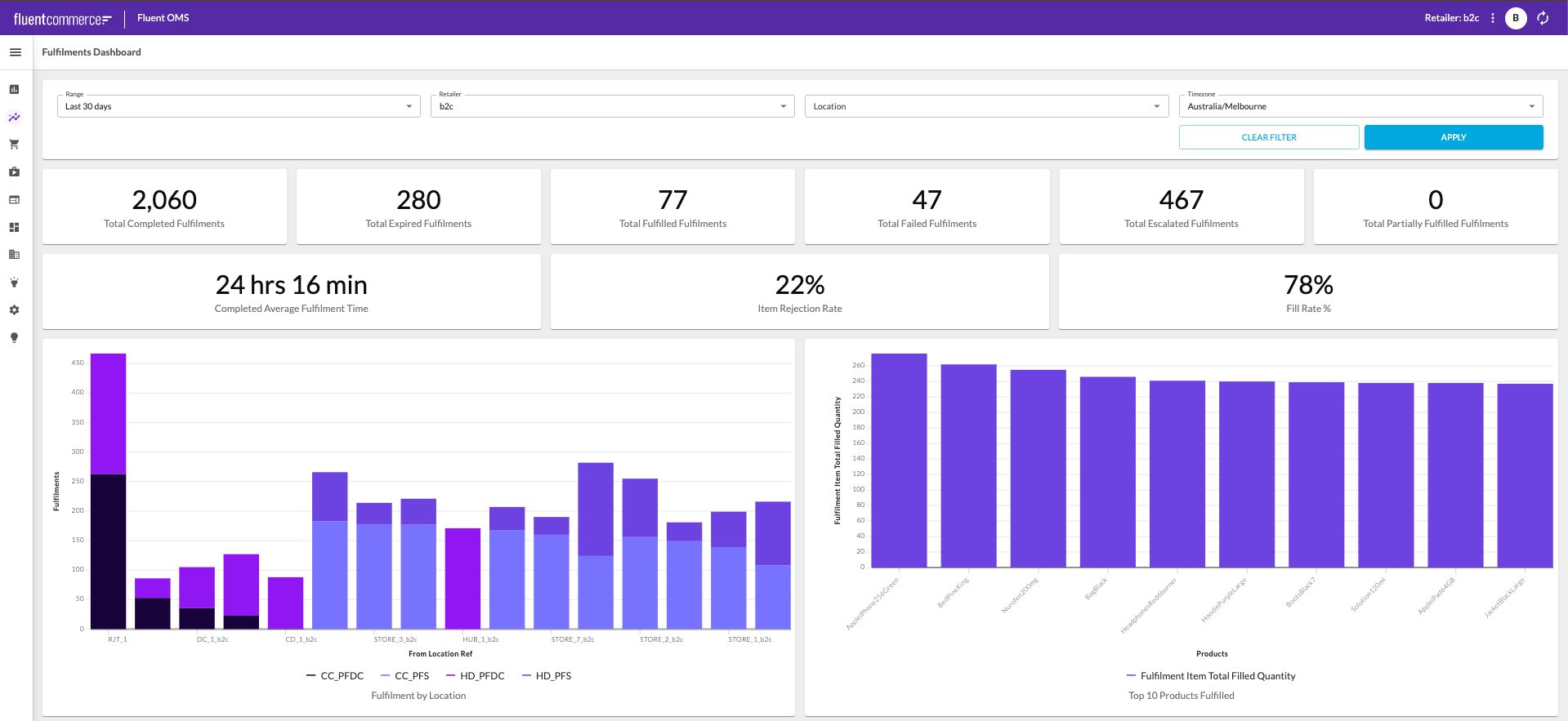
| Embedded Analytics | Analytics Studio | |
| What it is | Dashboards and single metric tiles rendered inside Fluent web app pages | A separate web application containing the four dashboards |
| Where you use it | Fluent OMS, Fluent Store, Fluent Big Inventory | Your account's Analytics Studio URL, which can be reached from the application switcher |
| What it is for | Monitoring, in the context where the decision gets made | Investigation, when you need to know what drove a change |
| How deep the data goes | Metrics, with filters | Metrics plus the individual records behind them |
| Who uses it | Anyone working in a Fluent web app who needs the number in front of them | Analyst users |
| Additional capabilities | Contextual placement anywhere in a web app via the UX Framework | Drill-down to records, exports, threshold alerts, scheduled reports, dashboard controls |
Overview & Getting Started
Foundational knowledge and onboarding resources for understanding Fluent Analytics Studio and getting started with its core capabilities:Configuration & Customization
Resources for configuring dashboards, managing access, and customizing the Analytics Studio experience:Analytics Studio Components & Settings
Components and Settings supporting Fluent Analytics Studio:Overview & Getting Started
Foundational knowledge and onboarding resources for understanding Fluent Embedded Analytics and getting started with its core capabilities:Configuration & Customization
The following documentation provides foundational knowledge as well as guides for working with Fluent Analytics:Analytics Components & Settings
Components and Settings supporting Fluent Analytics:Copyright © 2024-2026 Fluent Retail Pty Ltd (trading as Fluent Commerce). Unless otherwise expressly stated in a current written agreement with Fluent Commerce or any of its affiliates or on any single page of the docs.fluentcommerce.com site, use of the materials on this site is strictly limited to viewing by individuals over 18 years old for legitimate commercially appropriate reasons; and any downloading, copying or other actions or uses of any kind or by any means of the materials on this site, including by artificial intelligence tools, is strictly prohibited. All other rights reserved.
