
Docs
Author:
Fluent Commerce
Changed on:
25 Sept 2025
`ID` opens the Retailer Details page, which displays detailed information about the particular retailer.

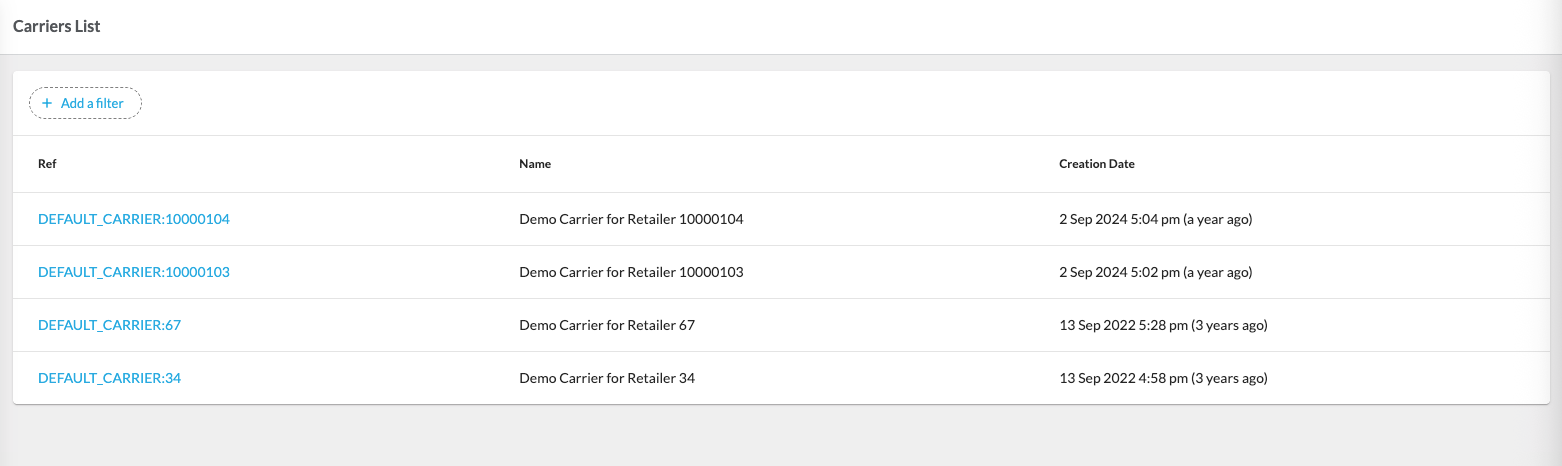
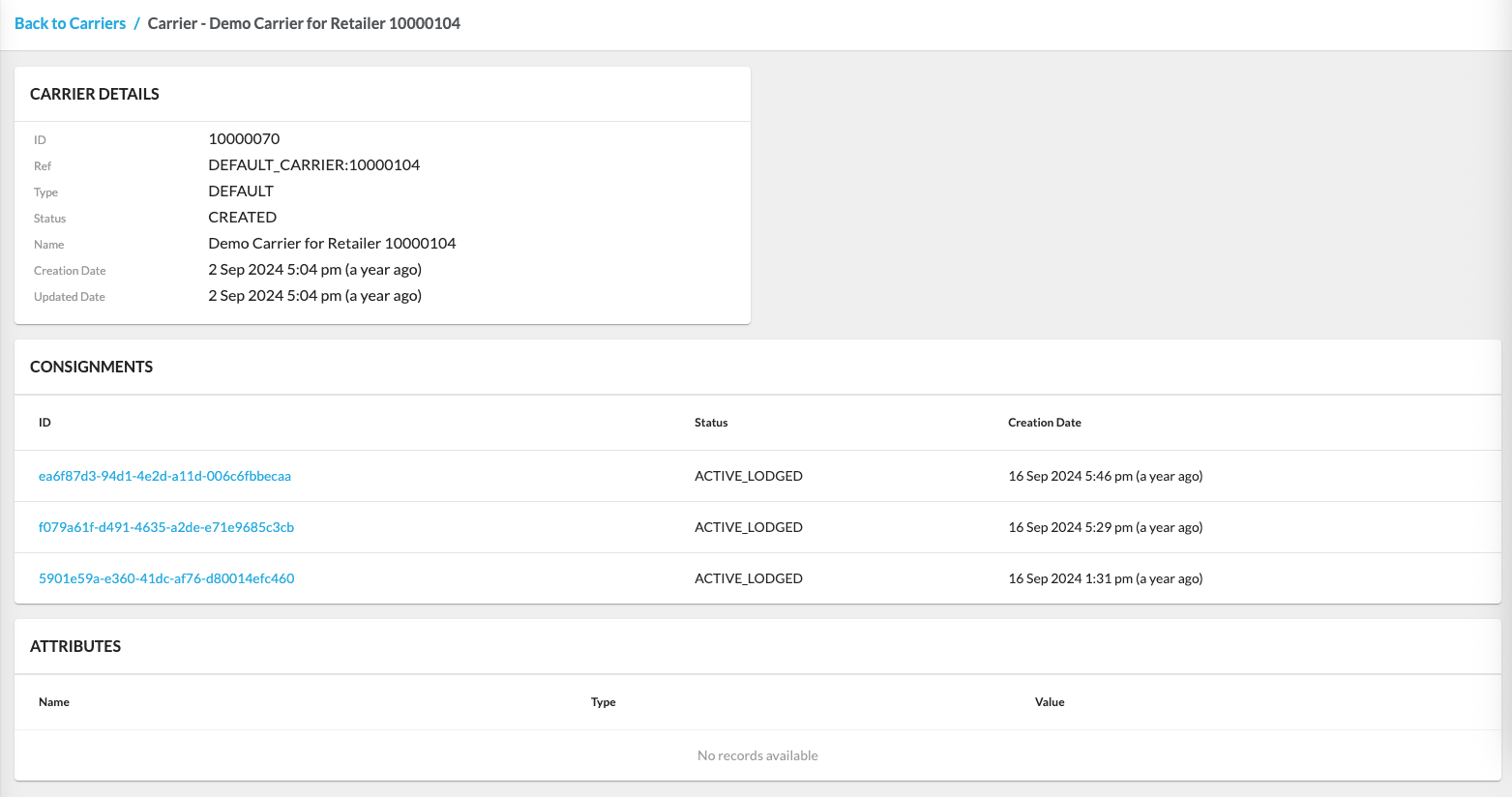
`Username` opens the User Details page, which displays detailed information about the particular user.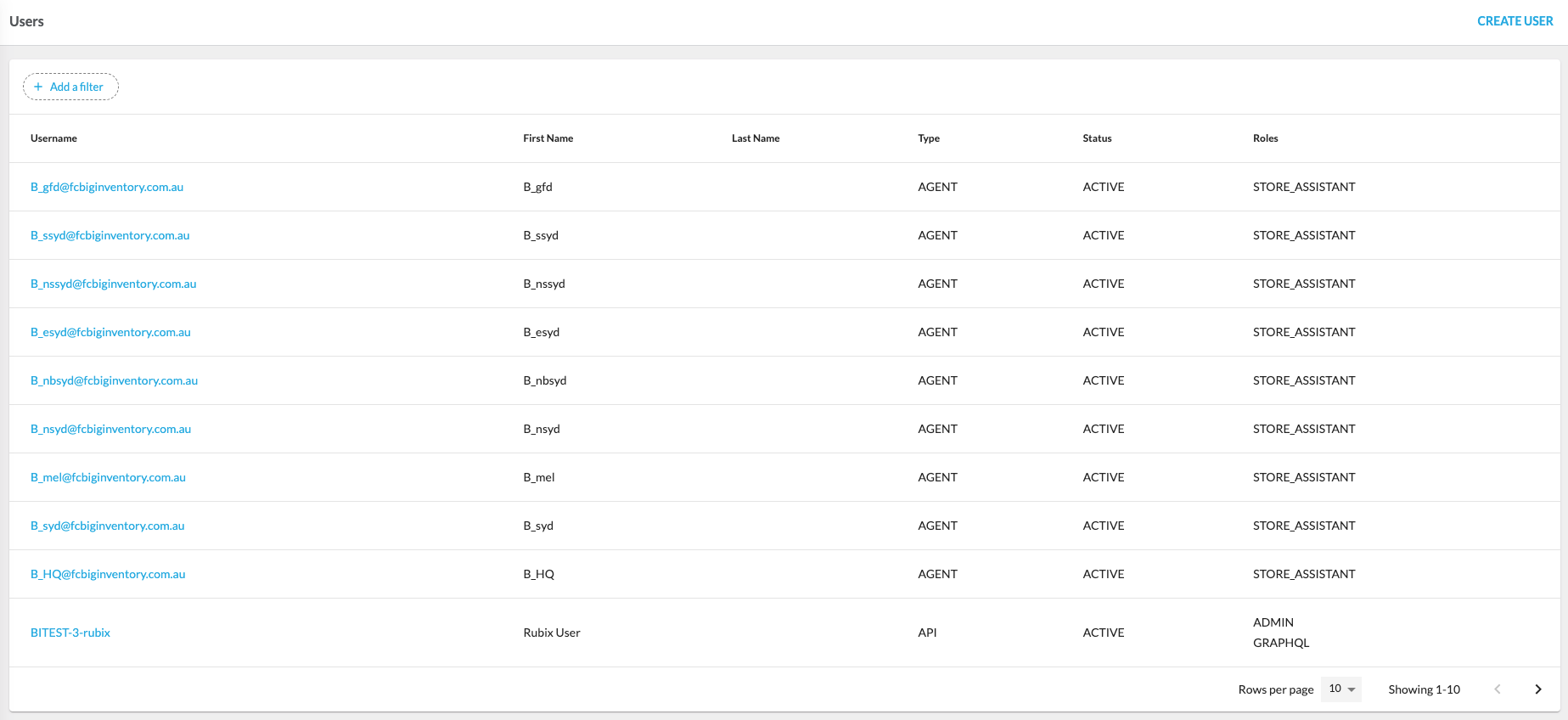
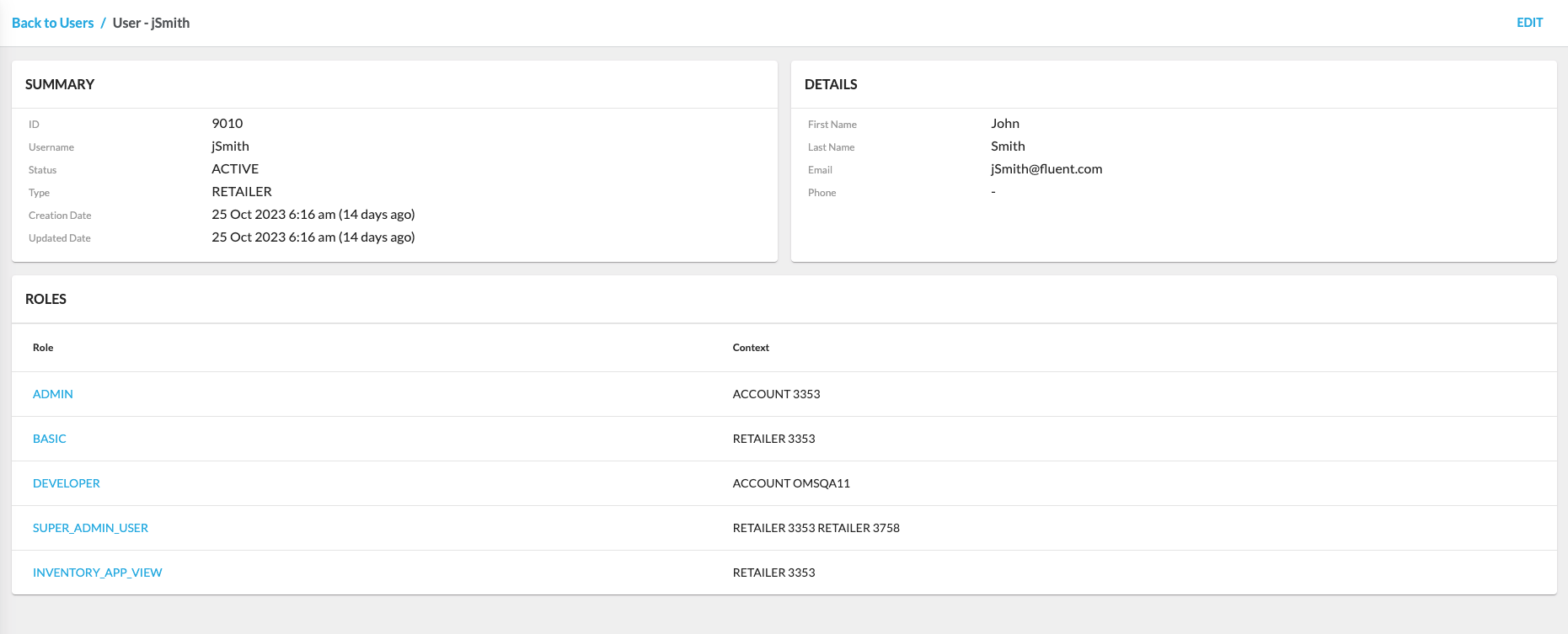
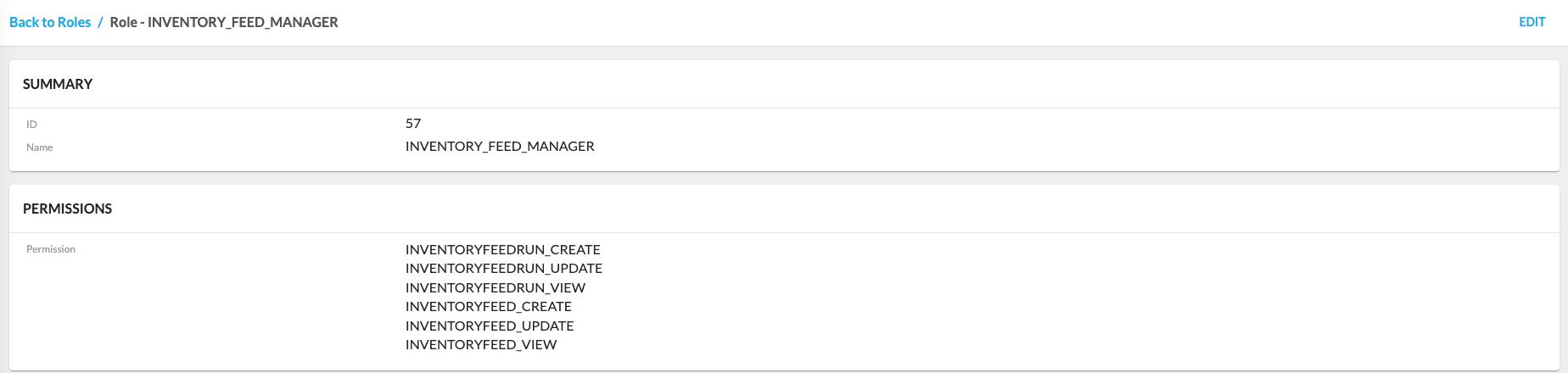
`Role Name` opens the Role Details page, which shows detailed information about the particular user role.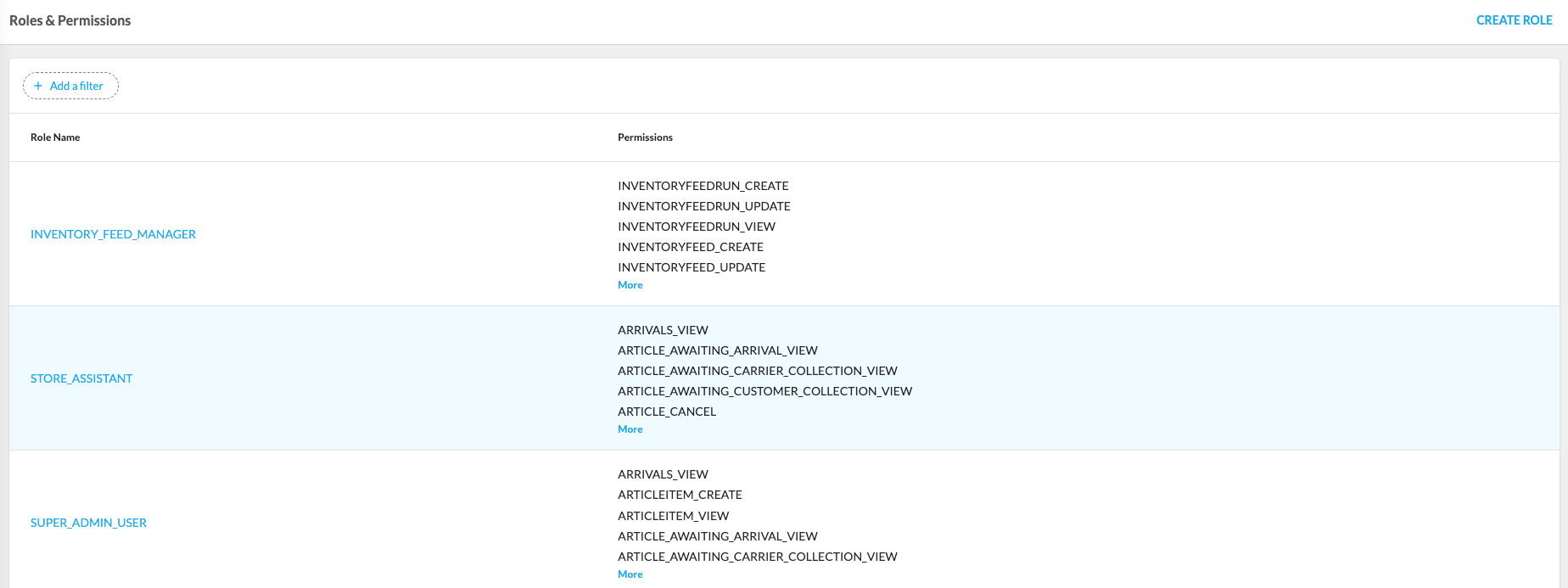
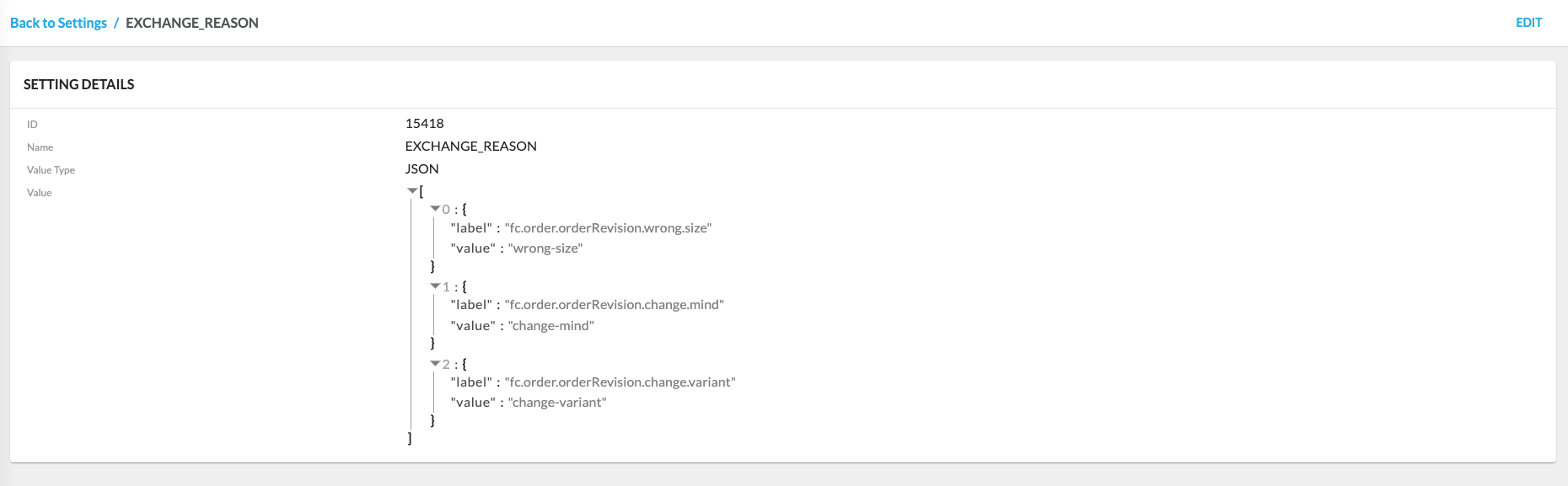
`Setting Name` opens the Setting Details page, displaying detailed information about the particular setting.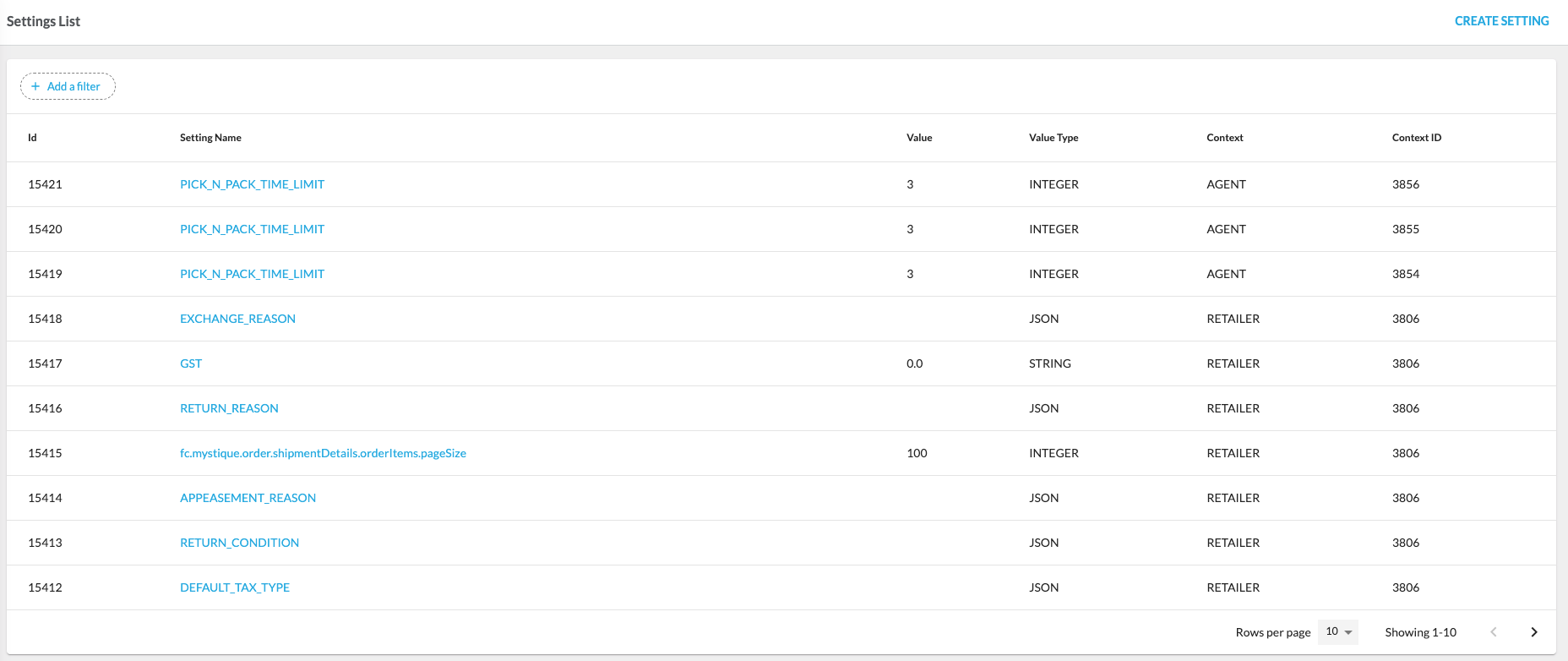
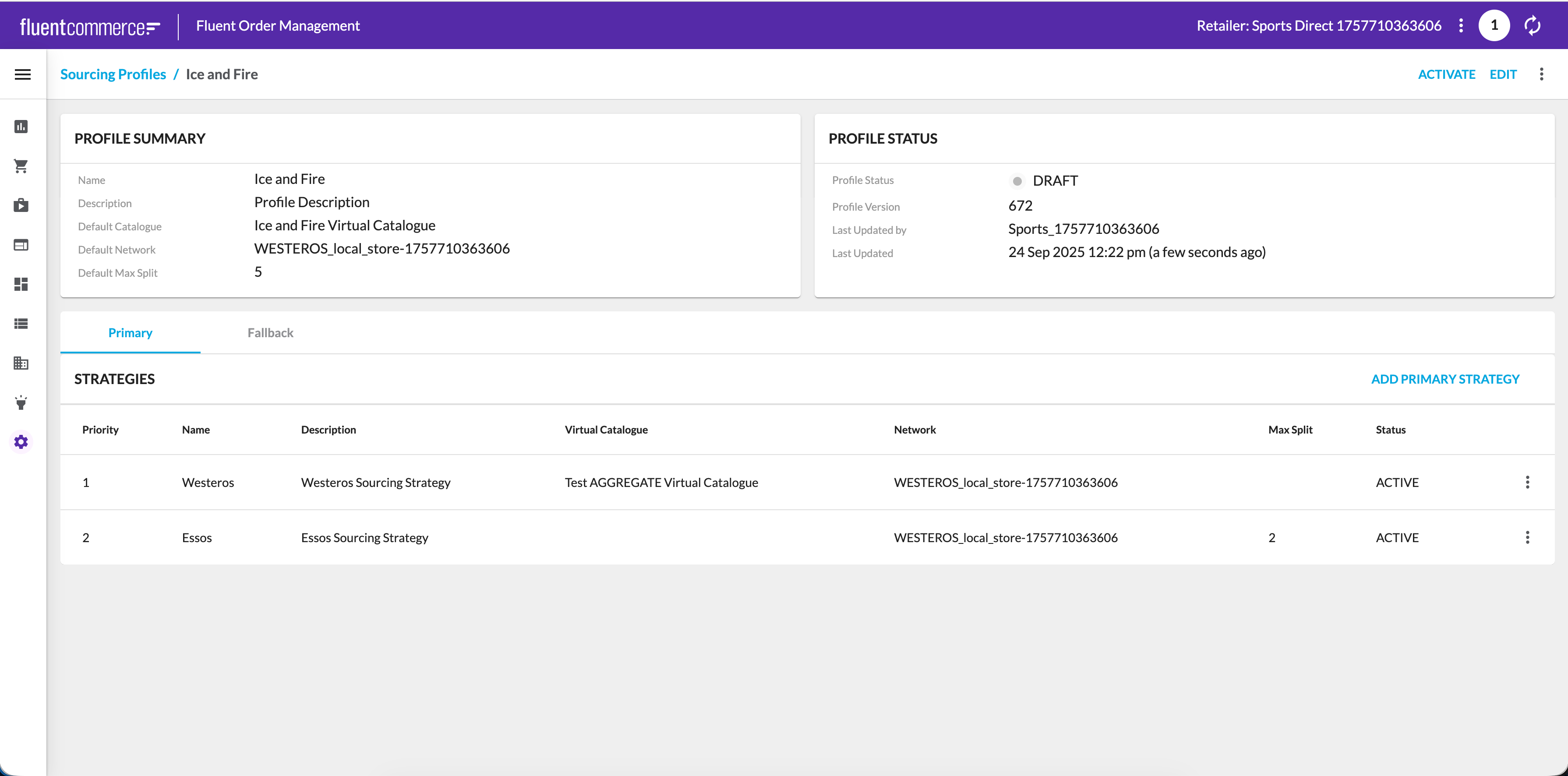
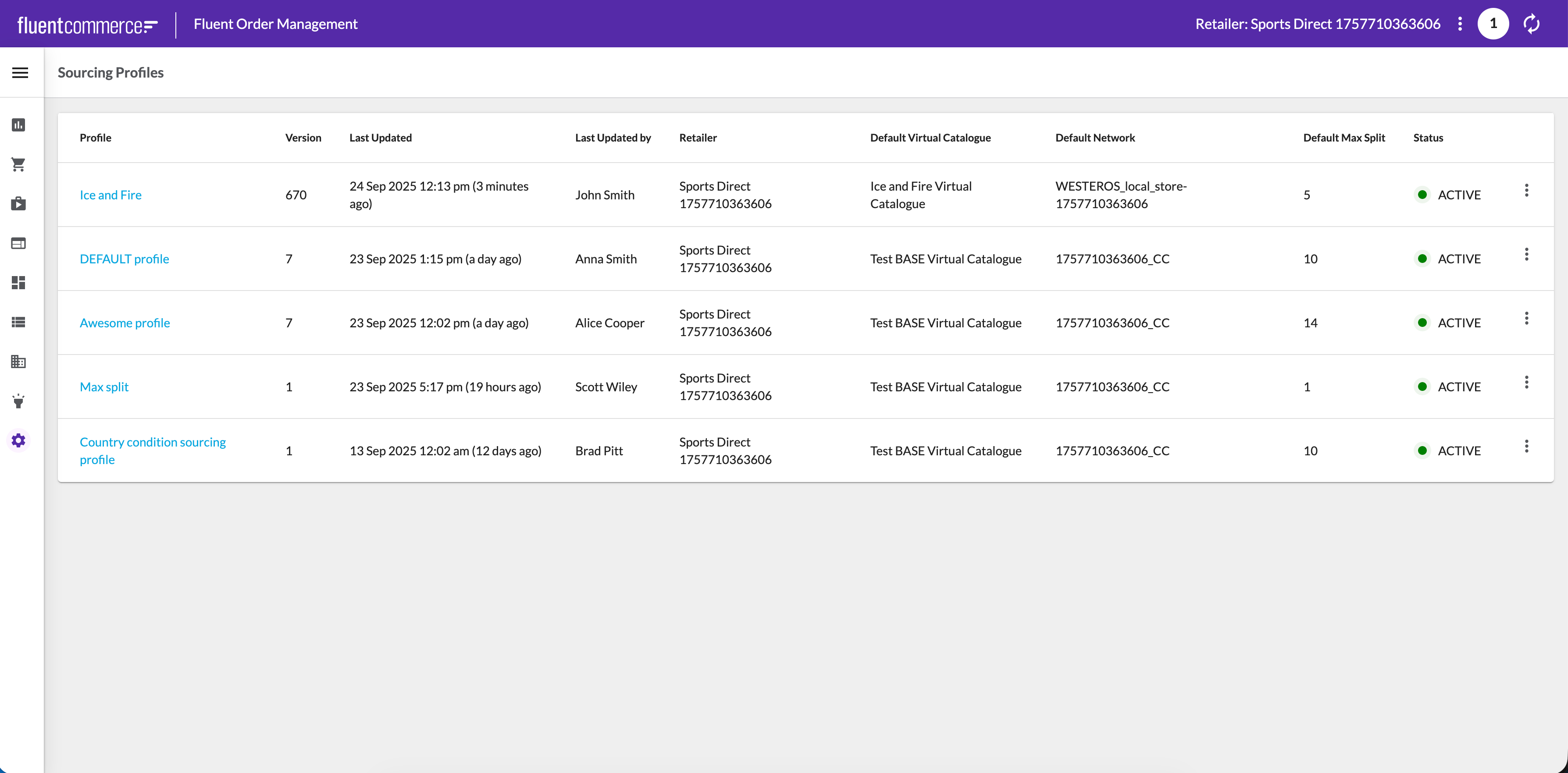 When a profile is opened, the Profile Details view is displayed. This view combines a summary of key attributes (such as default catalog, networks, and max split) with the profile’s current status and version information. Strategies are shown in the order they are executed, with primary and fallback strategies clearly distinguished for clarity.
 For a deeper overview of configuring and managing profiles, please see the full article on Sourcing Profiles.
Copyright © 2024-2026 Fluent Retail Pty Ltd (trading as Fluent Commerce). Unless otherwise expressly stated in a current written agreement with Fluent Commerce or any of its affiliates or on any single page of the docs.fluentcommerce.com site, use of the materials on this site is strictly limited to viewing by individuals over 18 years old for legitimate commercially appropriate reasons; and any downloading, copying or other actions or uses of any kind or by any means of the materials on this site, including by artificial intelligence tools, is strictly prohibited. All other rights reserved.
