
Docs
Author:
Fluent Commerce
Changed on:
19 Aug 2025
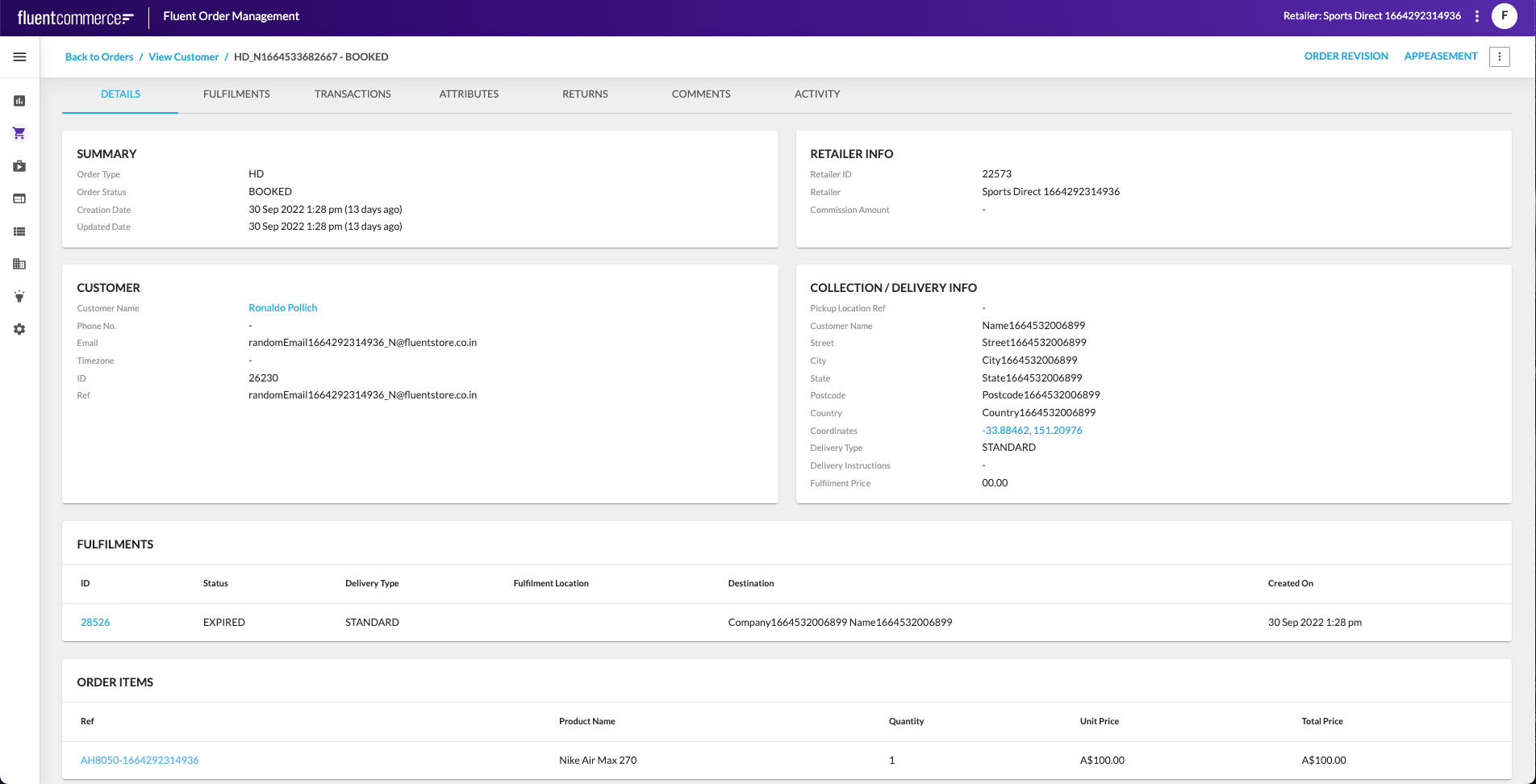
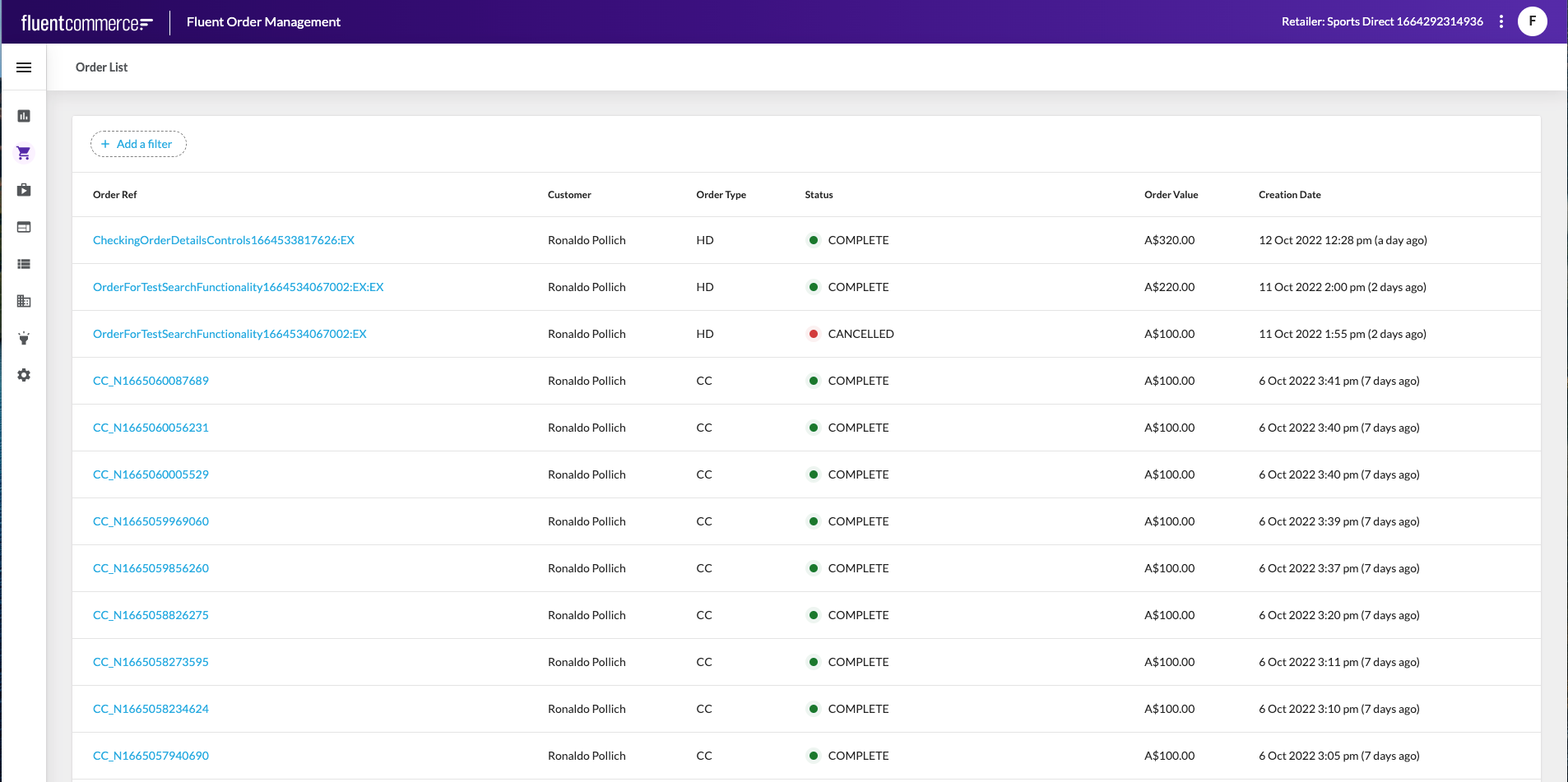 Clicking the Order Ref opens the Order Details page, which provides a comprehensive view of the selected order. This includes summary information, retailer details, customer details, collection or delivery information, fulfillments, order items, and additional tabs such as transactions, returns, comments, and activity.
 The Escalated Fulfilments interface provides visibility into fulfilments that could not be completed under normal processing rules. A fulfilment represents one or more items in an order that must be picked, packed, and delivered or collected. When items cannot be sourced or assigned according to retailer rules and available inventory, the fulfilment is moved into the
 `Escalated` state.The Escalated Fulfilments page lists all fulfilments currently in the escalated state. This view enables quick identification of orders requiring further action or investigation.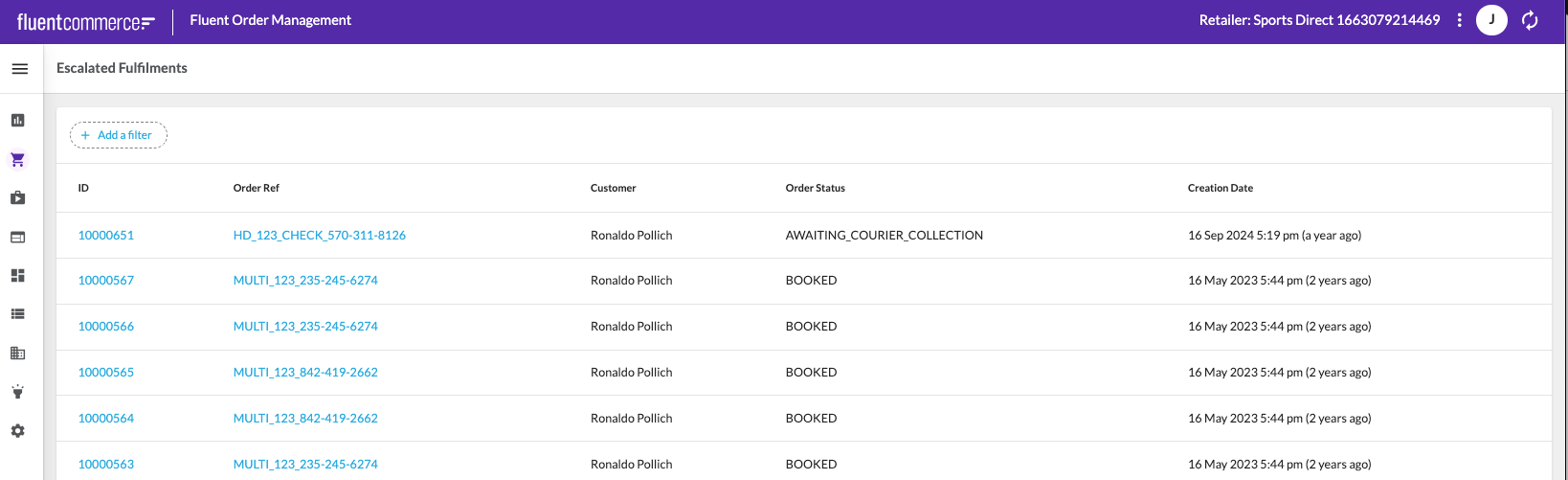 Selecting a fulfilment opens the Fulfilment Details page, while selecting the related order reference opens the Order Details page. This allows direct navigation from the escalation record to the underlying fulfilment and order information.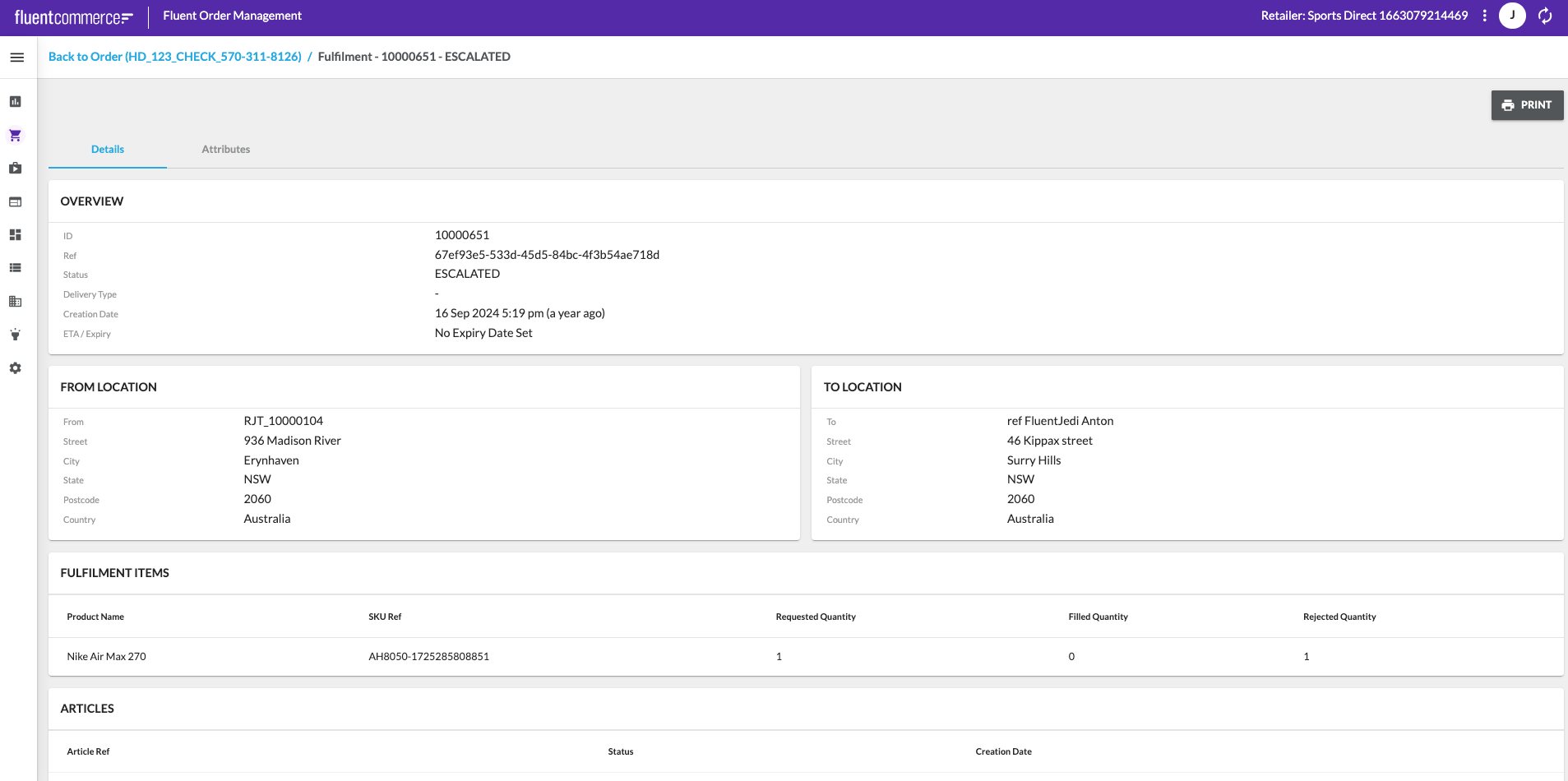
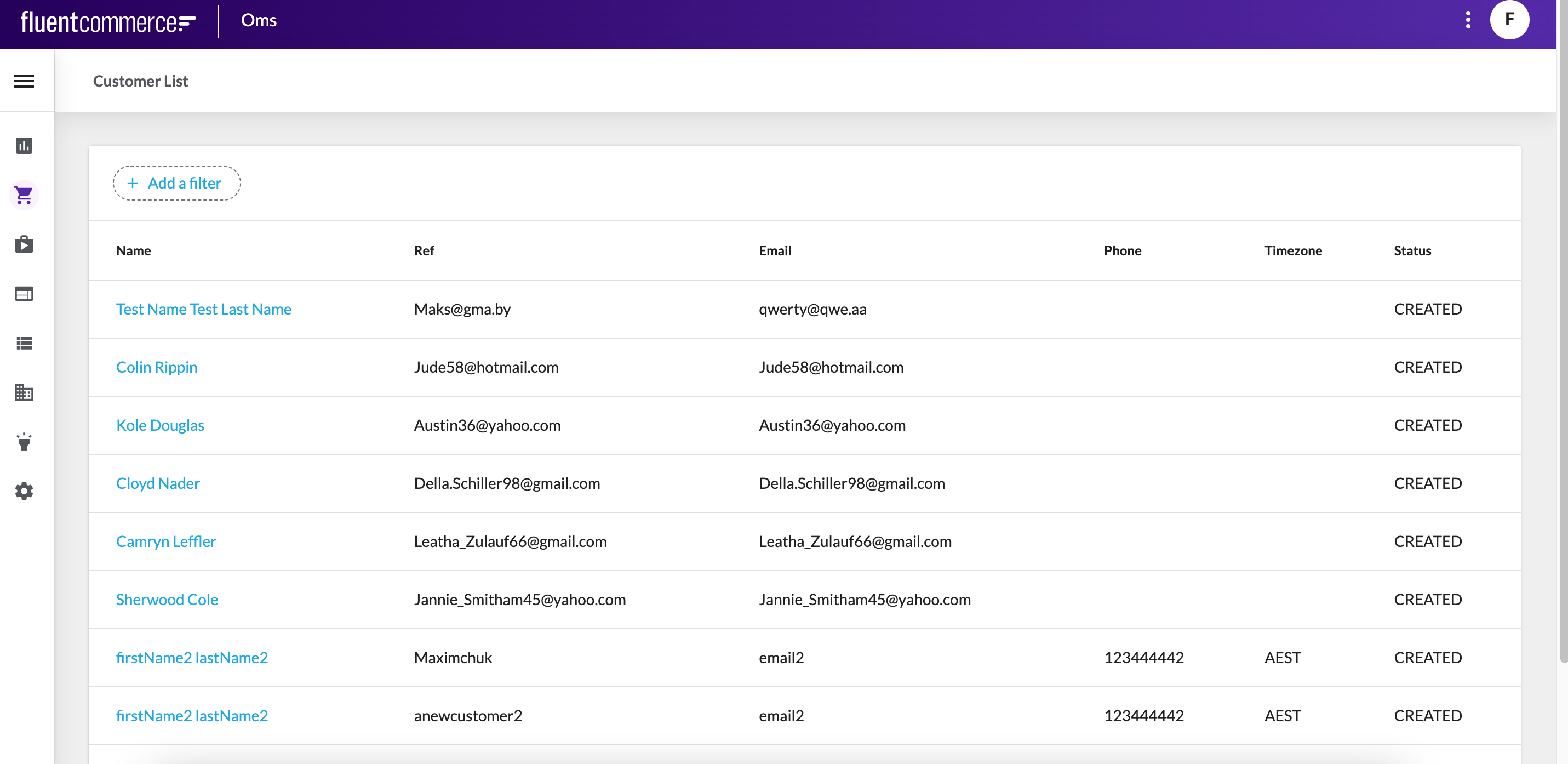 Clicking the Customer Name opens the Customer Details page, which displays detailed information about the selected customer, including personal information, account details, billing accounts, and order history.
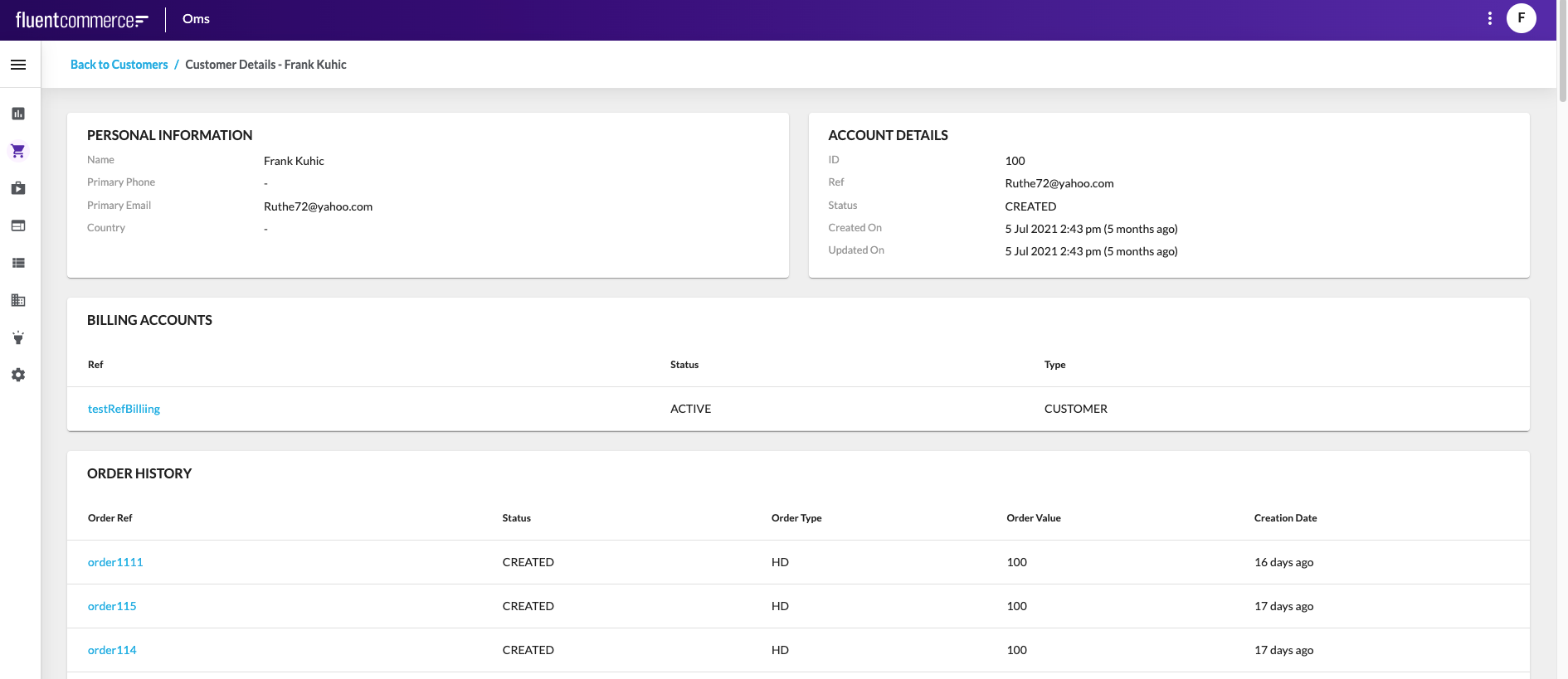 The Returns interface provides access to all customer returns across retailers linked to the logged-in account. A return represents a customer’s request to send back one or more items, or cases where items could not be fulfilled or were cancelled and require a refund.Return records can exist with or without an original order reference. Where an order is linked, the return may include details such as items being returned, reasons, and refund information. Return types indicate the context of the return, such as customer return, cannot fulfil, or cancellation.The Returns List page displays all returns permitted by the user’s roles and permissions. Returns can be searched and filtered to quickly locate relevant records. Each record includes a summary view of the return and provides navigation into more detailed information. Selecting a return opens the Return Details page.
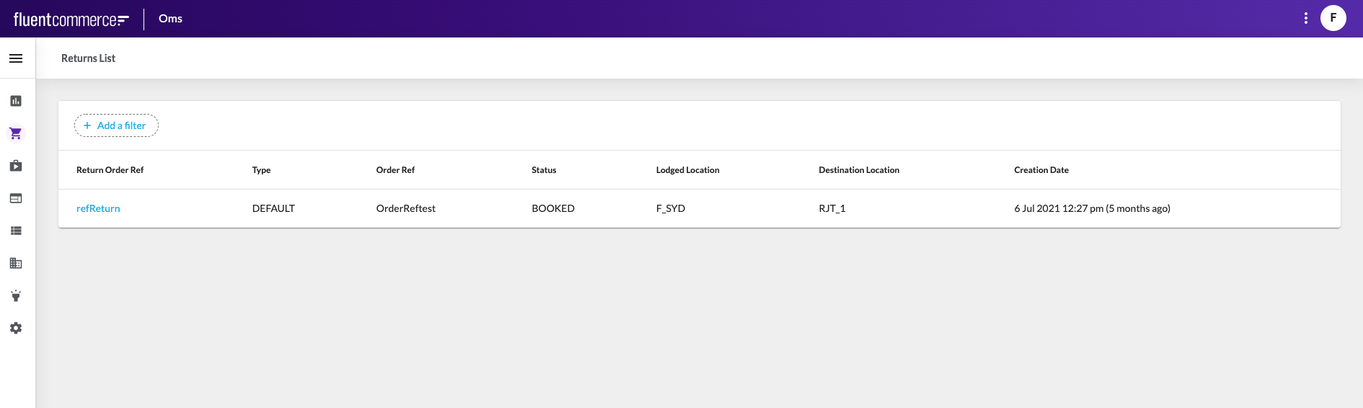 The Return Details page provides a complete overview of a selected return. It includes summary information, addresses, associated fulfilments, returned items, additional attributes if defined, and an activity log. From here, it is possible to navigate back to the returns list or into related records such as orders, credit memos, or fulfilments.
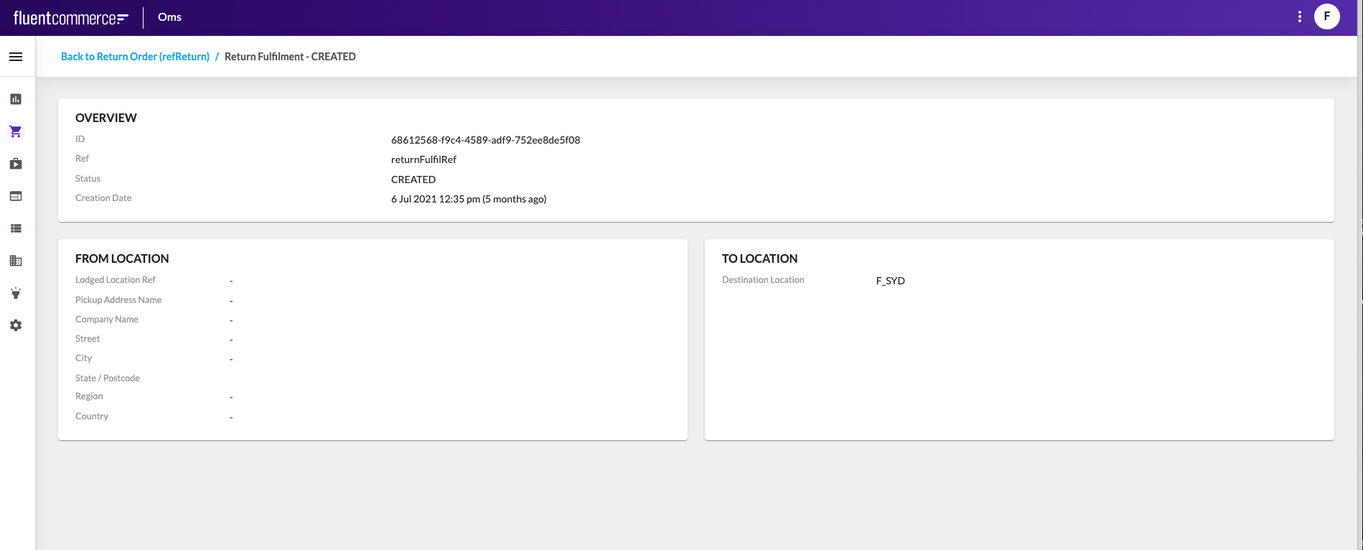
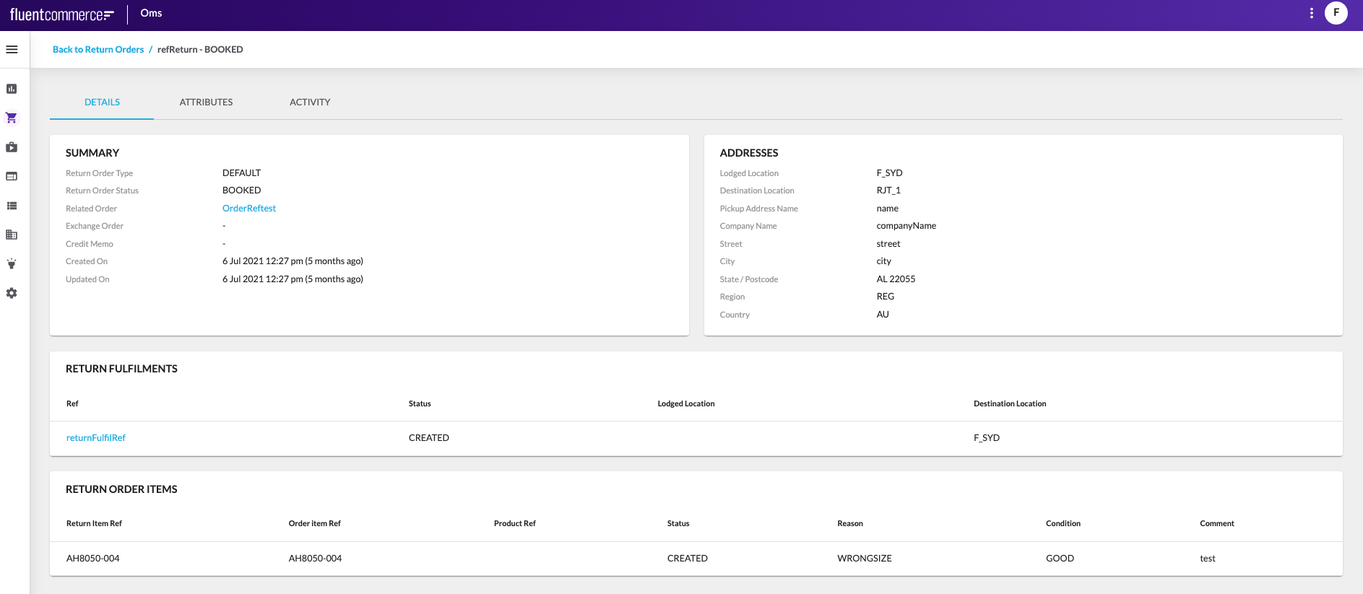 The Return Fulfilment Details page shows how a return is processed, including its references, locations, and current status. Navigation is available directly from the Return Details page by selecting a fulfilment from the Return Fulfilments section. This opens the fulfilment record, providing insight into where the return originated, where it is being sent, and how it progresses through its lifecycle.
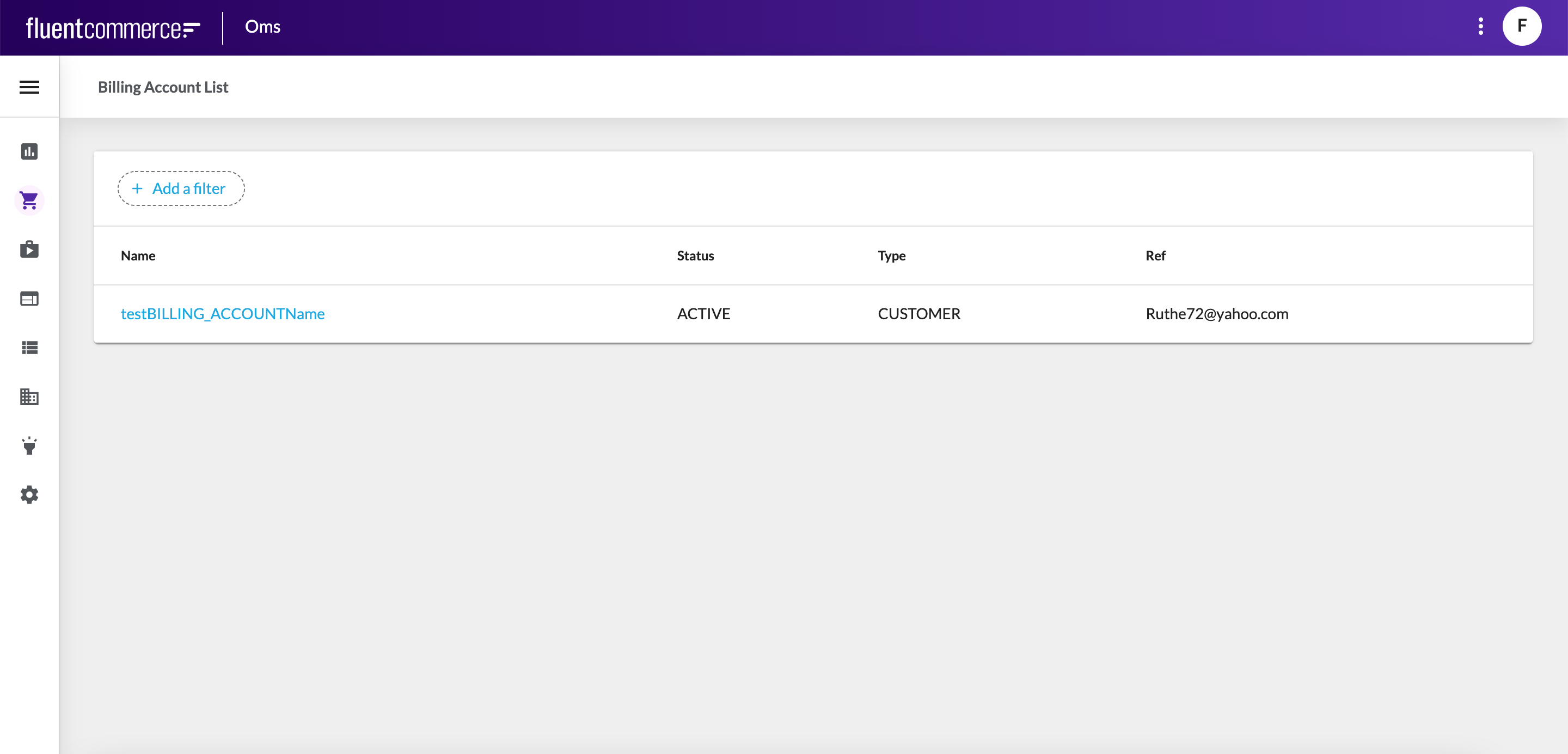
 The Billing Accounts interface contains the Billing Account List page, which displays all created billing accounts. A billing account represents financial operations for a specific customer, including invoices, credit and debit memos, payments, invoice notifications, and ERP integrations. The list includes the account name, status, type, and reference, and provides direct access to detailed billing information.
 Clicking the Billing Account Name opens the Billing Account Details page, which provides a complete view of the selected account. This includes summary information, associated credit memos, custom attributes, and a record of all lifecycle activities.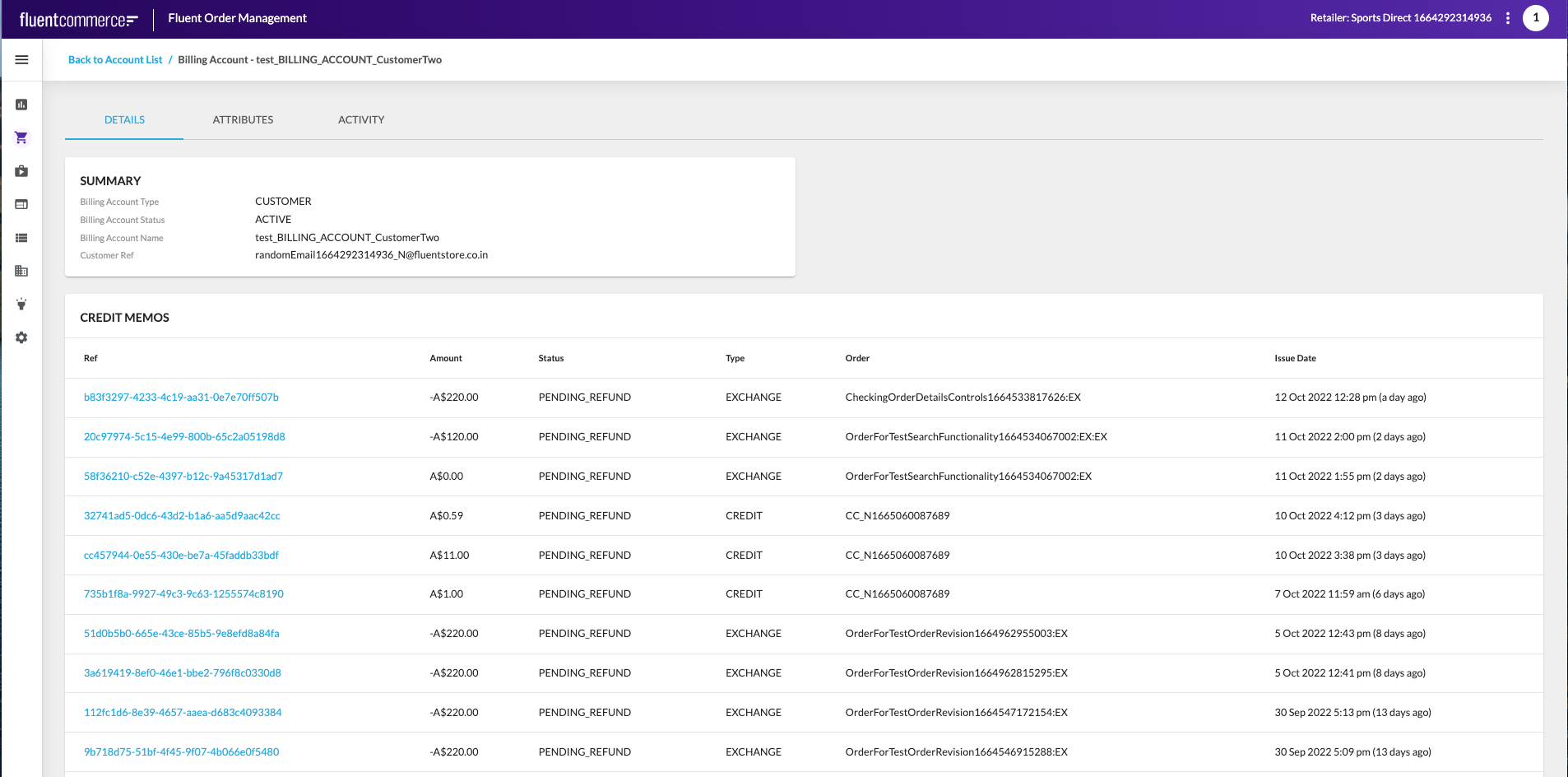

Copyright © 2024-2026 Fluent Retail Pty Ltd (trading as Fluent Commerce). Unless otherwise expressly stated in a current written agreement with Fluent Commerce or any of its affiliates or on any single page of the docs.fluentcommerce.com site, use of the materials on this site is strictly limited to viewing by individuals over 18 years old for legitimate commercially appropriate reasons; and any downloading, copying or other actions or uses of any kind or by any means of the materials on this site, including by artificial intelligence tools, is strictly prohibited. All other rights reserved.
