
Docs
Author:
Fluent Commerce
Changed on:
6 Mar 2026
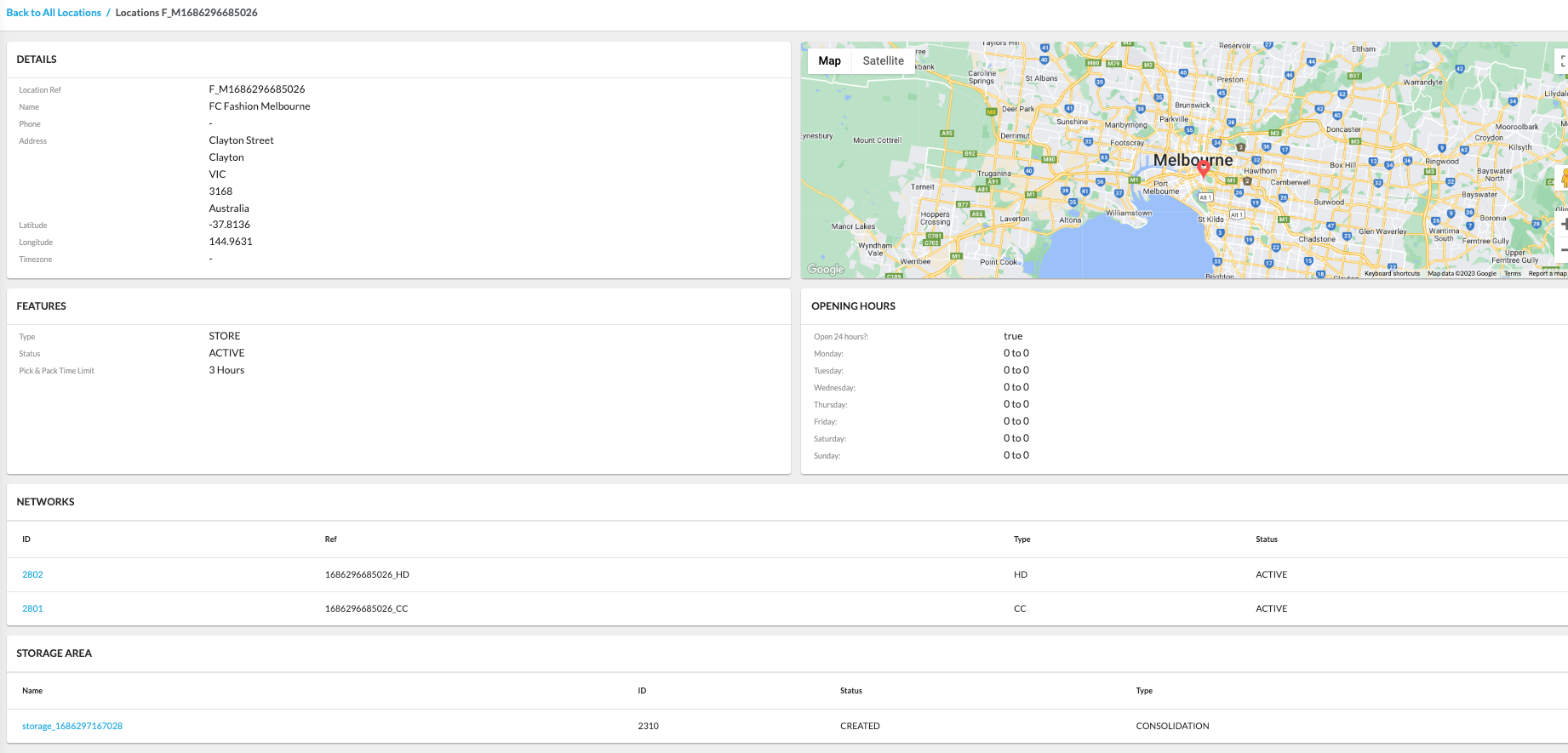
`Location Ref` to open the Location Details page, providing a comprehensive overview.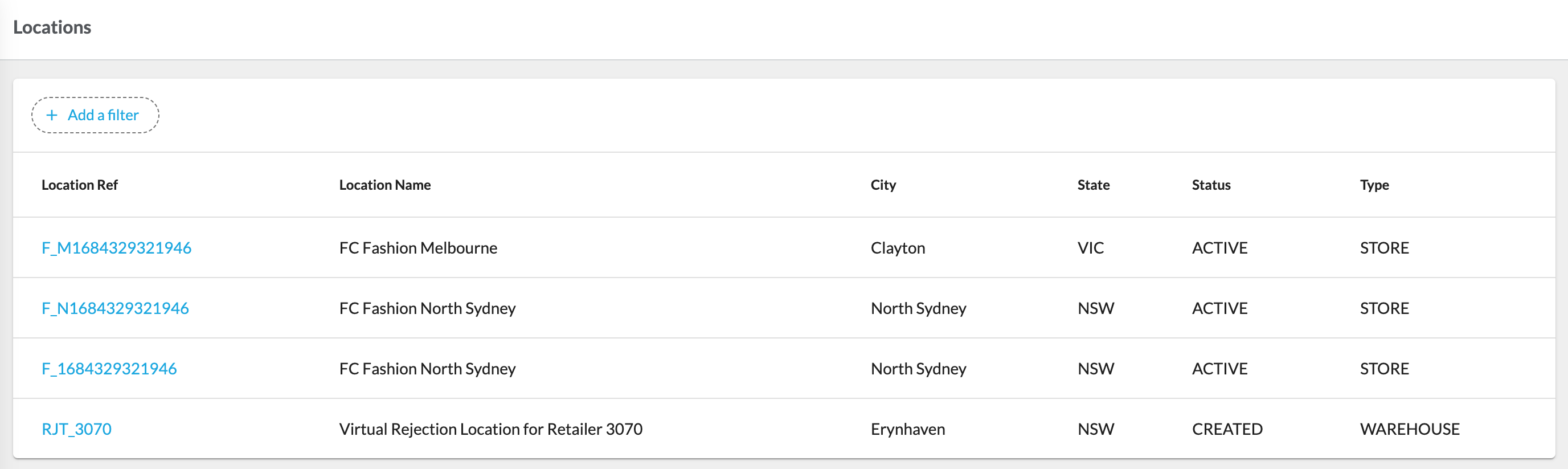
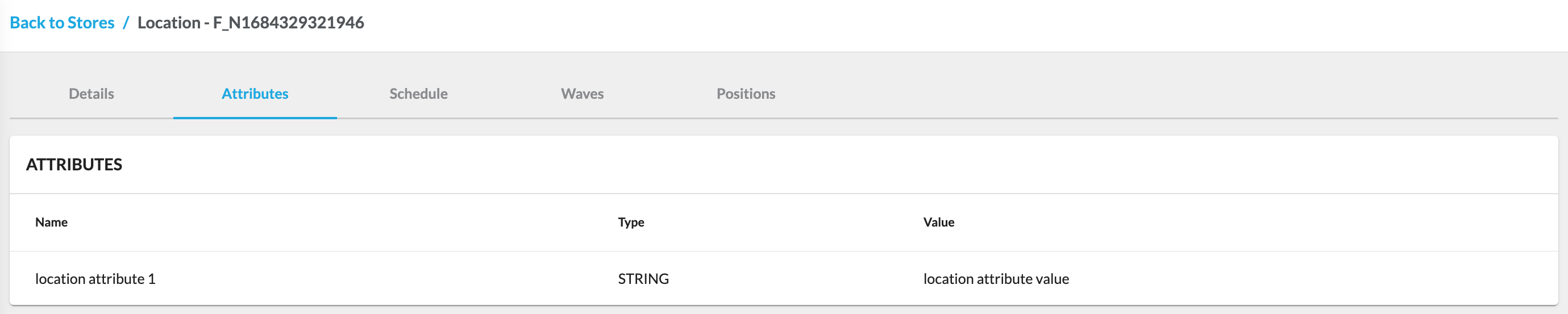
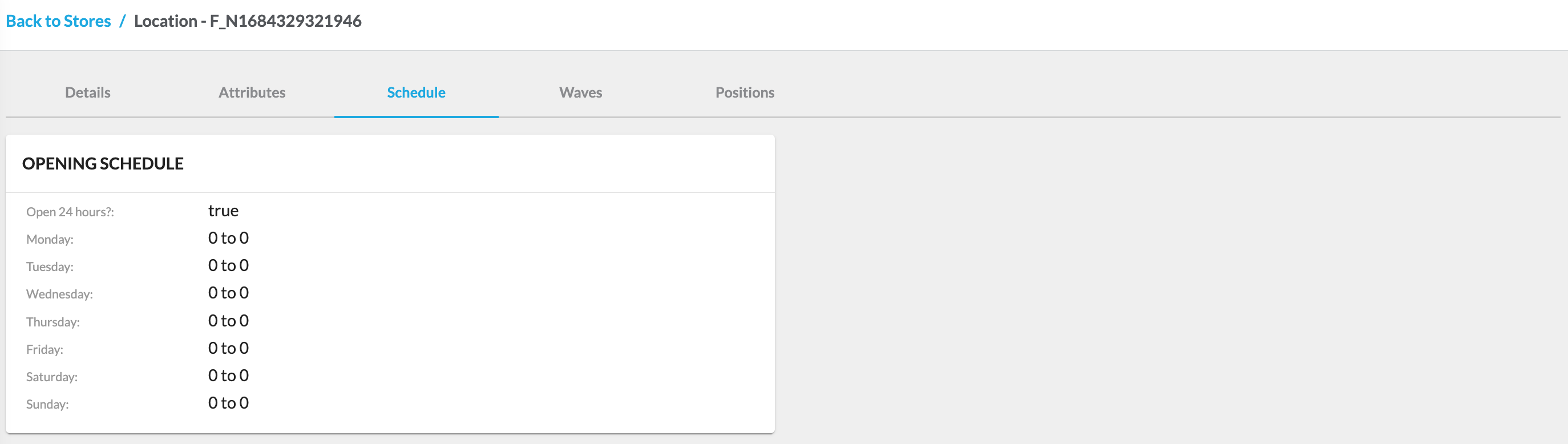
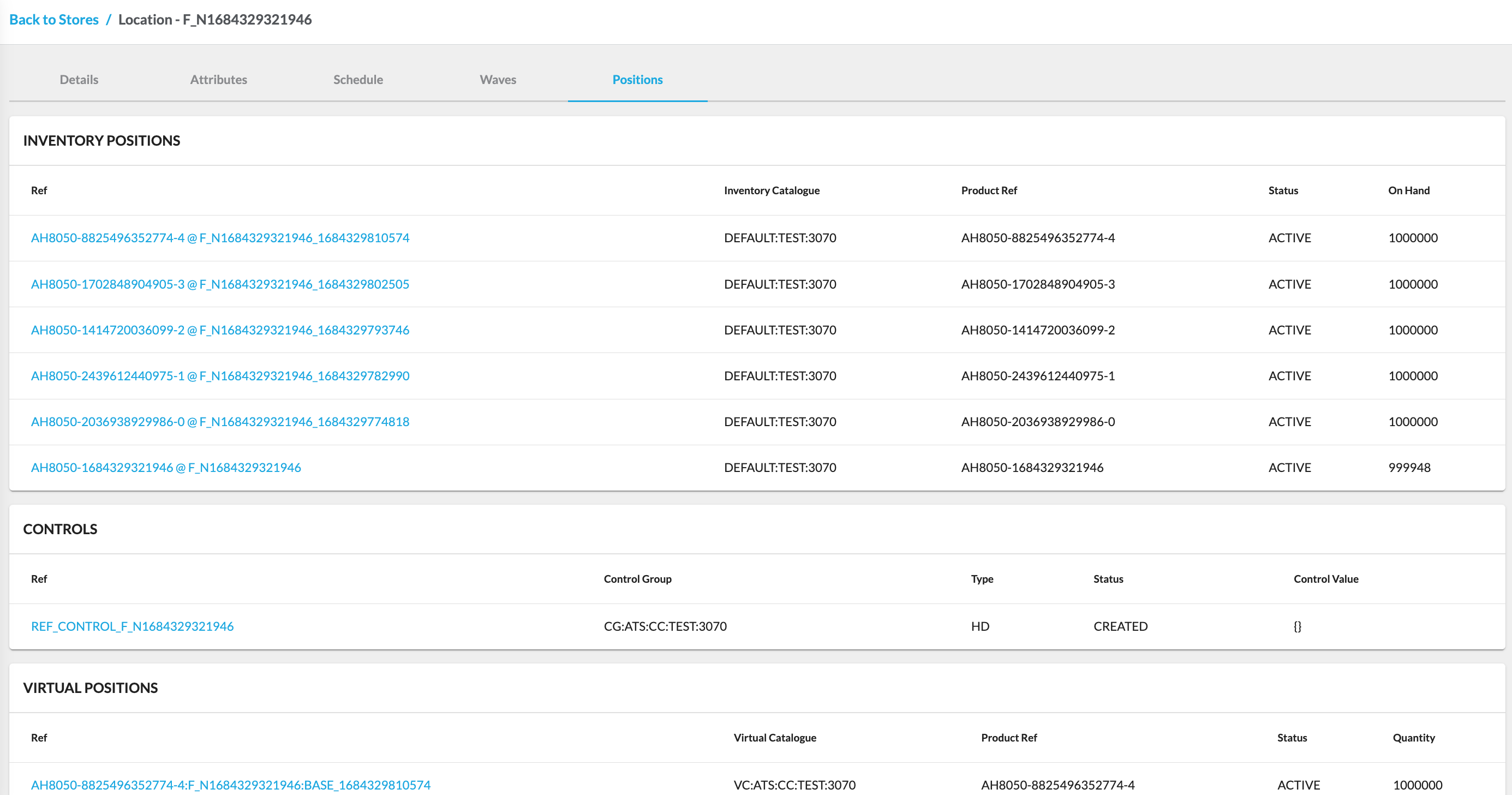
 Stores are specific locations primarily utilized as sources of inventory for fulfilling customer orders. They also serve as collection points for customers to pick up their purchases, providing a seamless shopping experience. The Stores interface includes the Stores List page, where you can view the existing stores. If you click on
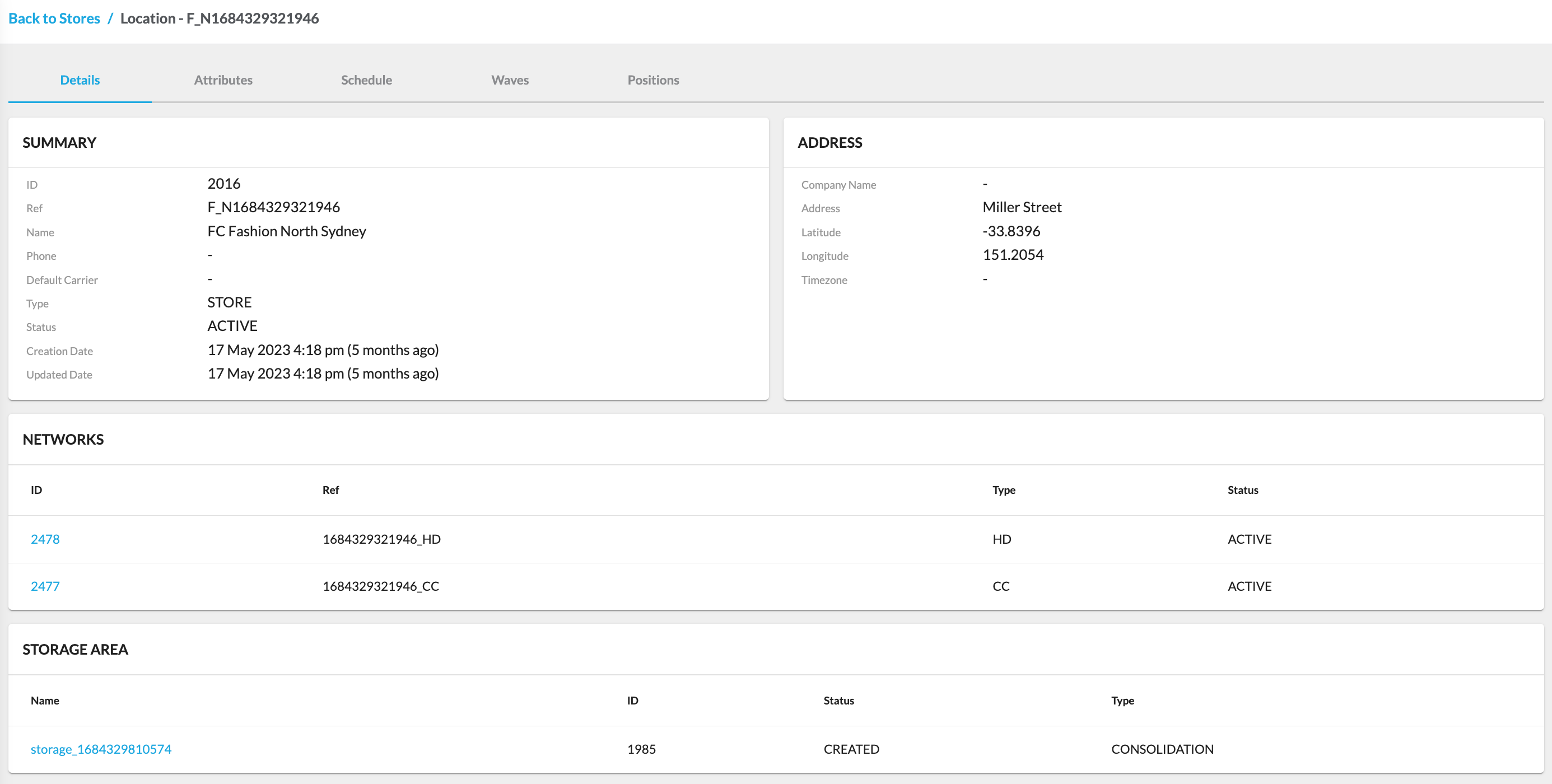
 `Ref`, it will take you to the Store Details page, which provides comprehensive information about that specific store.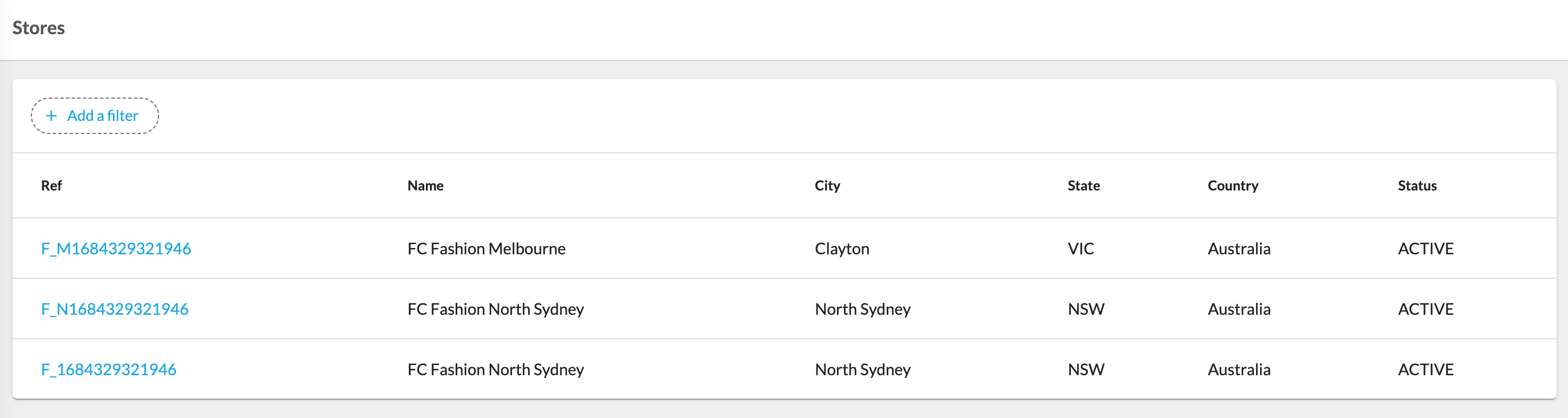
 Warehouses are centralized locations dedicated to stocking inventory for order fulfillment. While they are essential for efficient supply chain operations, they are typically not designed for customer collection and are more focused on inventory management and distribution. In the Warehouses configuration, you'll find the Warehouses List page, offering a glimpse of the available warehouses. Clicking on
 `Ref` will seamlessly transition you to the Warehouse Details page, where you can access extensive information pertaining to that particular warehouse.
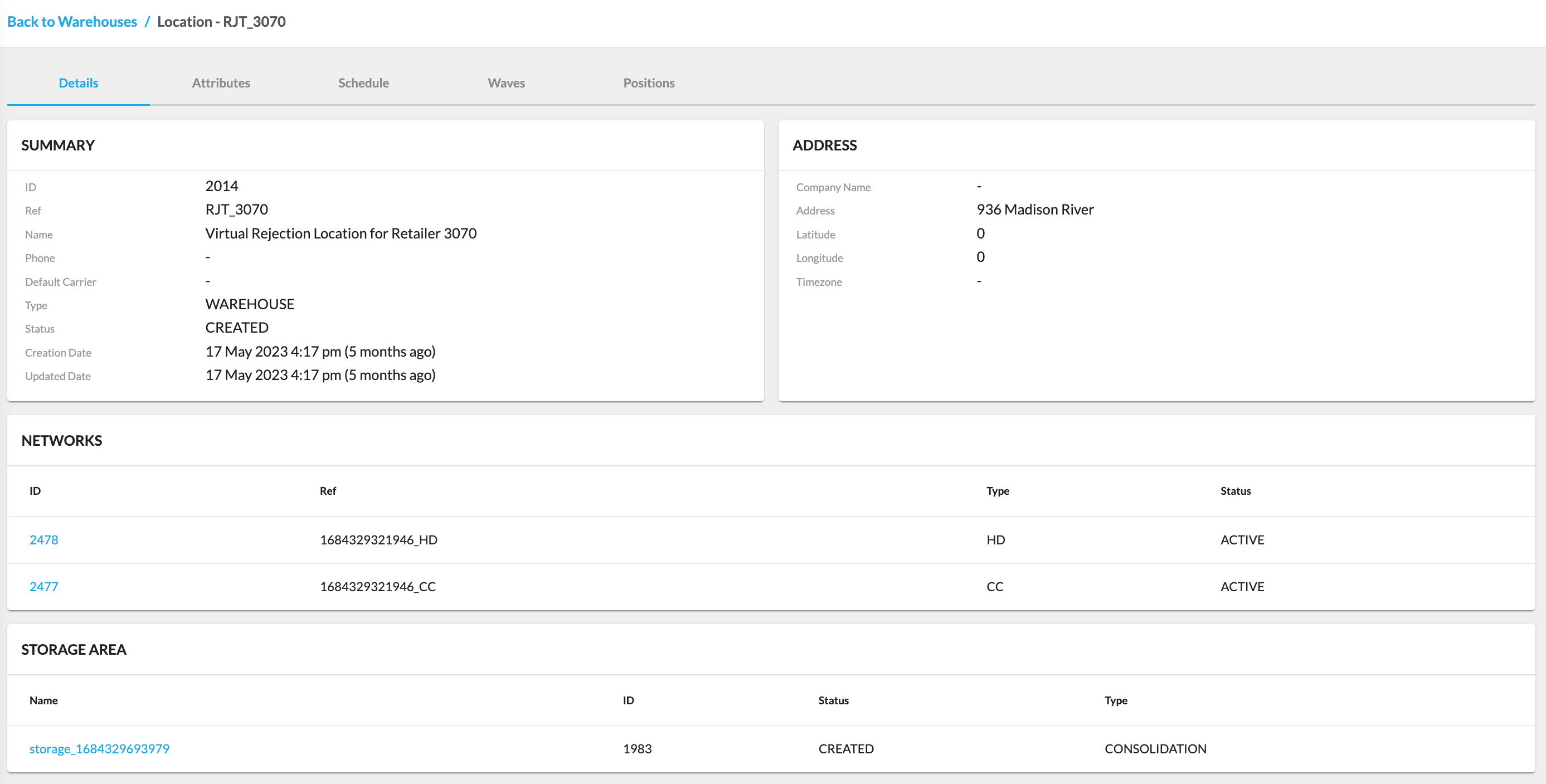

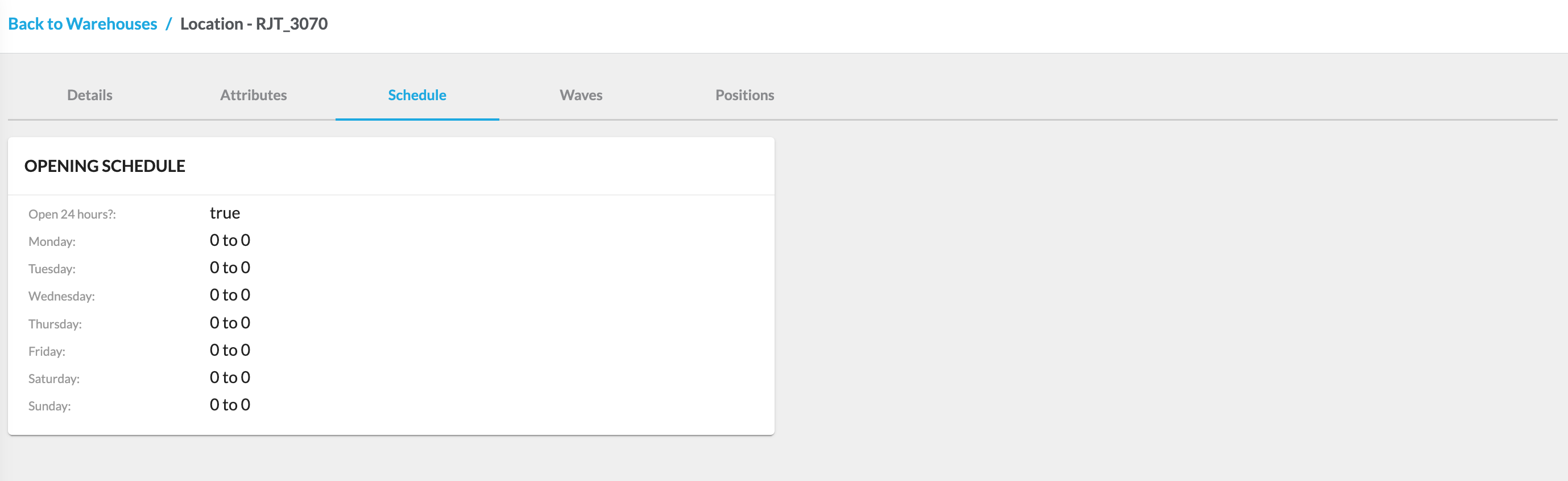
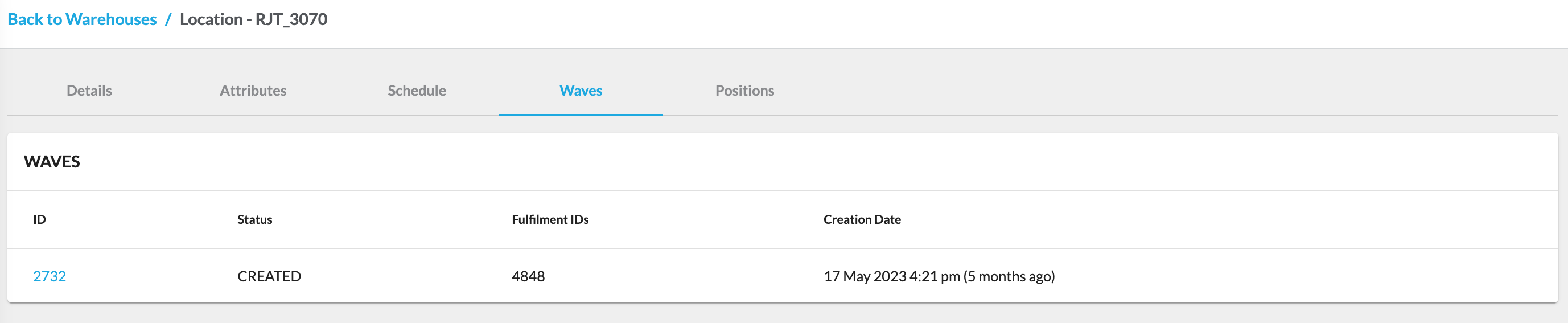
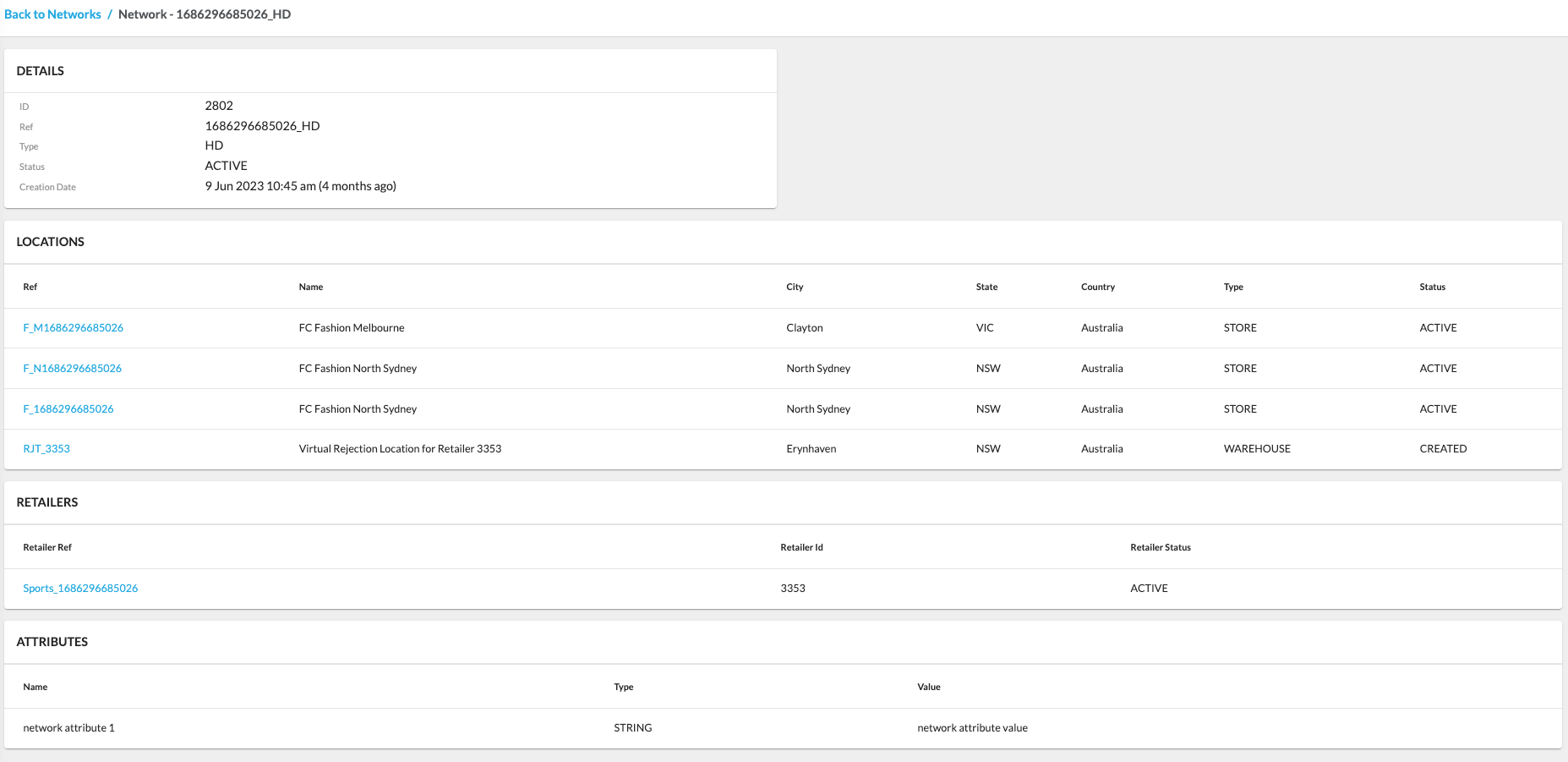
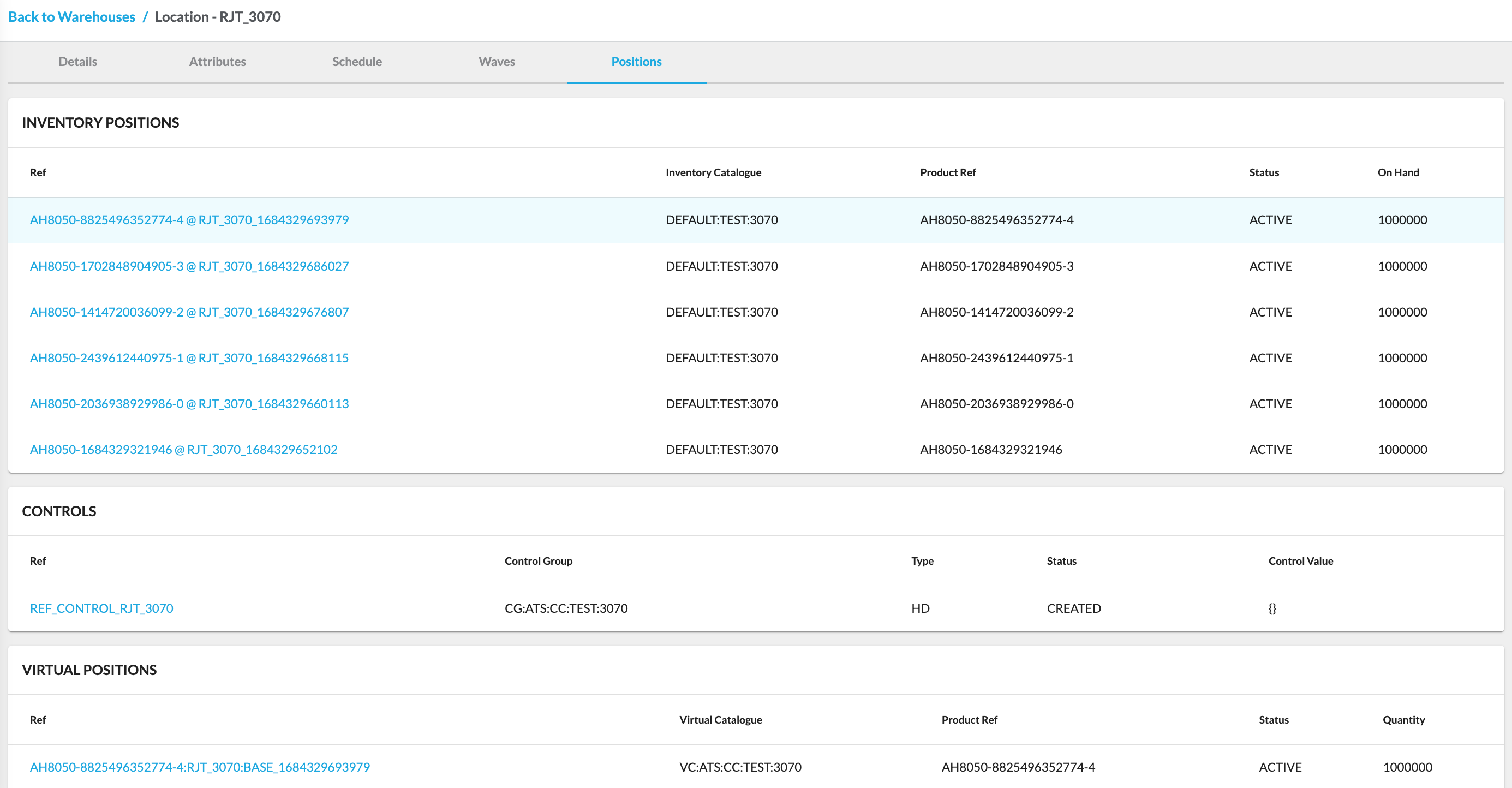 Networks are groups of locations organized into logical or geographic categories. They help you manage and optimize the operations of multiple locations, making it easier to coordinate order routing, inventory allocation, and other logistical aspects of your business. Clicking on (Network)
 `Ref` opens the Network Details page, where you can access comprehensive information about the specific network.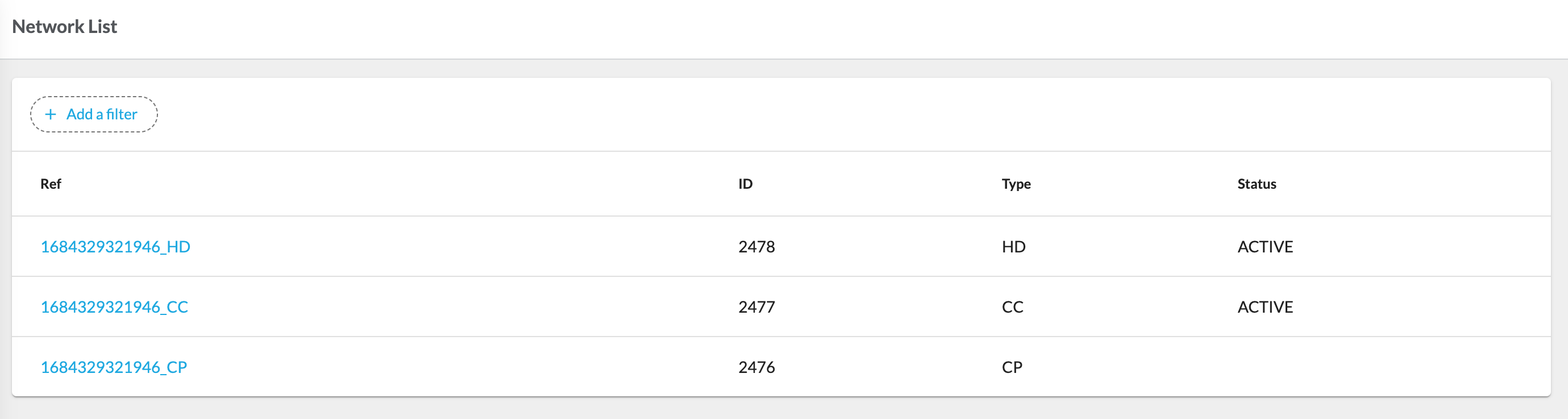
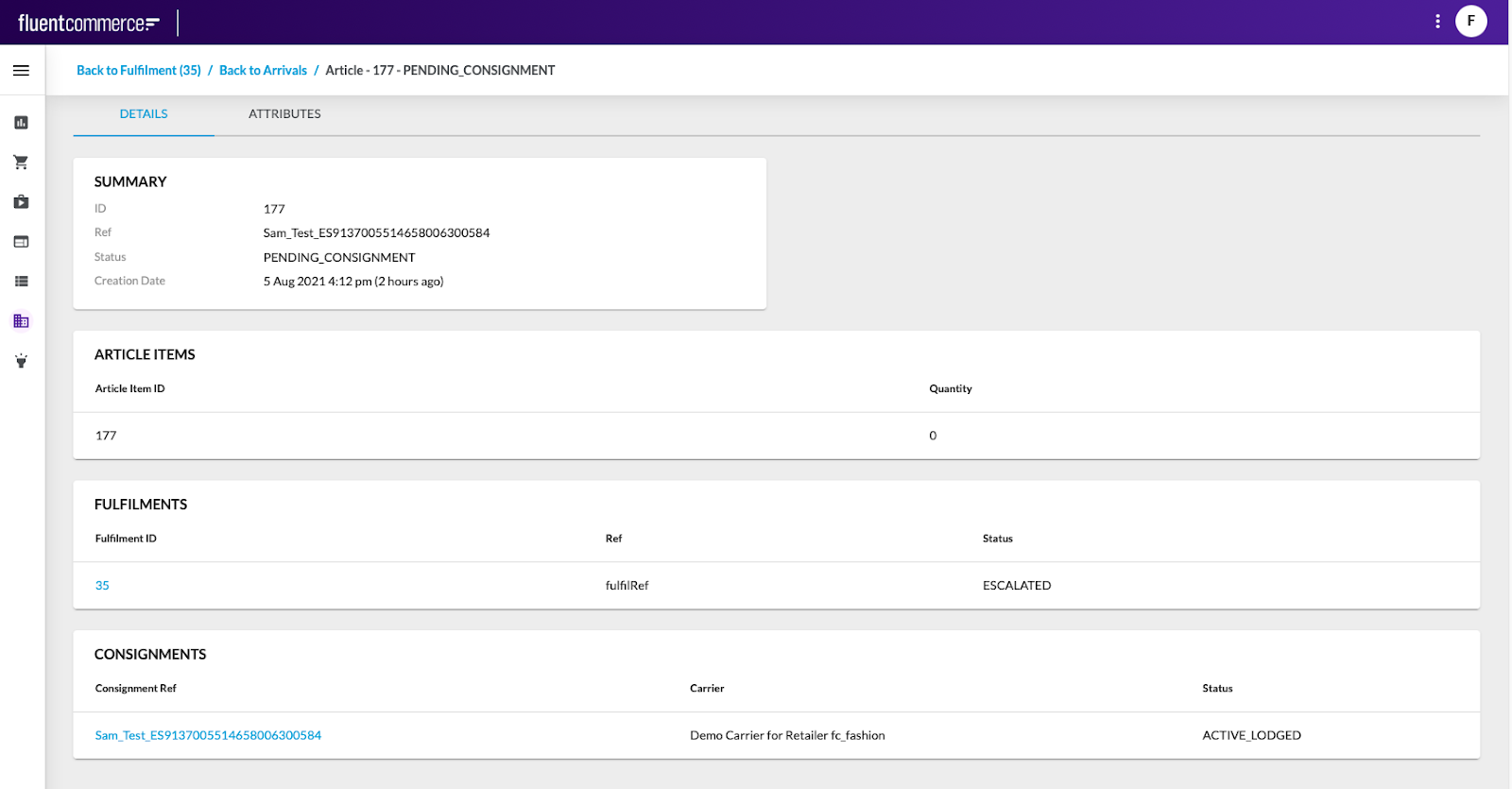
 In the Fluent OMS web application, the Store interface also includes configurations for Arrivals, Collections, and Waves. These sections are related to activities performed in the Fluent Store web app:ArrivalsThe Arrivals configuration contains the list of inbound articles expected to arrive in store from other locations. A carrier is an external or internal logistics provider responsible for delivering orders from the point of fulfillment to the customer.Clicking Article Ref opens the Article Details page, which displays detailed information about the selected article.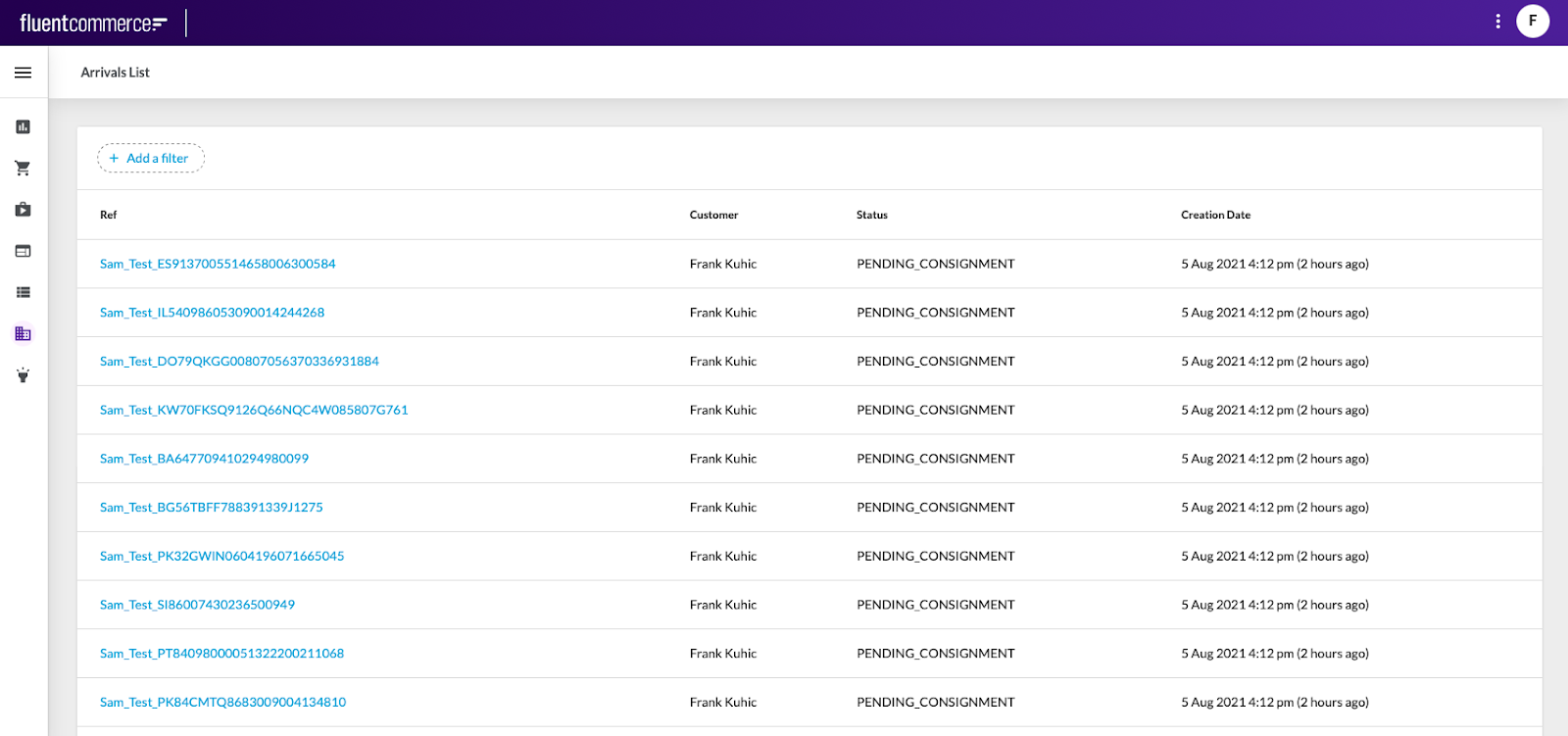
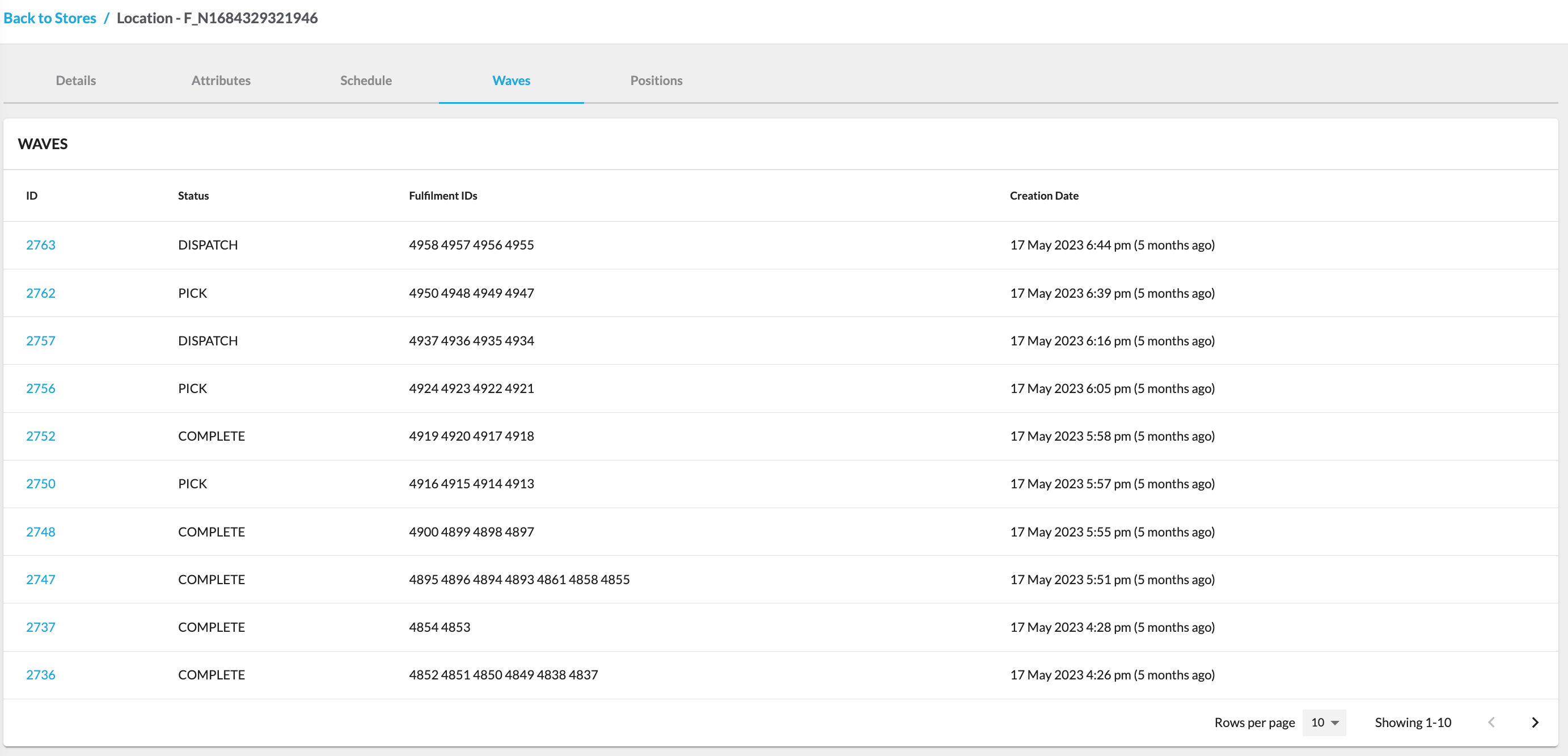
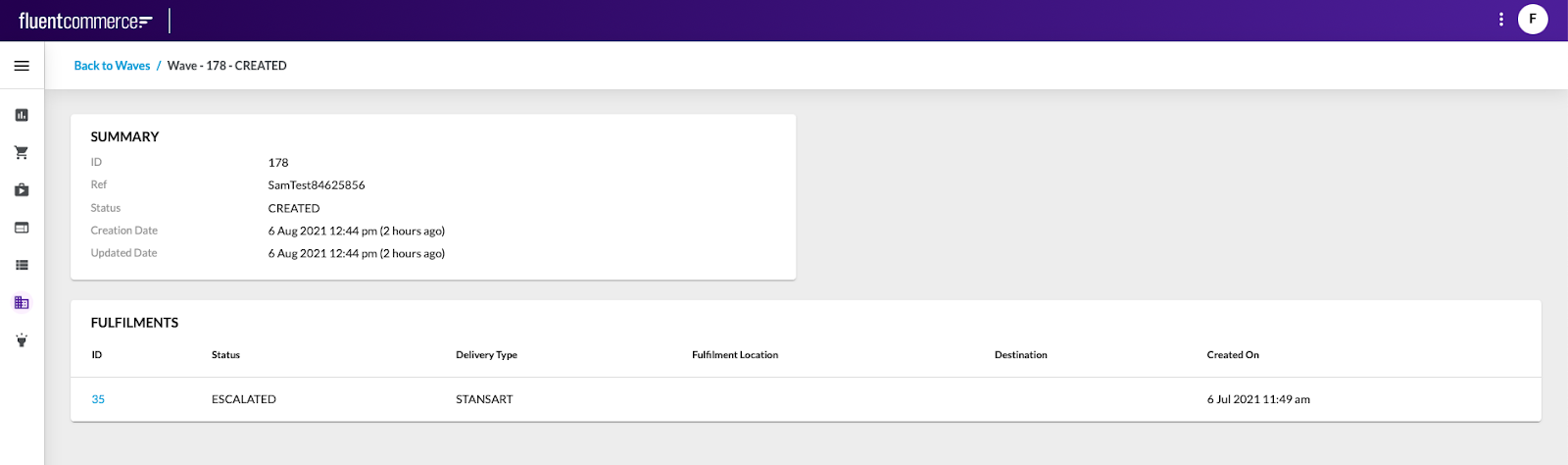
 WavesThe Waves configuration contains the list of existing waves used to group orders for cost-effective and efficient fulfillment.Clicking Wave ID opens the Wave Details page, which displays detailed information about the selected wave, including a summary card and fulfillment table.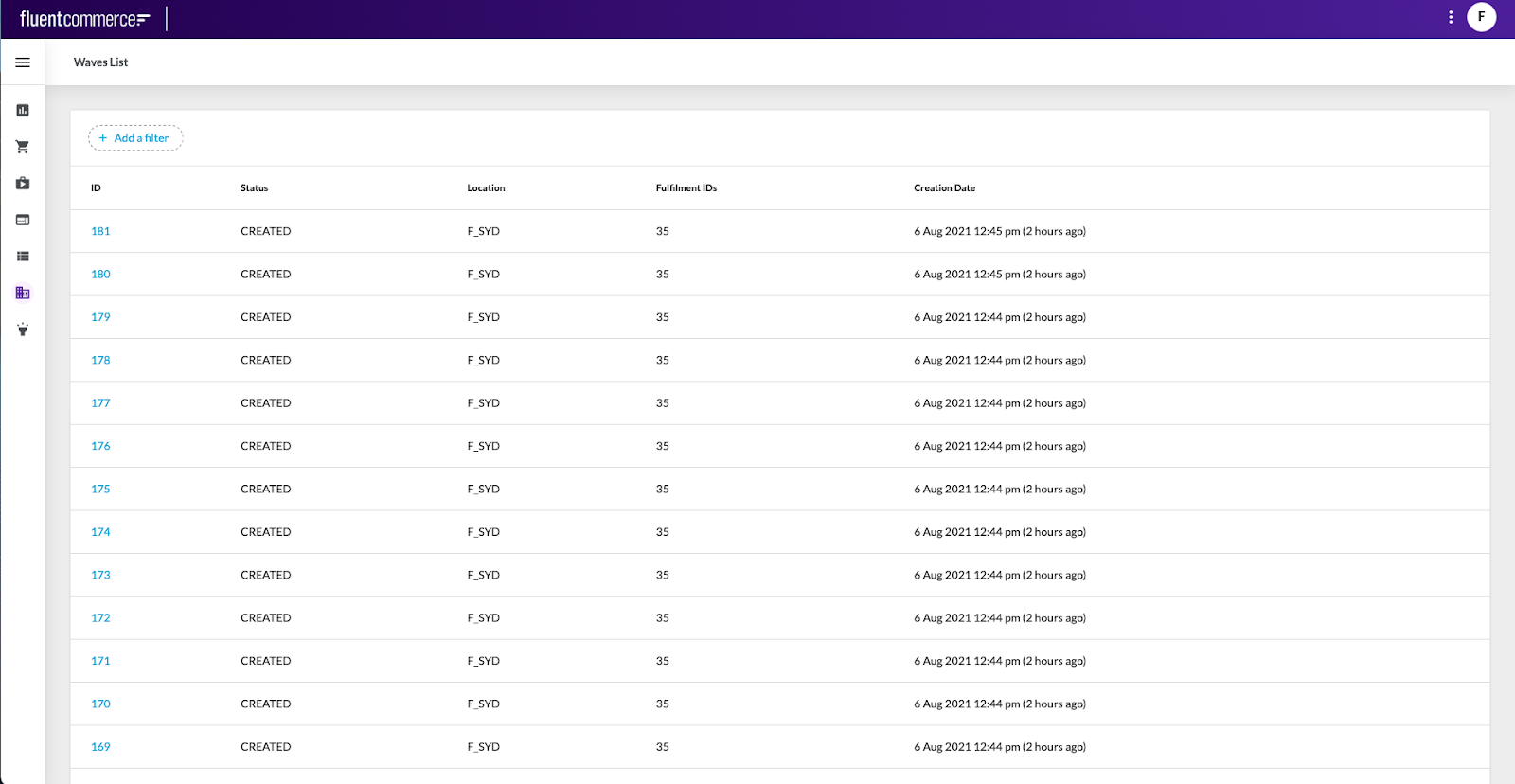
 CollectionsThe Collections configuration contains the list of articles associated with Click and Collect and Home Delivery fulfillments.Clicking Article Ref opens the Article Details page, which displays detailed information about the selected article.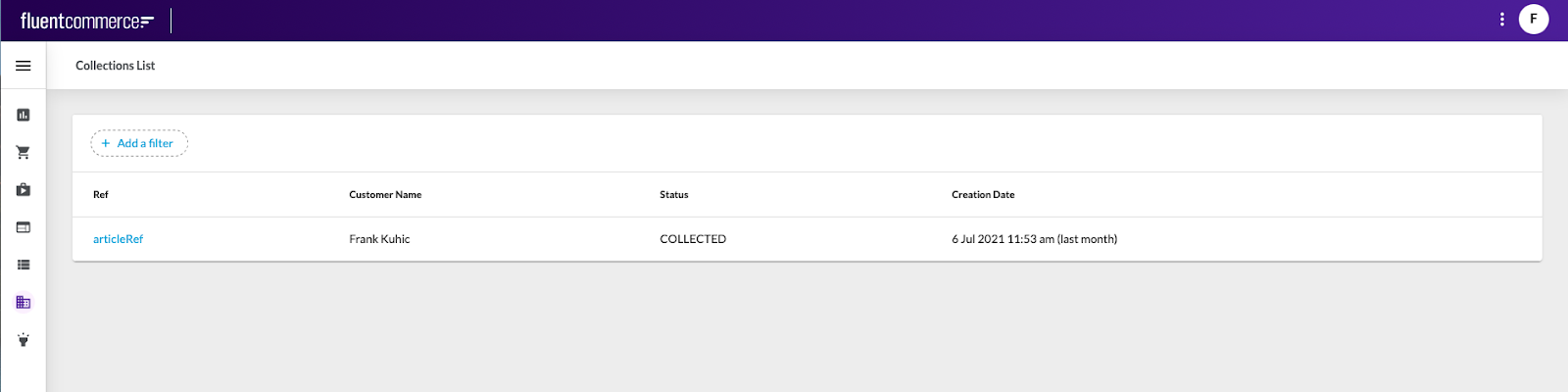

Copyright © 2024-2026 Fluent Retail Pty Ltd (trading as Fluent Commerce). Unless otherwise expressly stated in a current written agreement with Fluent Commerce or any of its affiliates or on any single page of the docs.fluentcommerce.com site, use of the materials on this site is strictly limited to viewing by individuals over 18 years old for legitimate commercially appropriate reasons; and any downloading, copying or other actions or uses of any kind or by any means of the materials on this site, including by artificial intelligence tools, is strictly prohibited. All other rights reserved.
