
Docs
Author:
Fluent Commerce
Changed on:
29 Aug 2025
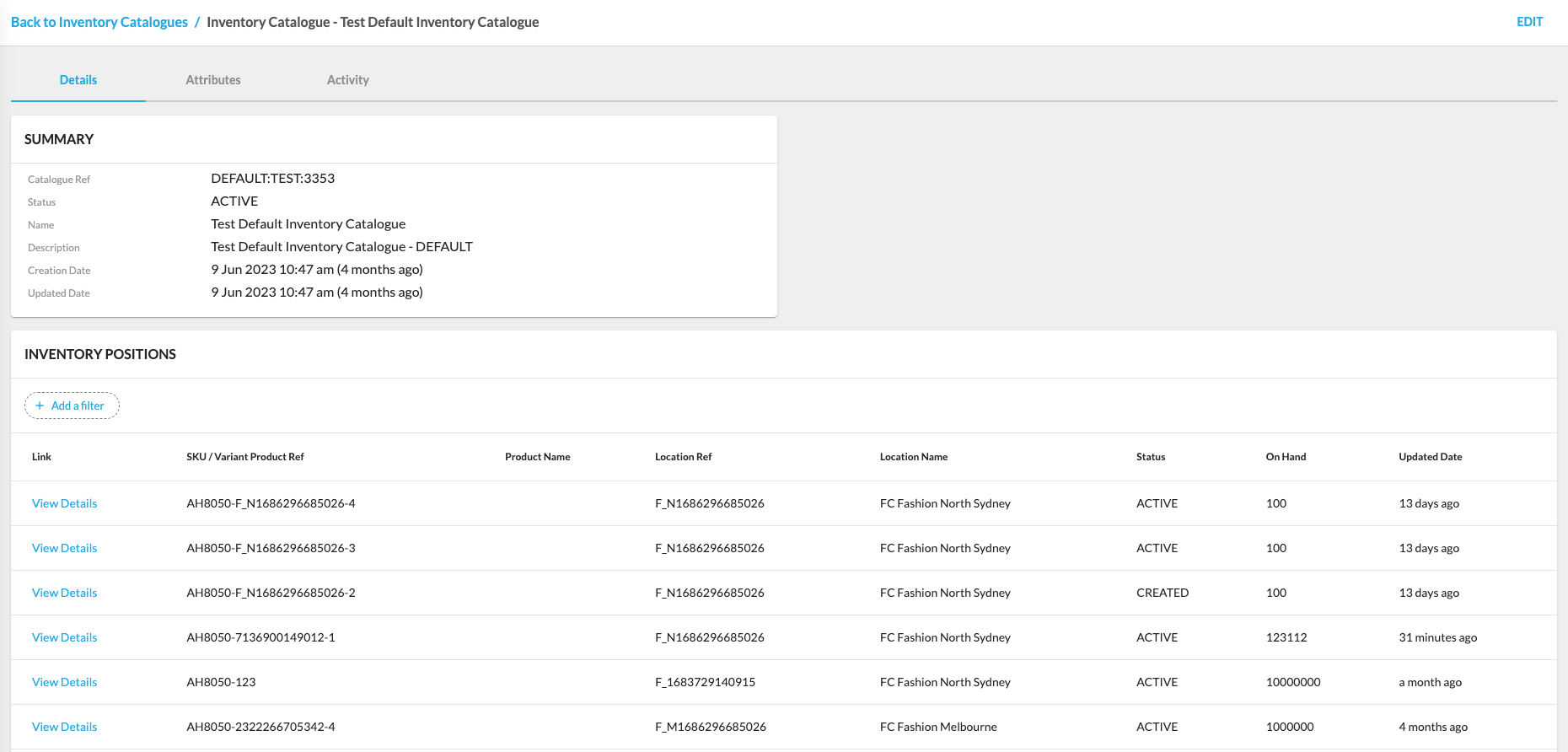
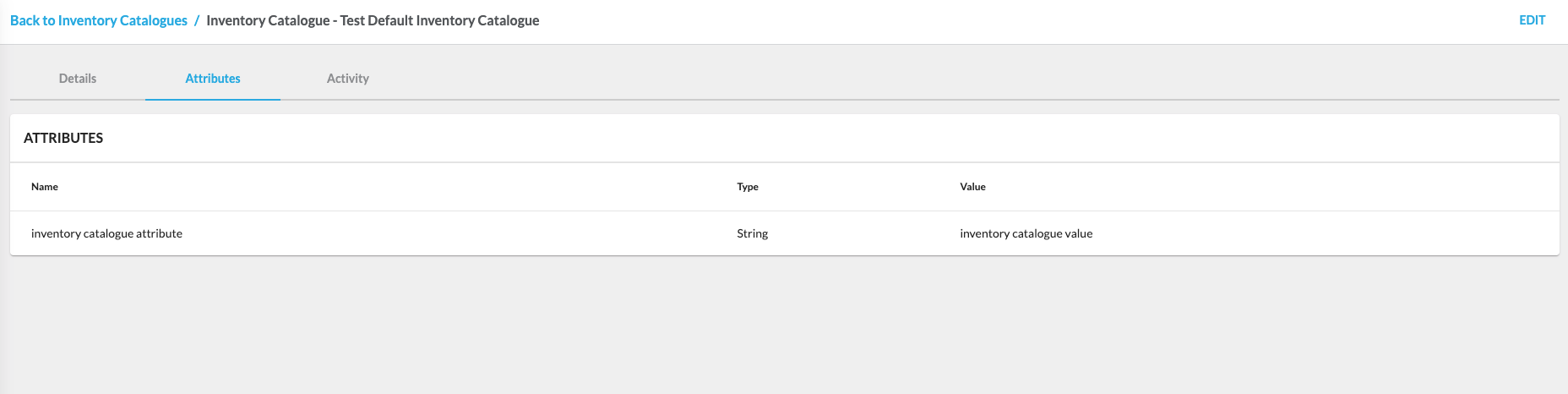
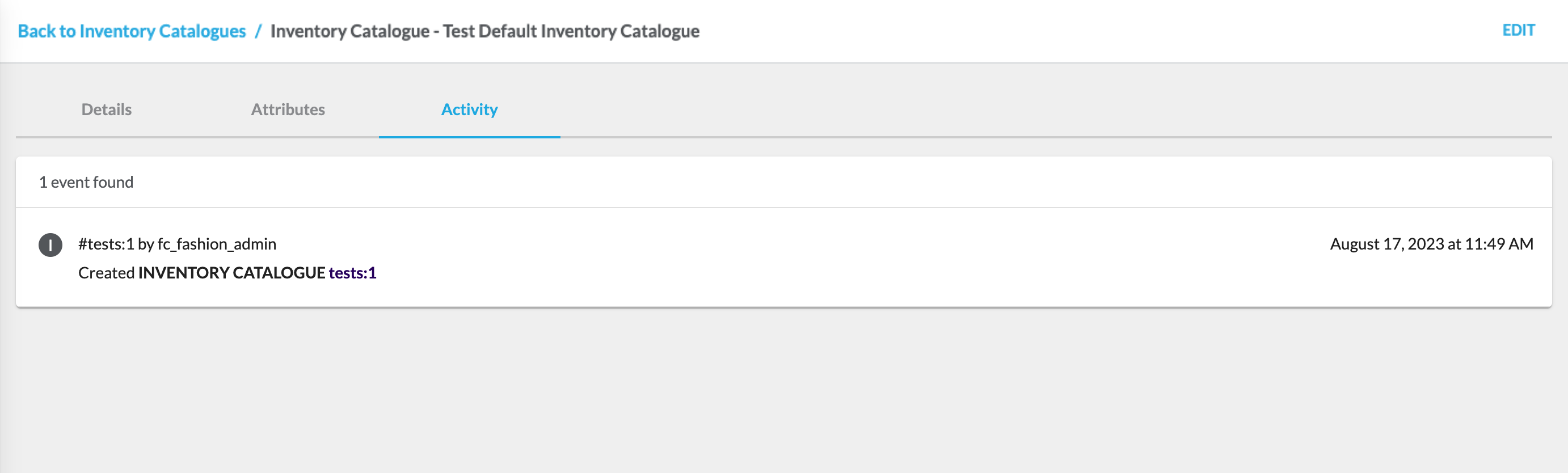
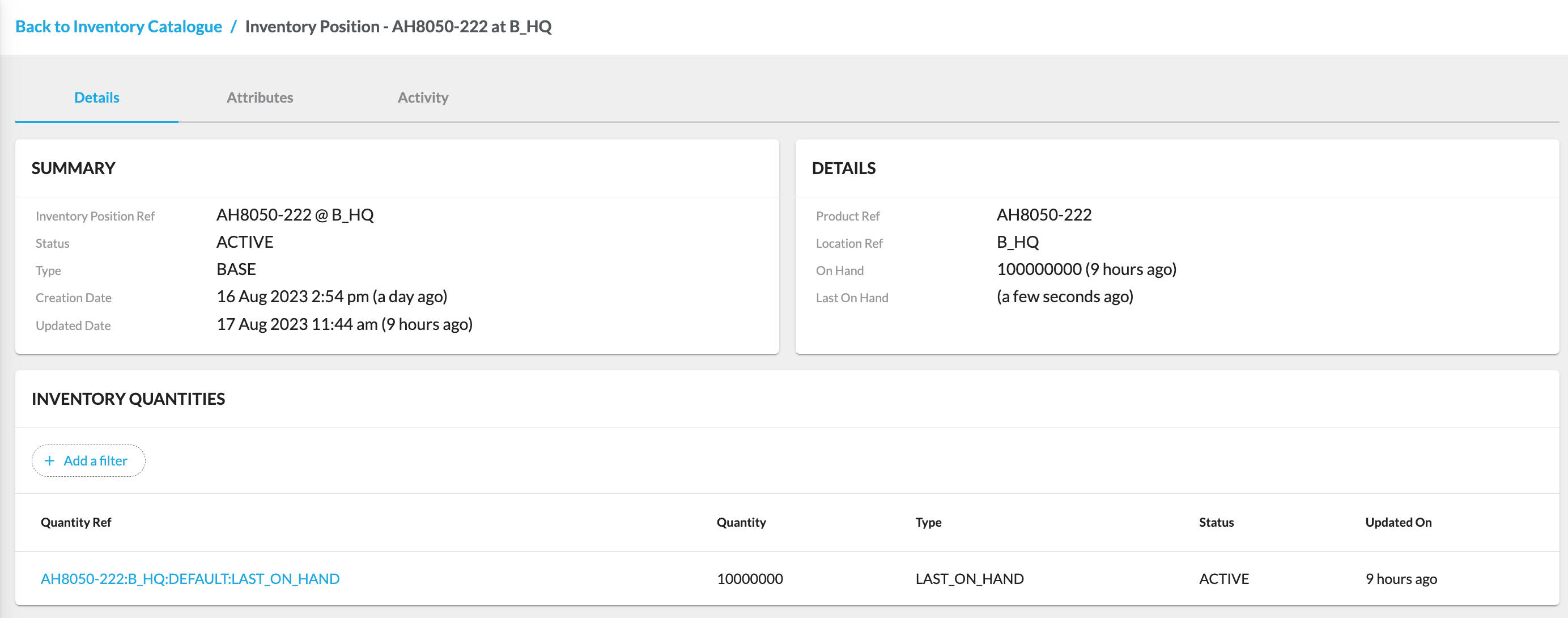
`Catalogue Ref` opens the Inventory Catalogue Details page, which displays detailed information.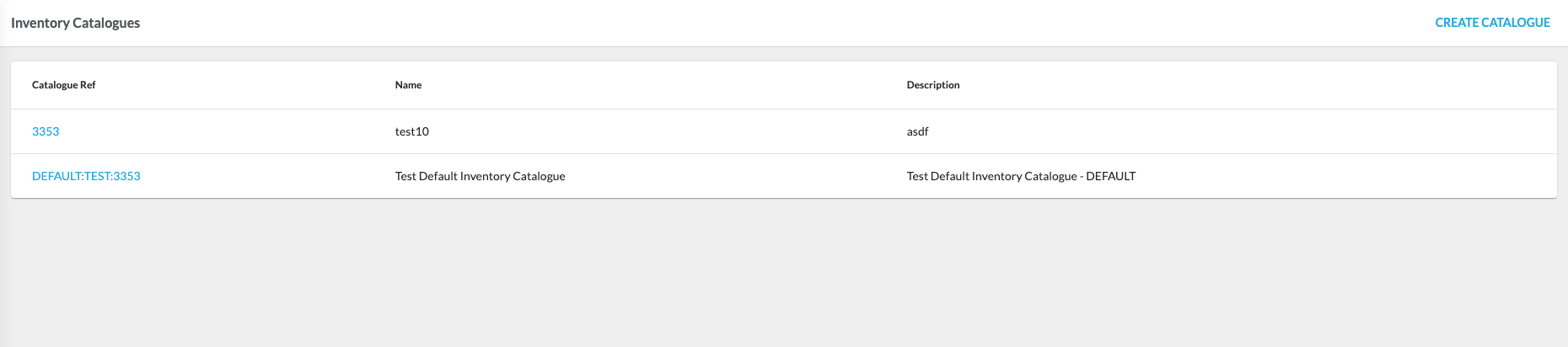
 Control GroupsControl Groups manage buffers and safety stock when providing virtual inventory to sales channels.Control Groups configuration contains the list of control groups for a particular retailer. Clicking
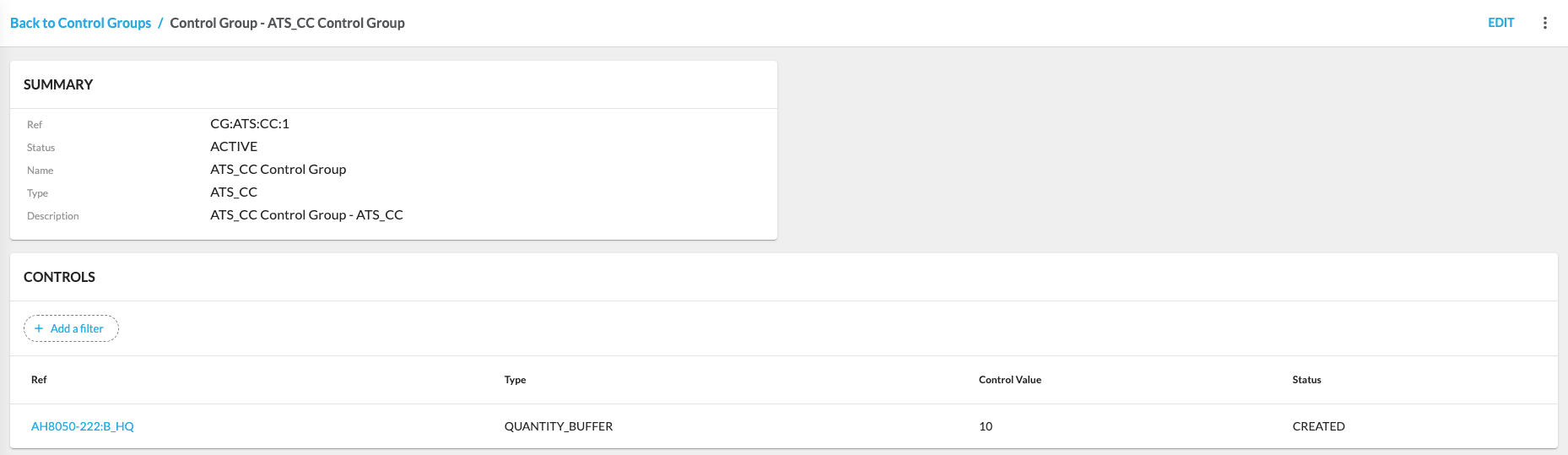
 `Ref` opens the Control Group Details page, which displays detailed information about the Control Group and its Controls.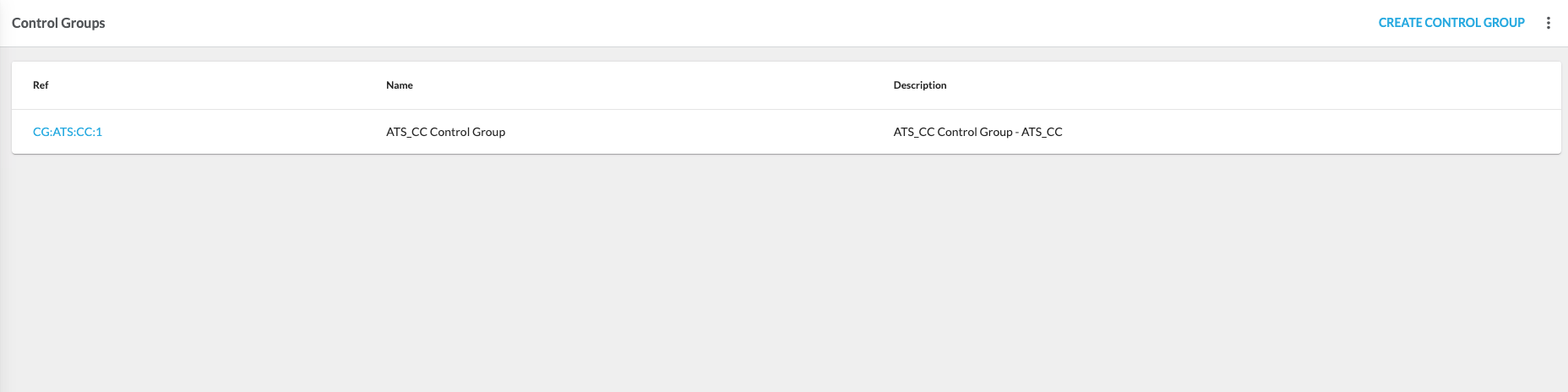
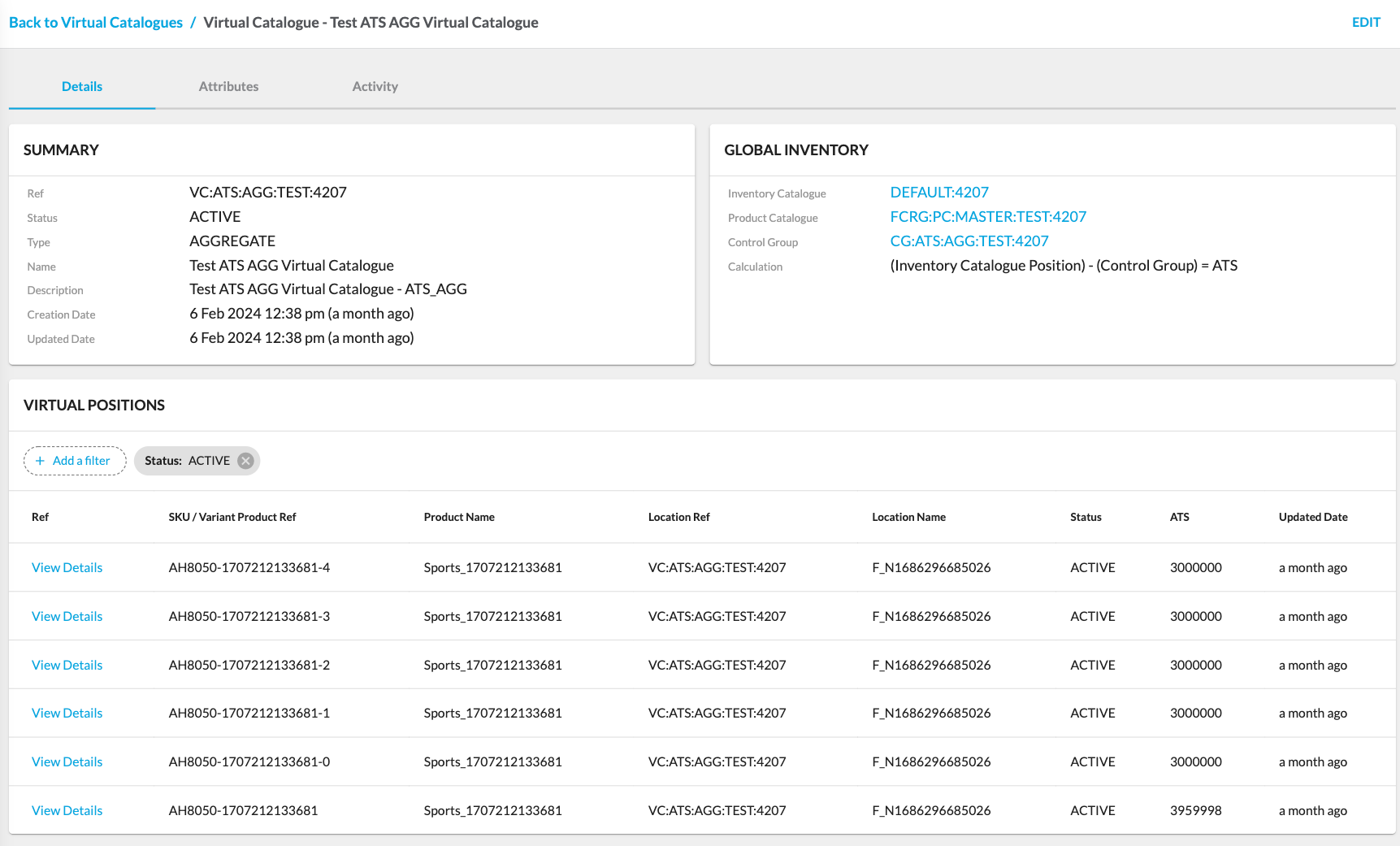
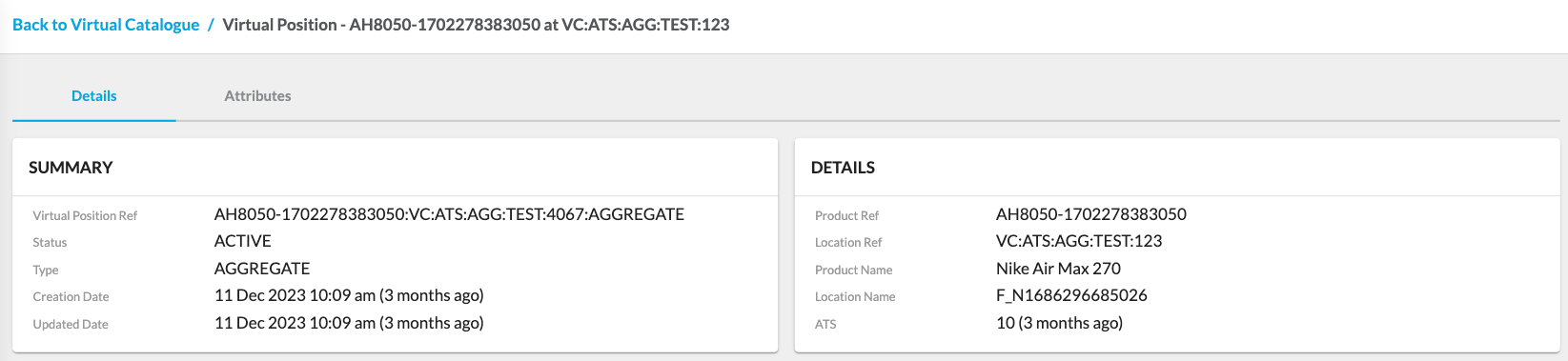
`Ref` opens the Virtual Catalogue Details page. The Virtual Catalogue Details page details the specific virtual catalogue and its virtual positions.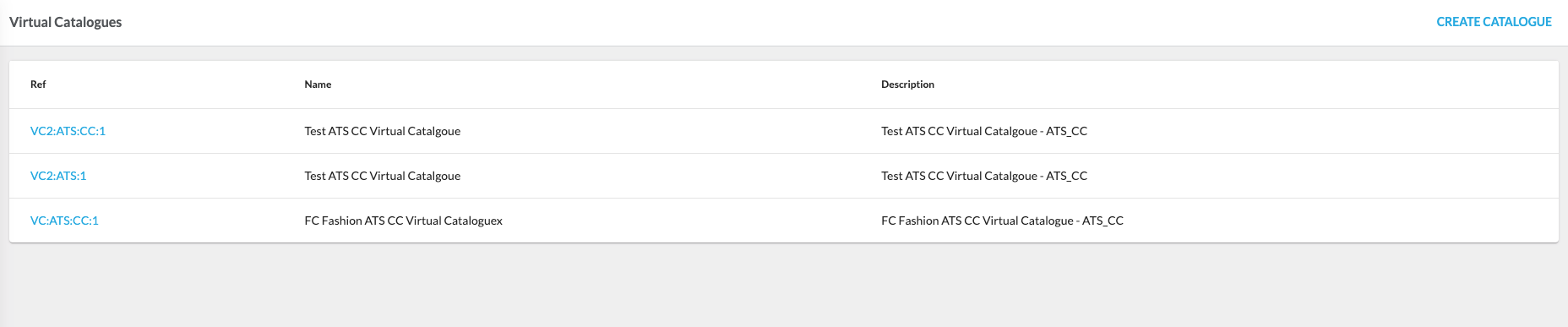

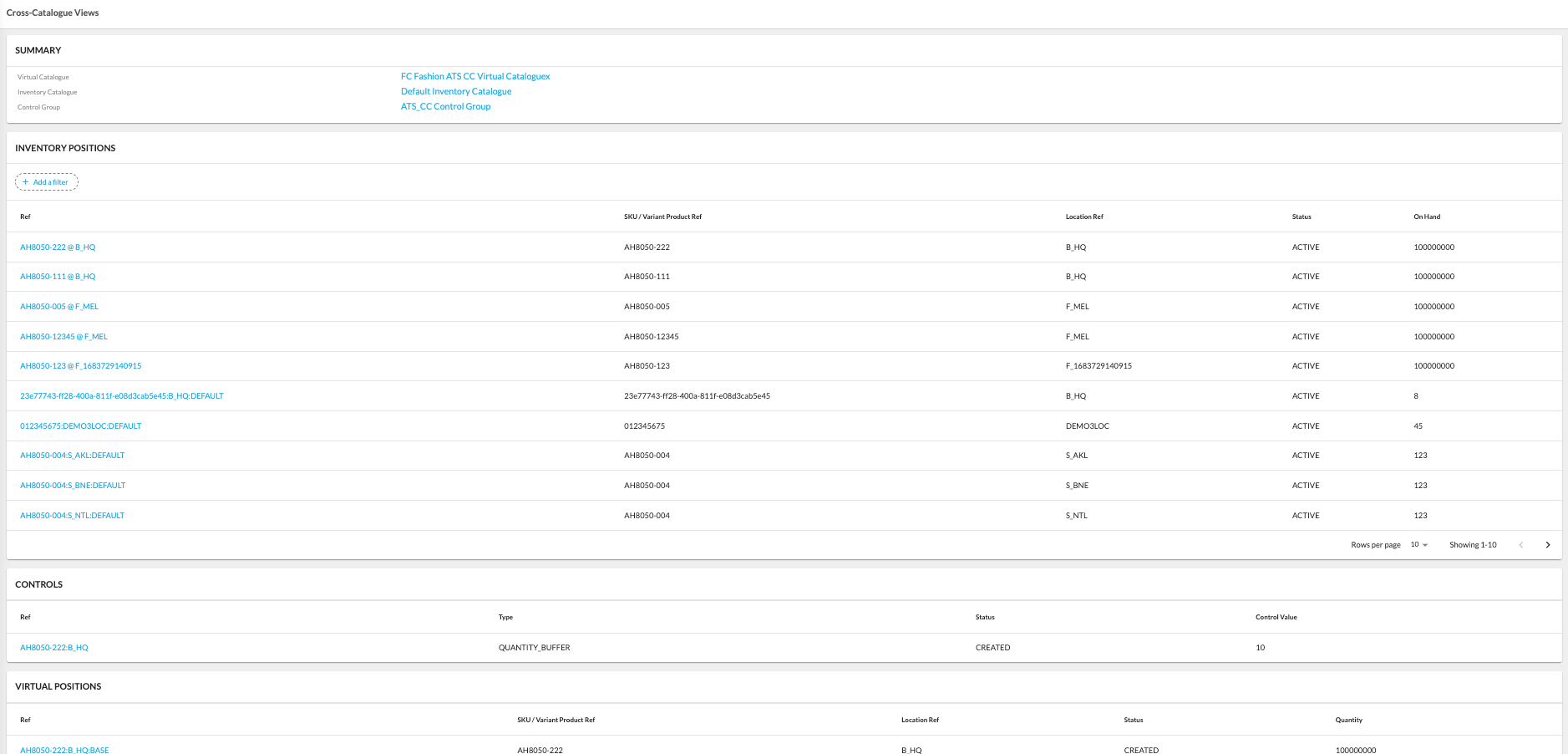
 Cross-Catalogue ViewsCross-Catalogue Views represent displaying information from the cross-catalogue perspective (Virtual Catalogue, Inventory Catalogue, and Control Group) for a particular retailer.
 Location Inventory ViewsLocation Inventory Views represent inventory from a location perspective. The Location Inventory Views page displays the list of locations.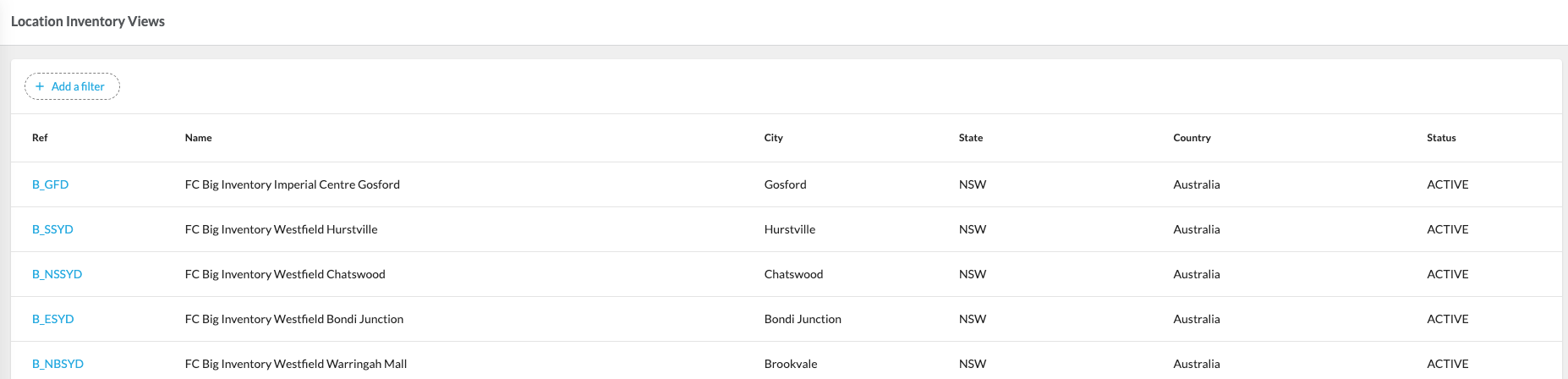
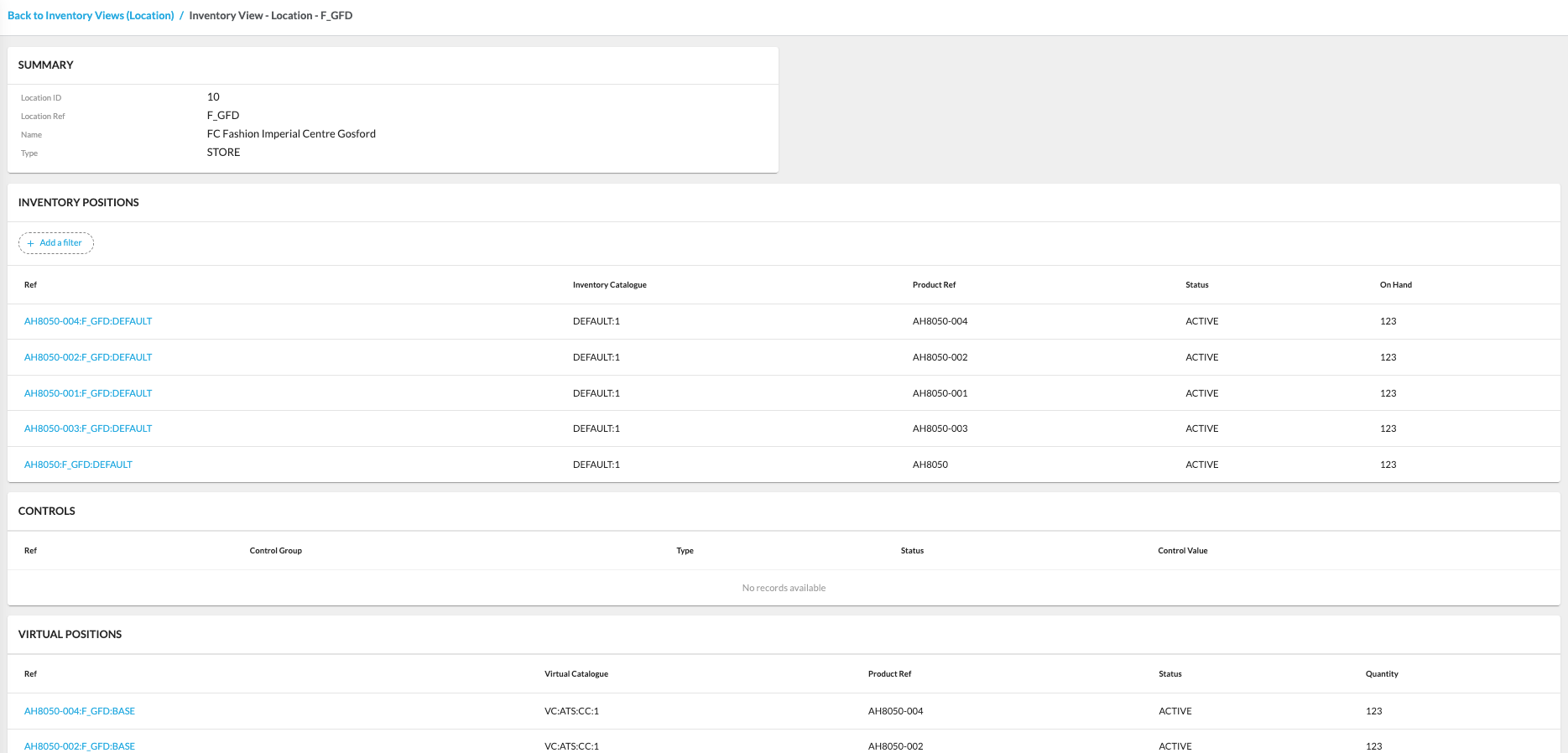 FeaturesThe Inventory interface provides several features that allow to manage inventory efficiently.Manage Control GroupsControl Groups represent the collection of controls for a particular Virtual Catalogue. As standard, a Control Group is created for each Virtual Catalogue with the Control Group reference added to the
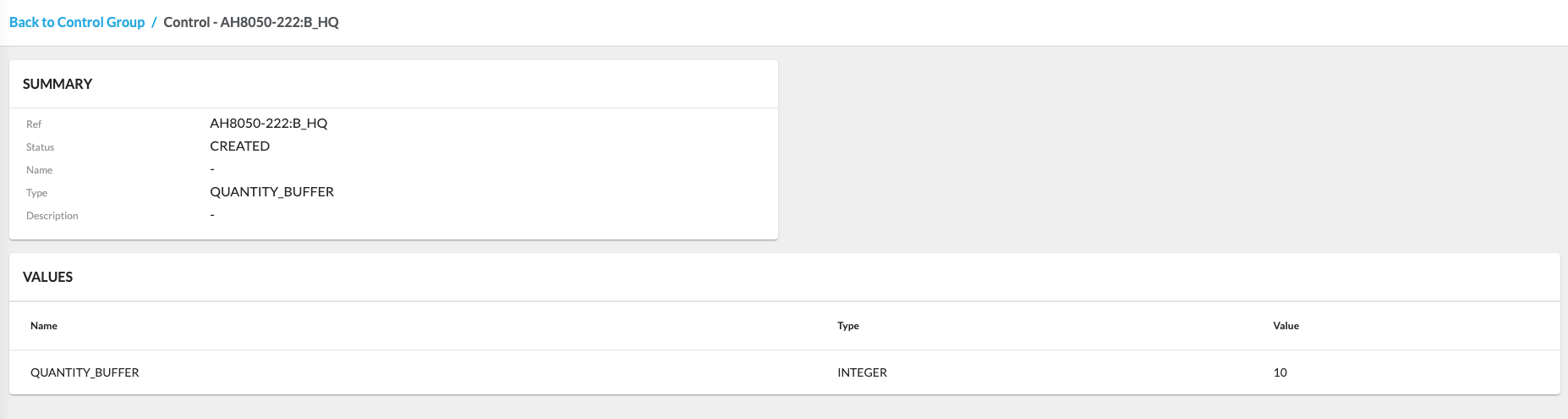
 `controlGroupRef` field of the Virtual Catalogue it is associated with.A Control represents a specific value to be applied as part of a Virtual Position's AVAILABLE TO SELL calculation. Controls can be of multiple types, each determining how the control is applied and to what Virtual Positions. These can be prioritized to be calculated in specific orders or instead of other Controls.For more details about the specifics of creating and editing Control Groups, check out the following guide.Manage Virtual CataloguesThe Virtual Catalogue configuration allows users to create and manage virtual catalogs.For more details about the specifics of creating and editing virtual catalogs, check out the following guide.Manage Inventory CataloguesThe Inventory Catalogue section allows users to create and manage inventory catalogs.For more details about the specifics of creating and editing inventory catalogs, check out the following guide.
Copyright © 2024-2026 Fluent Retail Pty Ltd (trading as Fluent Commerce). Unless otherwise expressly stated in a current written agreement with Fluent Commerce or any of its affiliates or on any single page of the docs.fluentcommerce.com site, use of the materials on this site is strictly limited to viewing by individuals over 18 years old for legitimate commercially appropriate reasons; and any downloading, copying or other actions or uses of any kind or by any means of the materials on this site, including by artificial intelligence tools, is strictly prohibited. All other rights reserved.
