- Get Started
- Functionality
- Learning
- Extension
- Dev Tooling
- APIs
- Releases

Docs
Authors:
Ankit Mehta, Movyn John, Cille Schliebitz, Anita Gu
Changed on:
3 Feb 2025
 For developers who've used REST-based APIs in the past, here are some key differences to note: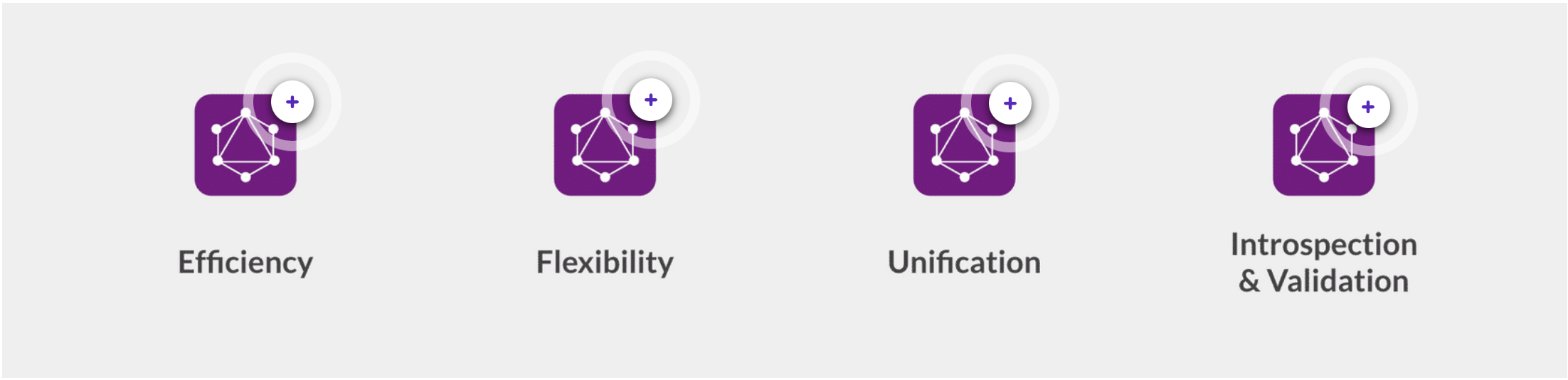
| Efficiency | GraphQL allows the API client to send multiple queries or mutations within a single HTTP request. This reduces network latency and chattiness and allows developers to retrieve or write the specific data they need at once if it makes optimal and logical sense to do so. |
| Flexibility | Retrieving data from the server can be done in a Query Language-like approach, where the API client defines which fields and objects they would like to receive, rather than being forced to retrieve predefined Data Transfer Objects, as is typical with REST-based APIs. |
| Unification | In addition to being highly efficient, GraphQL provides the ability to query multiple data objects and declare the fields to be returned for each data object, allowing developers to work with unified data objects on the client side. |
| Introspection & Validation | GraphQL APIs provide a schema that allows clients to introspect and validate their queries, mutations, and overall interaction with the API on the client side before executing or sending the HTTP request. |
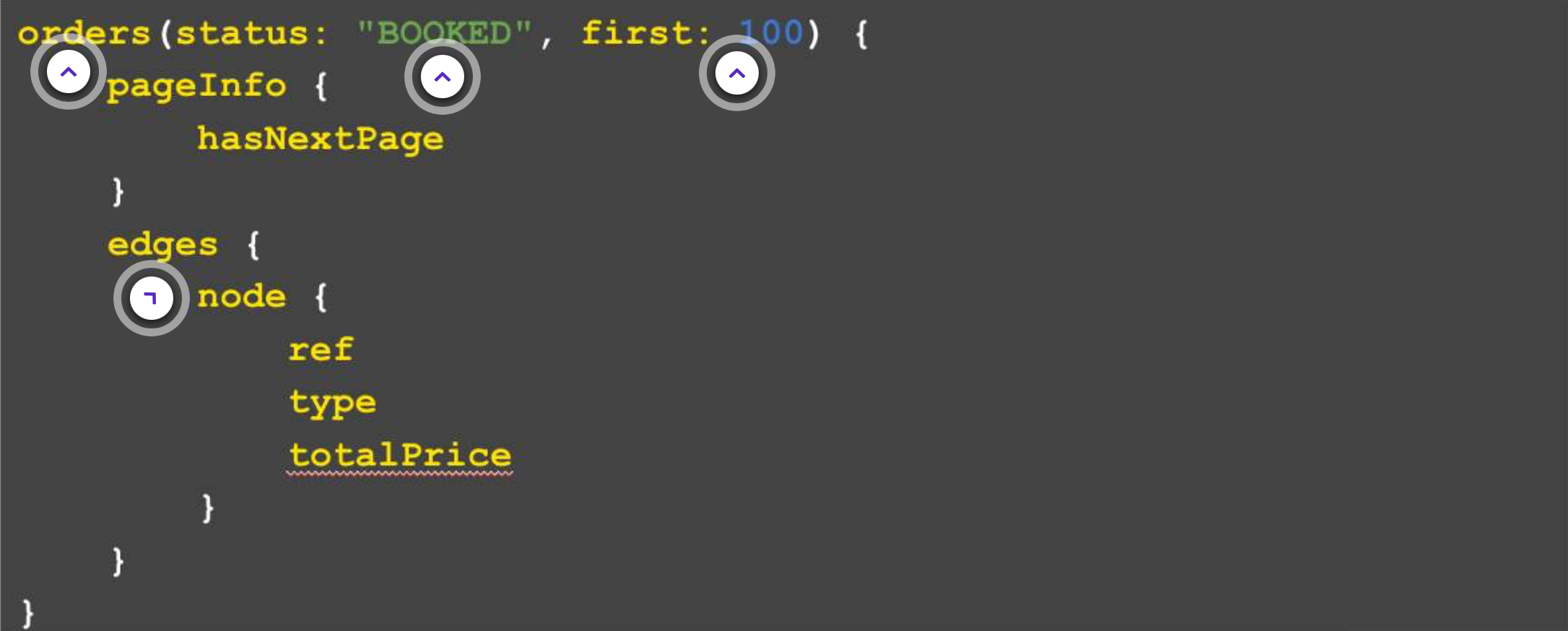
| order vs orders | For a Get command, we would say Order. And, a Search will always end with an S in our schema. Here 'orders' is used as we're searching through the orders. |
| status: "BOOKED" | This is an example of a GraphQL query that retrieves all orders that are currently under the status "BOOKED". |
| First 100 records | "first: 100" means that it will retrieve the first 100 orders. So, if there are more than 100 orders, then it would only get the first 100. This is one of the paging-based parameters, GraphQL uses cursor-based paging, and you can also use 'last'. |
| Edges and Nodes | When searching through records, we will always get edges and nodes, where each node represents a result of that Search. But, for the Get command, there wouldn't be edges and nodes, instead the specified fields will be returned. |
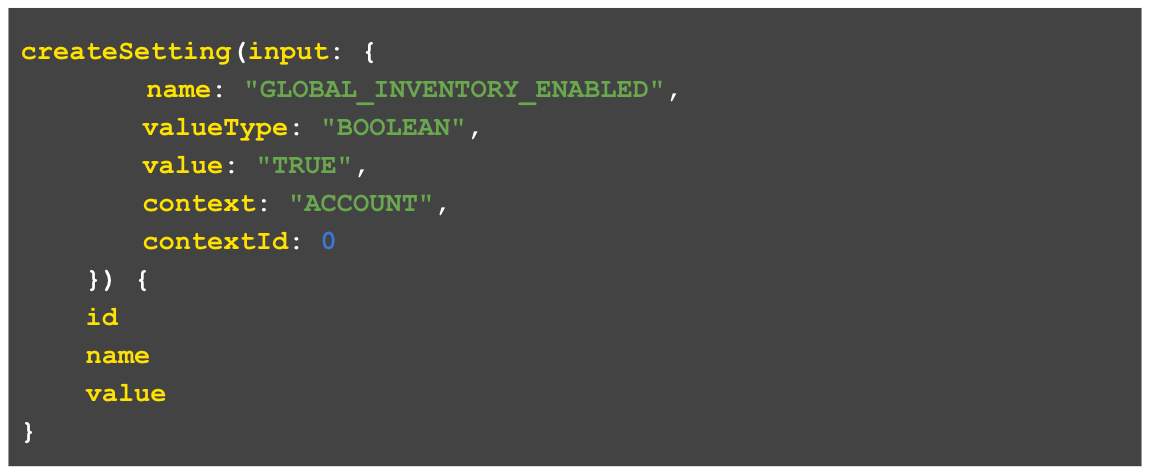 Create: Create mutations are used to create new data.
1mutation {
2 createOrder(input:{
3 ref:"HD_2341"
4 type:"HD"
5 retailer:{id:1}
6 customer:{id:34}
7 items:[{
8 ref:"VPRD_13"
9 productRef:"VPRD_13"
10 quantity:2
11 }]
12 }){
13 id
14 createdOn
15 }
16}1mutation {
2 updateOrder(input:{
3 id:5432
4 status:"BOOKED"
5 }){
6 id
7 createdOn
8 }
9}

Copyright © 2024-2026 Fluent Retail Pty Ltd (trading as Fluent Commerce). Unless otherwise expressly stated in a current written agreement with Fluent Commerce or any of its affiliates or on any single page of the docs.fluentcommerce.com site, use of the materials on this site is strictly limited to viewing by individuals over 18 years old for legitimate commercially appropriate reasons; and any downloading, copying or other actions or uses of any kind or by any means of the materials on this site, including by artificial intelligence tools, is strictly prohibited. All other rights reserved.
