- Get Started
- Functionality
- Learning
- Extension
- Dev Tooling
- APIs
- Releases

Docs
Authors:
Nandha Balaguru, Dominik Malzacher, Cille Schliebitz, Anita Gu
Changed on:
3 Feb 2025
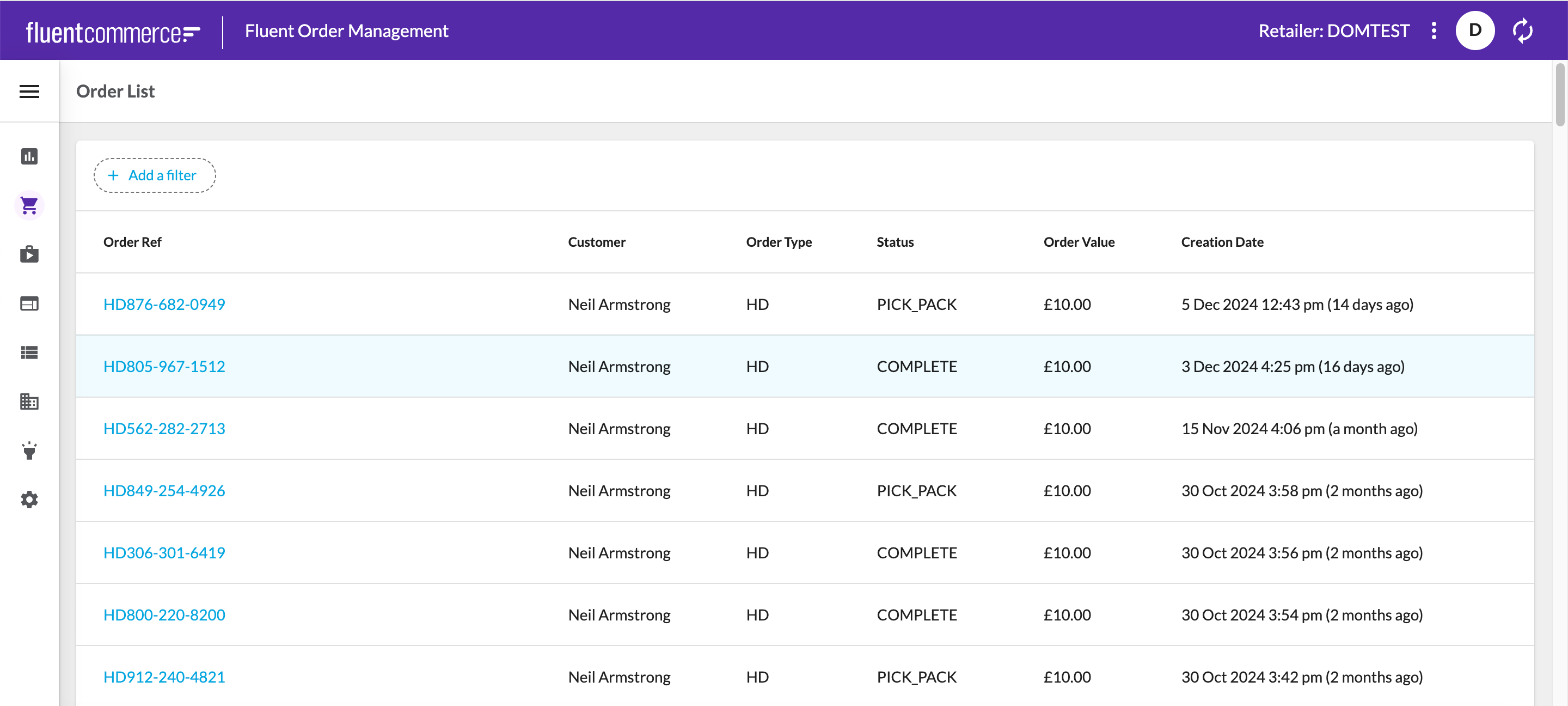
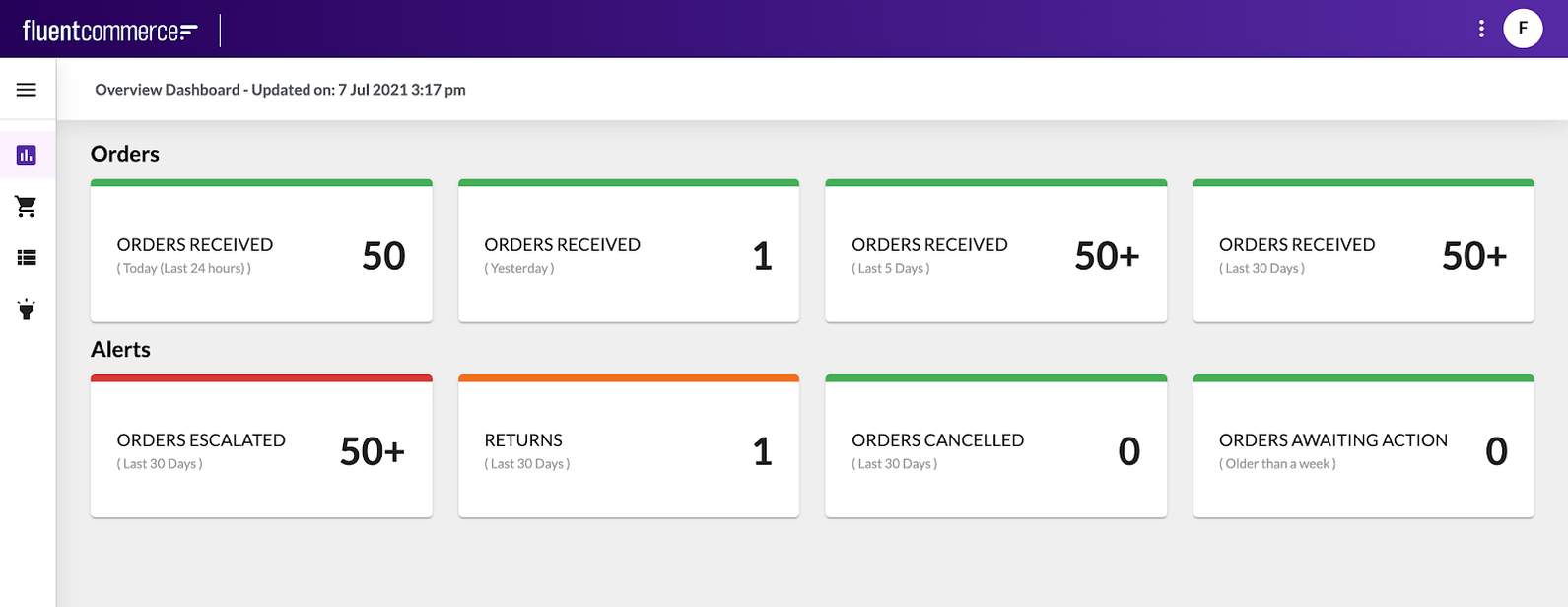 View and Manage Domain Data: The Fluent platform is underpinned by a sophisticated domain model made up of entities that share relationships. The Order Management domain for example represents details about all orders across the Fluent platform. Fluent OMS allows clients to view and manage the domain data, like orders, products, locations etc
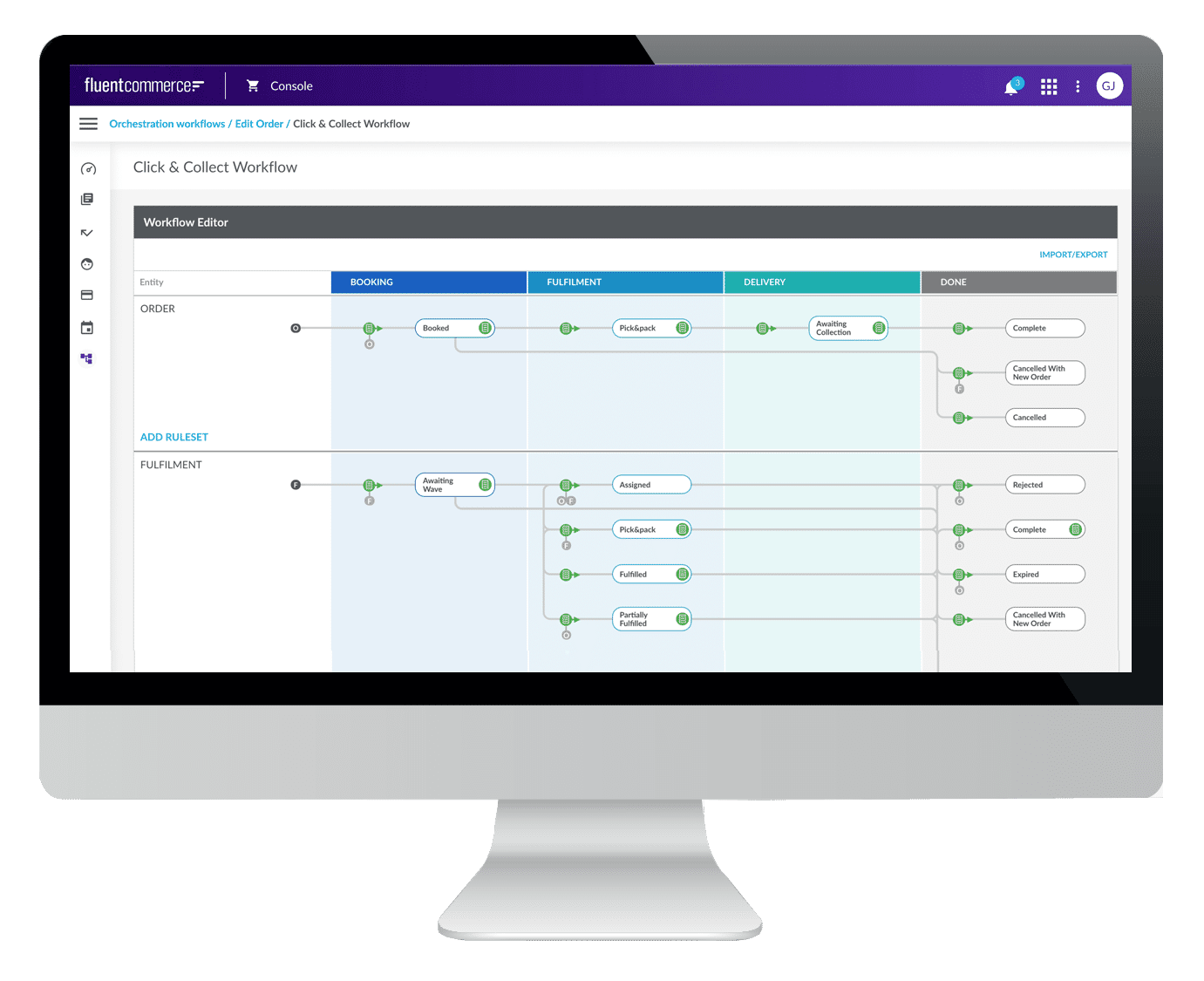
 Workflow Builder: The Workflow Builder is also known as the Orchestration Modeller and is the user interface (UI) of the Rubix Orchestration Engine. It provides visualization and management of all configured workflows, including rule sets, rules, and user actions. The Workflow Builder is accessible through the Admin Console.
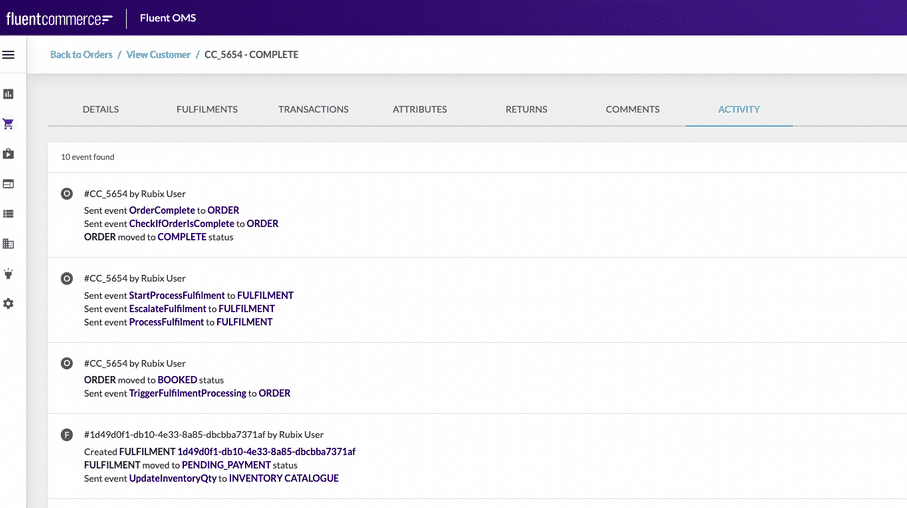
 Activity: The 'Activity' tab shows the different events and actions triggered during the lifecycle of an Order.
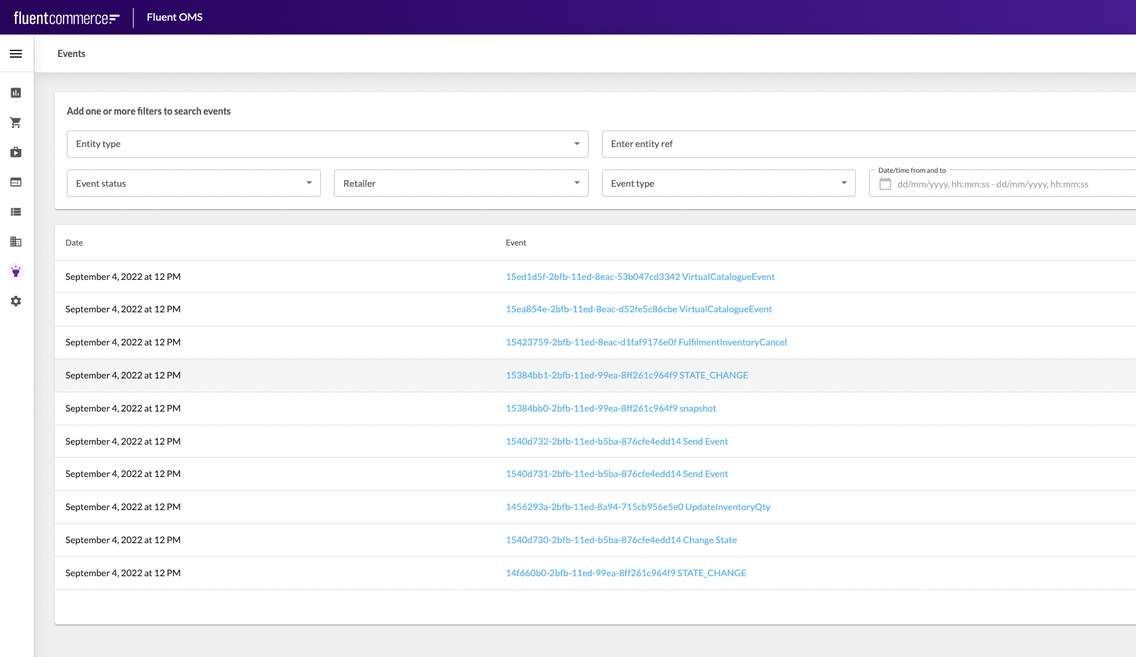
 Events: While 'Activity' is specific to an order, 'Events' can be used to extract any events within the Fluent OMS. You can also add one or more filters to narrow your search of events.
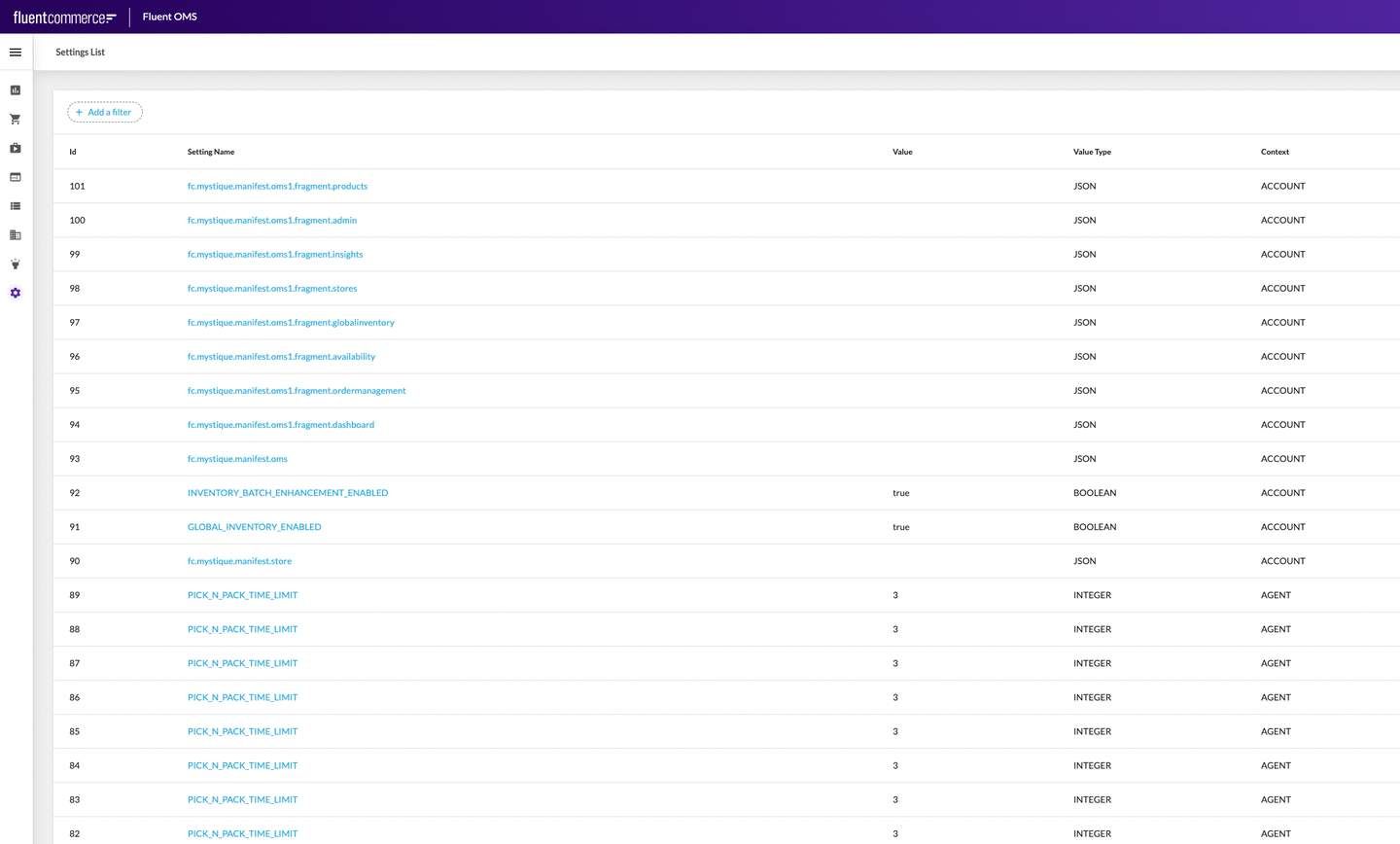
 Settings: Settings is a user interface (UI) in Fluent OMS that's used to create and manage (Custom and Foundational) settings.
 Users: Users is an interface that's used to create and manage users with their respective roles.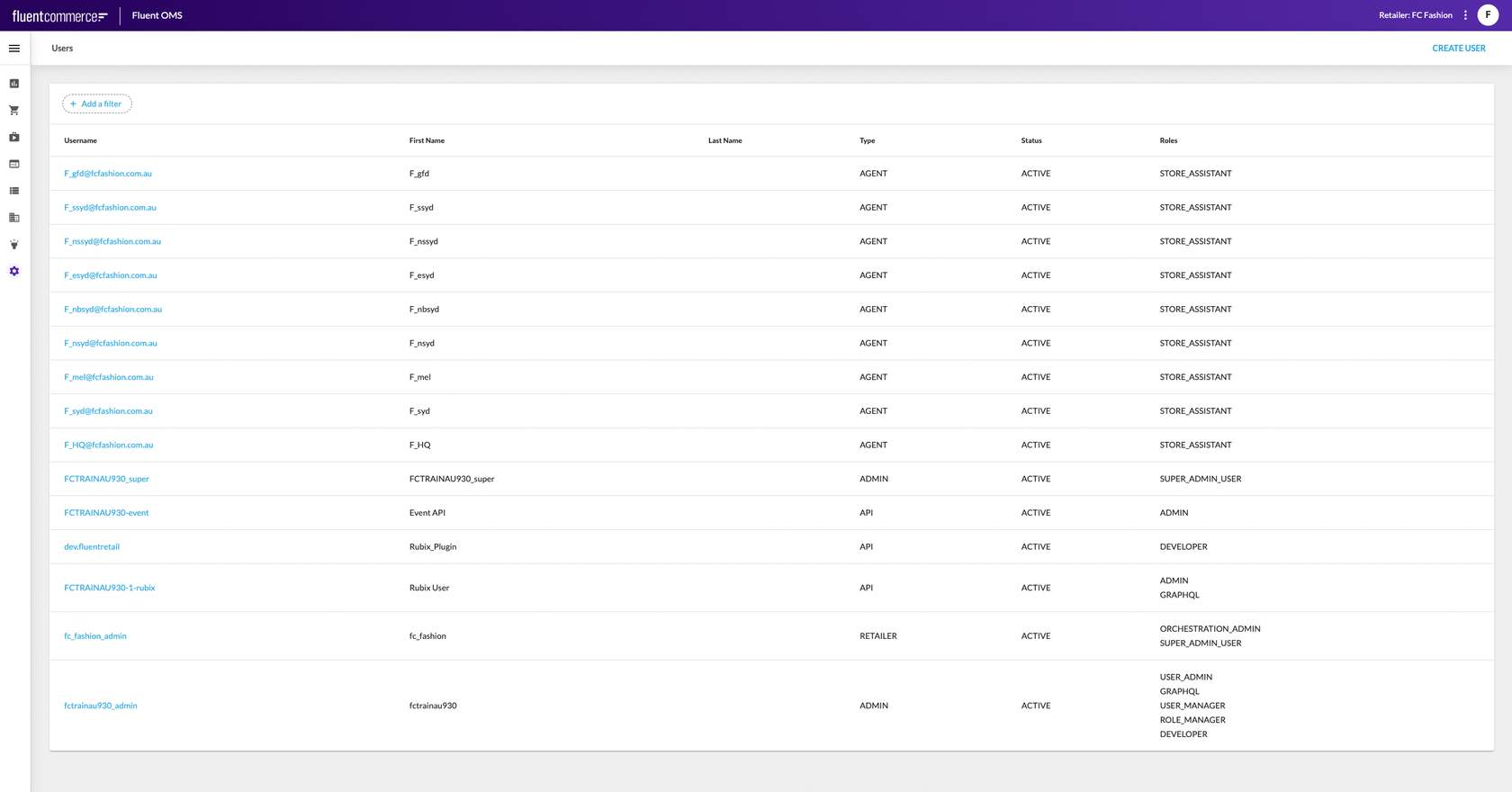
 GraphQL Queries: Postman is great for querying certain data that might not be visible in your Fluent OMS or for running custom queries using GraphQL.GraphQL Mutations: If there's any data that needs to be corrected, GraphQL mutations can be run via Postman. For example:
1{
2"id": "28056d93-45cd-11ed-98f1-55a8029ca51b",
3"name": "FulfilmentAssigned",
4"type": "ORCHESTRATION_AUDIT",
5"accountId": "<ACCOUNT_ID>",
6"retailerId": "1",
7"category": "ruleSet",
8"context": {
9"sourceEvents": [
10 "27c44644-45cd-11ed-b14f-29b02f225887"
11],
12"entityType": "ORDER",
13"entityId": "600",
14"entityRef": "CC_643",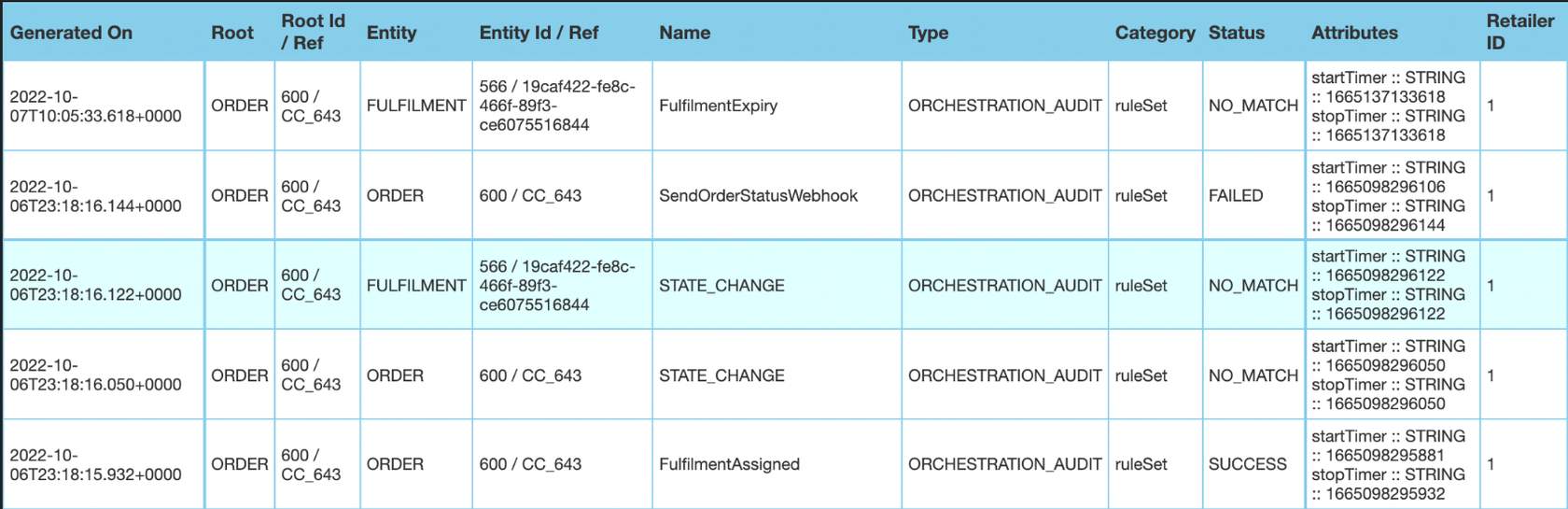 Scripting: Postman allows scripting or storing of data in the environment by using an environment variable. You can also script tests where you have pre-conditions, post-conditions, etc.And more... Postman is a very powerful tool. And we highly recommend that you familiarise yourself with it and make use of it. There are also other tools such as Insomnia and GraphQL, but, we have found Postman to be the best one so far.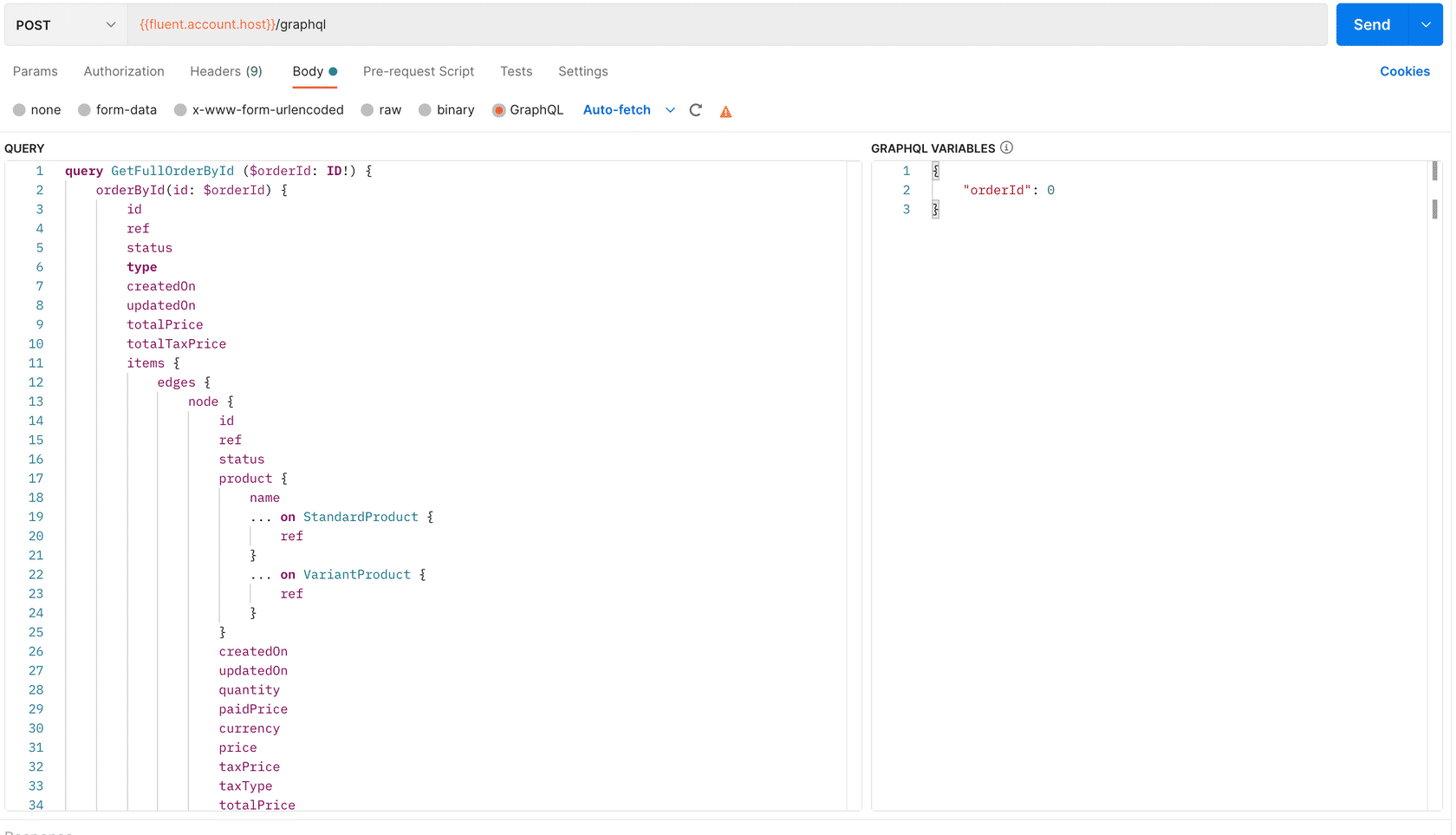

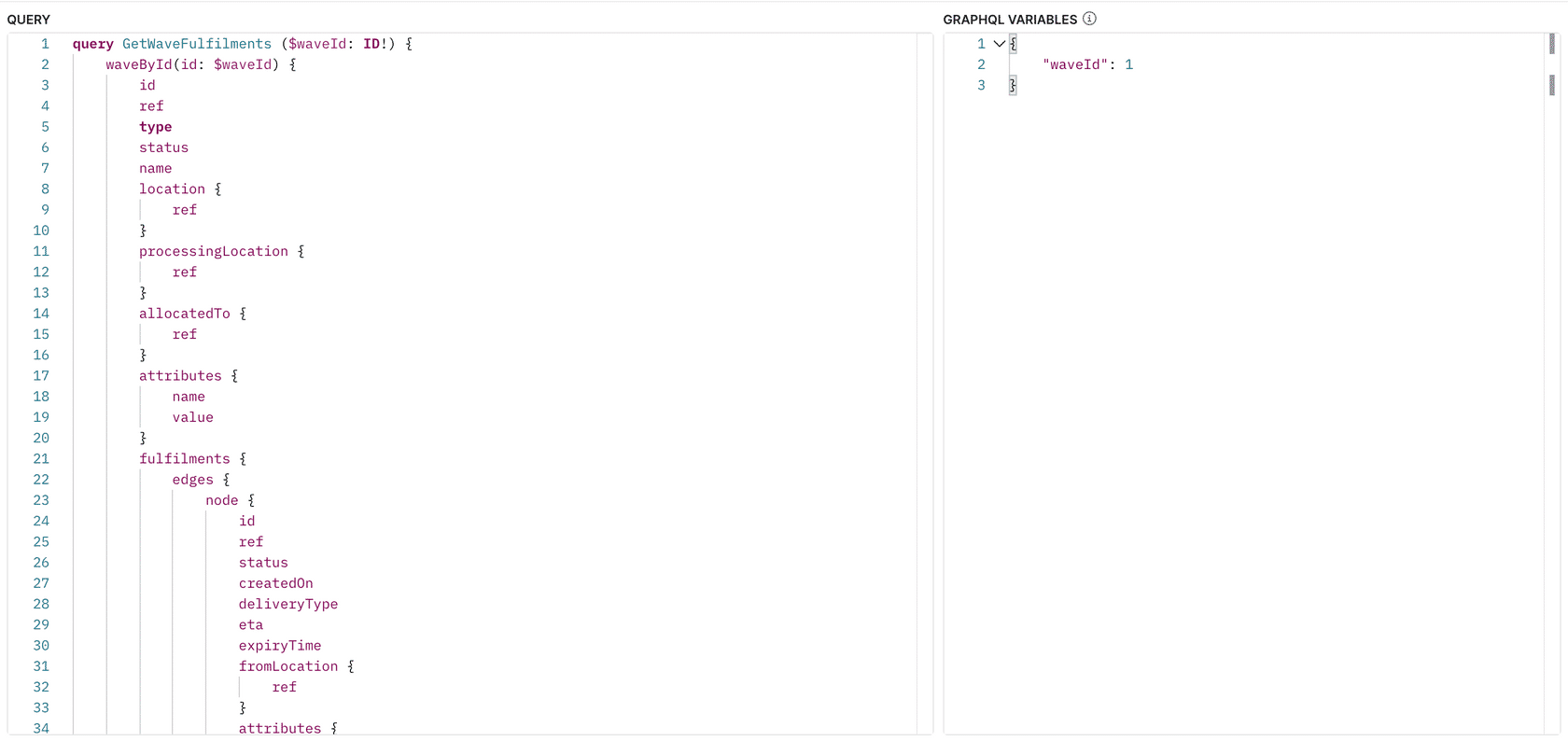 Next let's look at how to find orders that are stuck in a certain state for longer than expected.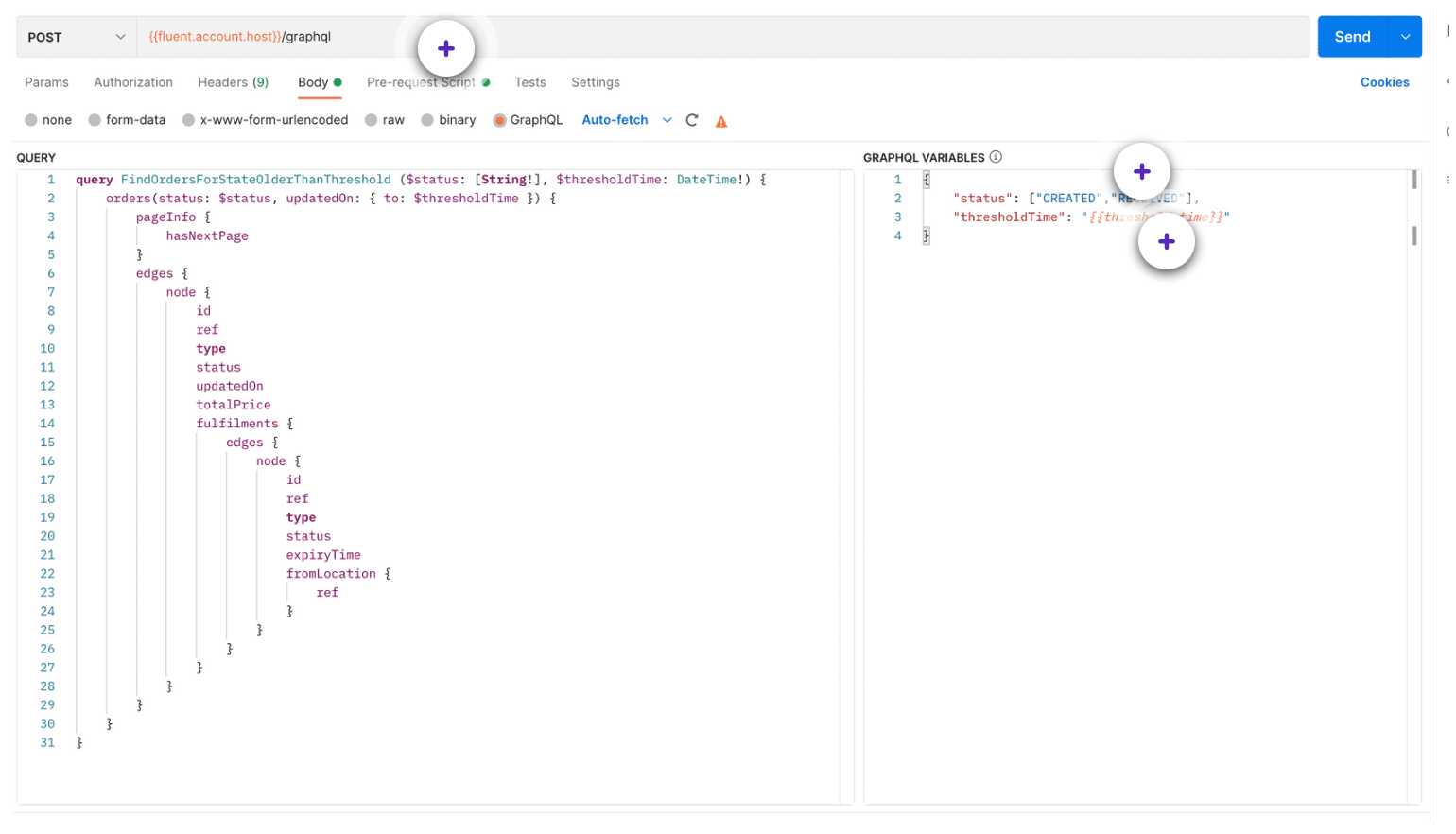
| Pre-request Script | The threshold time can be specified as a JSON under the pre-request script.This is also where you would specify how much the 'threshold time' should be. |
| Status Filter | Here you can add a status filter.Example: You can choose to view only those orders that are in a "CREATED" or a "RECEIVED" state. |
| Threshold Time | It is the duration of time that can be specified, when looking for orders. Note that this can be a start or an end time.Example, if you set the threshold time as greater than or equal to 30 minutes, then only those orders that have been in a particular state for 30 minutes or more will be displayed. |
1{
2  "name": "RulesetName",
3  "accountId": "{{fluentAccountId}}",
4  "retailerId": "{{retailer_id}}",
5  "entityType": "ORDER",
6  "entitySubtype": "HD",
7  "entityRef": "HD760-819-8514"
8}


Copyright © 2024-2026 Fluent Retail Pty Ltd (trading as Fluent Commerce). Unless otherwise expressly stated in a current written agreement with Fluent Commerce or any of its affiliates or on any single page of the docs.fluentcommerce.com site, use of the materials on this site is strictly limited to viewing by individuals over 18 years old for legitimate commercially appropriate reasons; and any downloading, copying or other actions or uses of any kind or by any means of the materials on this site, including by artificial intelligence tools, is strictly prohibited. All other rights reserved.
