Switch the Fluent App to Opaque Refresh Tokens in PingOne
How-to Guide
Author:
Kirill Gaiduk
Changed on:
23 Oct 2026
Key Points
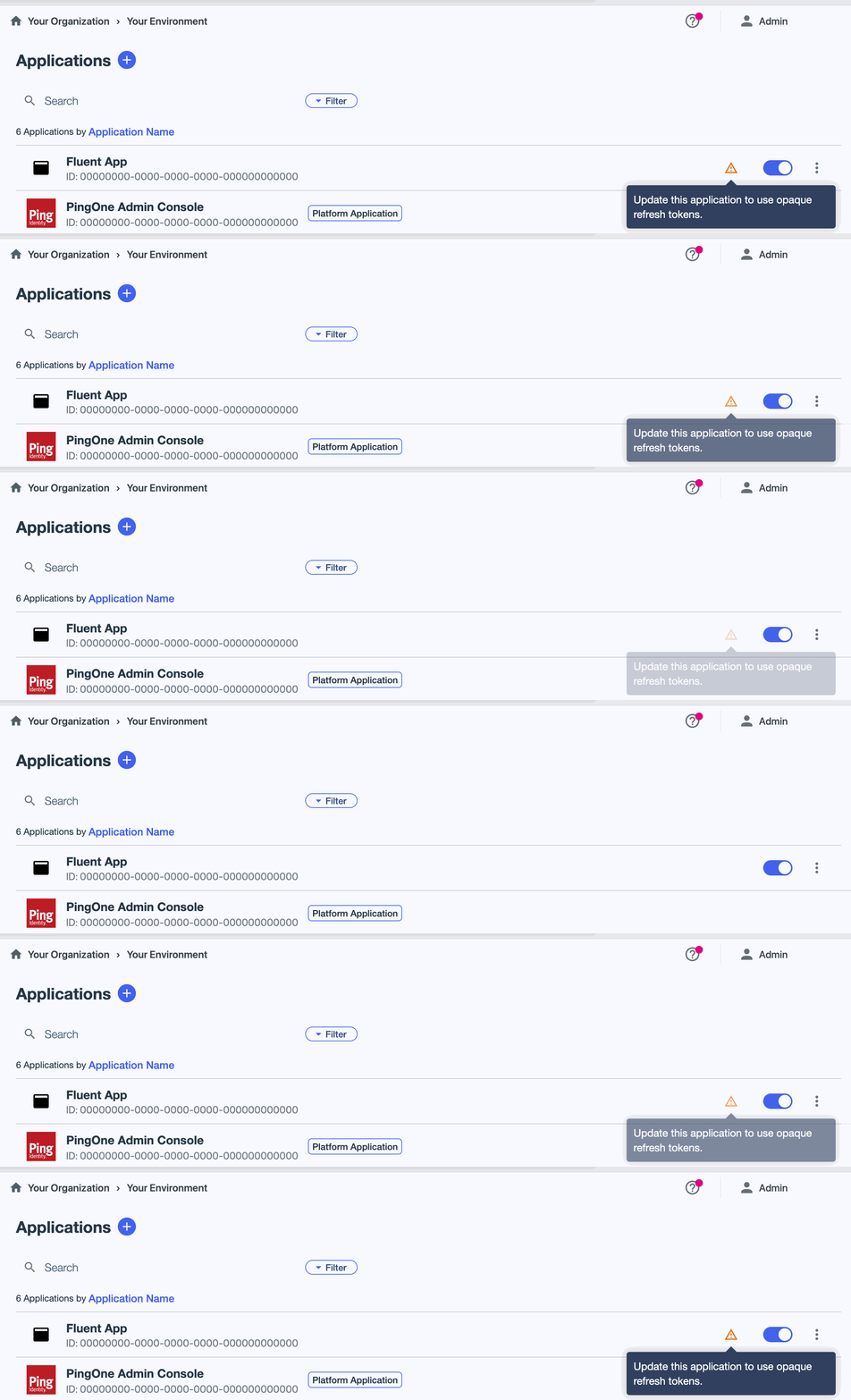
- Removes the PingOne warning "Update this application to use opaque refresh tokens" from the Fluent App in your SSO environment
- Required before March 1, 2027, when PingOne stops supporting JSON Web Token (JWT) refresh tokens
- Changes only the refresh token format. Sign-in to Fluent Web Apps is not affected
- Requires admin access to your PingOne SSO environment
Prerequisites
Steps
 Open the Fluent App
- Sign in to the PingOne admin console of your SSO environment
- Go to Applications → Applications
- Select Fluent App. A warning icon next to it means that the application still uses JSON Web Token (JWT) refresh tokens
Change the refresh token format
- On the Configuration tab, click the Pencil icon
- Under Refresh Token, set Refresh Token Format to Opaque Token
- Click Save
 For details, see Editing an application - OIDC in the PingOne documentation.
Verify the change
- Go back to Applications → Applications and check that the warning icon no longer appears next to Fluent App
- Sign in to Fluent OMS to confirm that sign-in works as before